

 Friday 24 April 2026
 Ferhunde
Directive 8020 is shaping up to be one of the most ambitious entries in The Dark Pictures Anthology, developed by Supermassive Games. If you enjoy cin...
See more
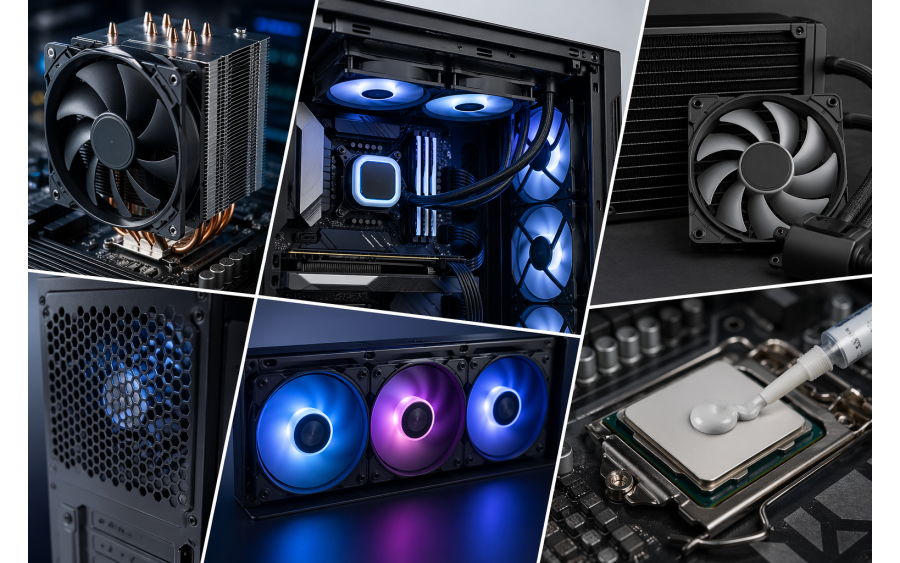
Best Computer Cooling Solutions
Today, computers are used not only for everyday tasks but also for gaming, video editing, and artificial intelligence applications that require high performance. This leads to higher heat generation from hardware components. If heat is not properly controlled, it can cause performance drops, system instability, and even shorten hardware lifespan.
In this article, we will look at the most effective cooling solutions to keep your computer running cool.
It is the most common and affordable cooling method. It works with a heatsink and fan system mounted on the processor.
Advantages:
Disadvantages:
Who is it for?
Everyday users, mid-range gamers, and office computers.
Liquid cooling systems transfer heat away from the processor using liquid and dissipate it through a radiator.
Advantages:
Disadvantages:
Who is it for?
High-performance gamers, content creators, and users who overclock their systems.
These are pre-built, closed-loop liquid cooling systems that require no user maintenance.
Advantages:
Disadvantages:
Cooling is not limited to the CPU alone. Proper airflow inside the case is very important.
Tips:
Thermal paste ensures heat transfer between the processor and the cooler. High-quality thermal paste can reduce temperatures by 3–10°C.
When should it be replaced?
There are also special solutions for laptop users:

Directive 8020 is shaping up to be one of the most ambitious entries in The Dark Pictures Anthology, developed by Supermassive Games. If you enjoy cin...
See more

shapez 2 takes the core concept of the original game and expands it into something far larger and more ambitious. Instead of focusing on story or cine...
See more
