

 Friday 14 August 2026
 Ferhunde
Helldivers 2 continues to attract players more than two years after its original release. Developed by Arrowhead Game Studios and published by Sony In...
See more
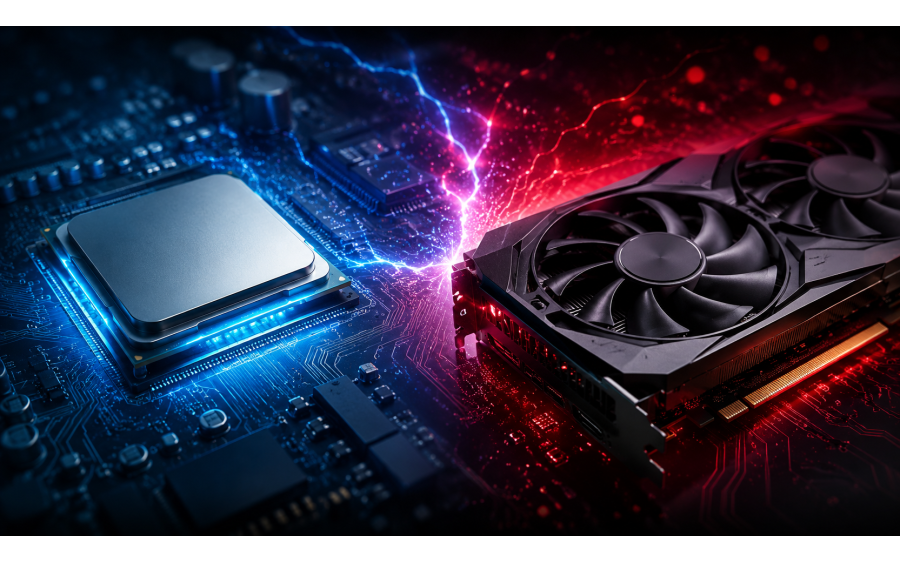
When building a gaming PC or upgrading an existing system, one of the biggest questions gamers face is whether the CPU or GPU is more important. Especially when graphics card and processor prices are high, investing in the right component can make a major difference in gaming performance.
There is no single answer to this question. The games you play, the resolution you use, your target FPS, and your graphics settings all affect how the workload is distributed between the CPU and GPU. The same computer may become CPU-limited at 1080p but GPU-limited at 4K.
First, it is useful to briefly distinguish the roles of these two components.
The CPU, or processor, handles a significant portion of the calculations taking place behind the scenes in a game.
Örneğin:
Game character AI
Physics calculations
NPC behavior
Management of objects in the game world
Draw calls
General game engine calculations
Background system processes
The CPU becomes particularly important in games with many characters, vehicles, or objects active at the same time.
A powerful processor can provide a significant advantage in strategy games, simulations, open-world games, and competitive games where high FPS is the goal.
The GPU, or graphics card, is responsible for creating the visual elements of the game that you see on screen.
Features that significantly increase GPU workload include:
High resolution
High graphics settings
Ray tracing
Advanced shadows
High-quality textures
Visual effects
Anti-aliasing
.
The GPU becomes even more important at high resolutions such as 1440p and 4K. As the number of pixels the graphics card has to process increases, the graphics workload also rises significantly.
One of the easiest ways to understand the balance between the CPU and GPU is to look at resolution.
At 1080p, the GPU has fewer pixels to process, so a powerful graphics card can render frames very quickly in some games.
If the processor is not fast enough, the graphics card may not be fully utilized.
CPU performance can become more important when targeting high FPS, especially with monitors featuring 144 Hz, 165 Hz, 240 Hz, or higher refresh rates.
For example, playing at 60 FPS does not require the same processor performance as targeting 240 FPS.
1440p is a very popular resolution today because it offers a strong balance between performance and image quality.
At this resolution, GPU workload increases significantly, especially in modern AAA games. However, the CPU can still be critical in competitive games or titles that place heavy demands on the processor.
For this reason, choosing a balanced CPU and GPU combination is usually the most sensible approach for a 1440p system.
At 4K, the graphics card processes roughly four times as many pixels as it does at 1080p. As a result, the GPU generally becomes the main performance limit in 4K gaming. Tom's Hardware's CPU-GPU upgrade testing also shows that the GPU's influence becomes more significant as resolution increases.
For this reason, allocating a significant portion of the budget to a powerful graphics card generally makes more sense for a 4K gaming PC.
The term bottleneck, commonly used in the PC world, refers to a situation where one component prevents another component from reaching its full potential.
If the CPU cannot process game-related tasks quickly enough for the graphics card, a CPU bottleneck can occur.
In this situation, GPU utilization may remain lower than expected despite having a powerful graphics card, and FPS may not reach your target.
This can be more noticeable with:
1080p gaming
Low graphics settings
Very high FPS targets
Competitive games
CPU-intensive simulations
These scenarios can make CPU limitations more apparent.
If the GPU struggles to process the game's graphics, a GPU bottleneck occurs.
In this case, the graphics card typically reaches high utilization and becomes the main factor determining FPS.
High graphics settings, 1440p/4K resolution, and features such as ray tracing increase GPU workload.
High GPU utilization is not inherently a bad thing in a gaming PC. What matters is whether the system can deliver your target FPS and image quality.
Not every game puts the same demands on your hardware.
In games such as Counter-Strike 2, Valorant, and other titles where high FPS is the goal, CPU performance can be important.
A player satisfied with 144 FPS does not have the same processor requirements as someone targeting 360 FPS.
Open-world games can place heavy demands on both the CPU and GPU.
Large numbers of NPCs, vehicles, physics calculations, and expansive game worlds can stress the CPU, while high resolutions and graphics settings increase GPU workload.
In modern AAA games where visual quality is a priority, the GPU generally becomes more important, especially at 1440p and 4K.
Ray tracing can increase GPU workload even further.
Large maps, numerous units, and complex game calculations can put significant pressure on the CPU.
In these games, investing only in a powerful graphics card may not deliver the expected performance.
First, you need to determine which component is limiting your current system.
If the GPU consistently runs at high utilization during gaming and FPS is below your target, you may be limited by the graphics card.
In this case, upgrading to a more powerful GPU may make sense.
If the graphics card is not running at full capacity but FPS is lower than expected, a CPU bottleneck should be considered.
However, looking only at total CPU utilization is not enough. Some games may use certain CPU cores much more heavily than others.
For this reason, it is better to monitor FPS, frametime, and 1% low values alongside CPU and GPU utilization while gaming.
No.
If your current system already has a sufficiently powerful CPU and the game is GPU-limited, buying a more powerful processor may not significantly increase FPS.
For example, on a system with a powerful GPU at 4K, a CPU upgrade may have a much smaller impact than it would at 1080p. Tom's Hardware testing also shows that performance differences between different CPUs can become quite small in some GPU-limited 4K scenarios.
Again, no.
If your CPU cannot keep up with the graphics card, buying a very powerful GPU may not provide the FPS increase you expect.
Users targeting very high FPS at 1080p should consider the CPU as well rather than investing only in the graphics card.
Therefore, the approach of "I'll buy the most powerful graphics card and worry about the CPU later" is not right for every system.
The goal of an ideal gaming PC is not simply to buy the most expensive CPU or GPU.
The goal is to build a balanced system that fits your usage scenario.
This table is not an absolute rule. Factors such as the game engine, graphics settings, RAM, drivers, and target FPS can change the result.
There is no single answer to the question, "Is the CPU or GPU more important?"
If you play at high resolutions, high graphics settings, and especially at 4K, it generally makes sense to place more emphasis on the GPU.
If you target very high FPS at 1080p, play competitive games, or prefer CPU-intensive titles, a powerful CPU can become more important.
The best approach is to choose a processor and graphics card that complement each other. A good gaming PC is not simply made up of powerful components, but of components that work together in balance.
In short:
1080p + high FPS → The CPU becomes more important.
1440p → CPU and GPU balance is important.
4K + high graphics settings → The GPU becomes more important.
When building a new gaming PC, don't ask only "Which component is more powerful?" Also ask, "Which games will I play, at what resolution, and what FPS am I targeting?" That is the best place to start.

Helldivers 2 continues to attract players more than two years after its original release. Developed by Arrowhead Game Studios and published by Sony In...
See more

How Is Artificial Intelligence Changing Our Daily Lives? Artificial intelligence (AI) has become an important part of everyday life in recent years, ...
See more
