

Joe Danger
92%


 Add To Cart

 Add To Cart

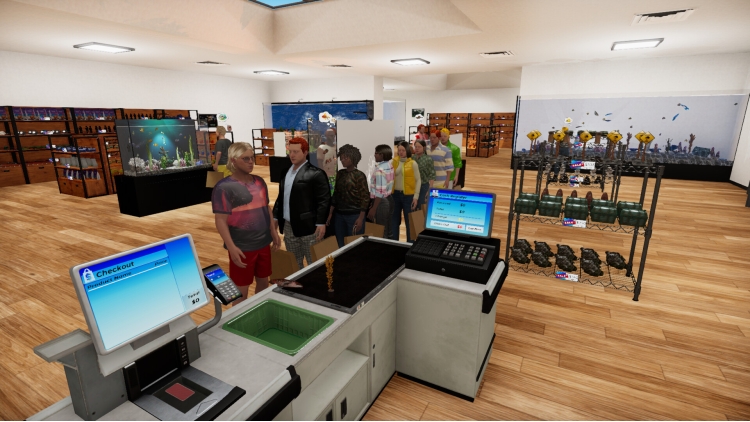

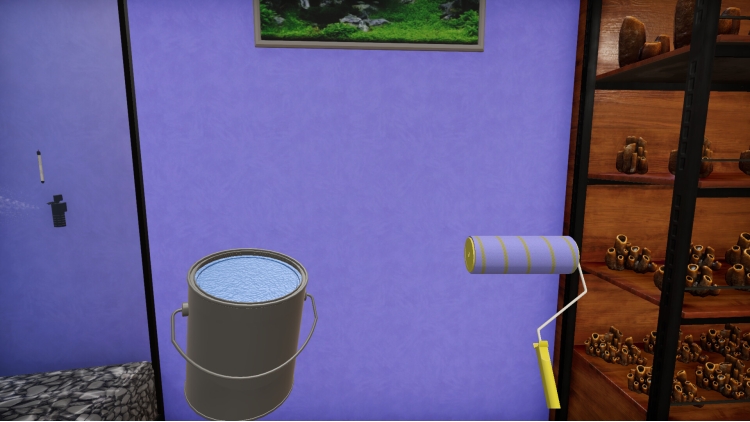
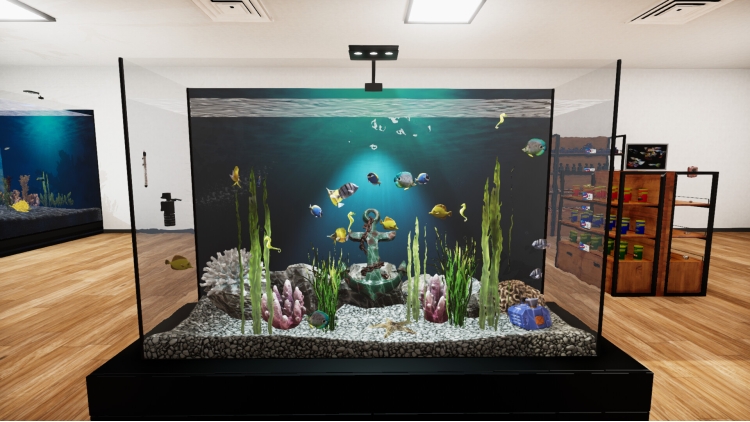
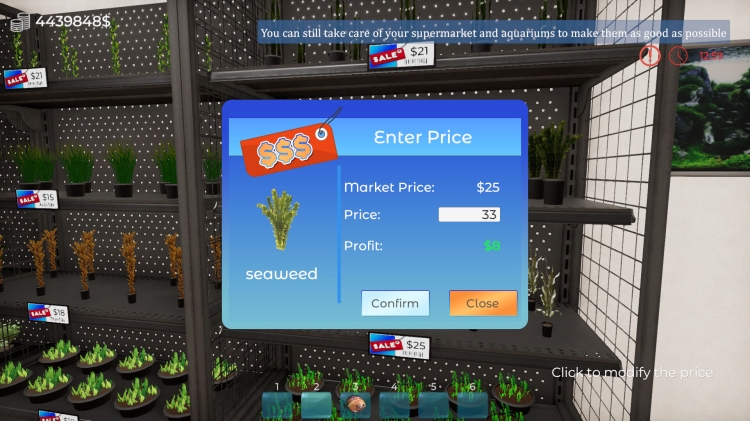
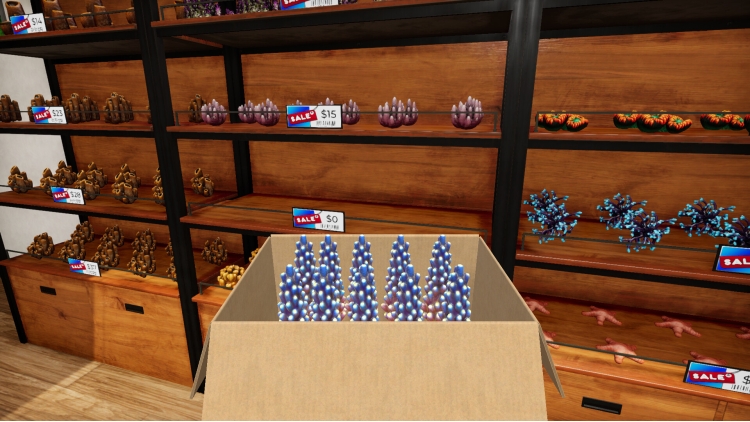
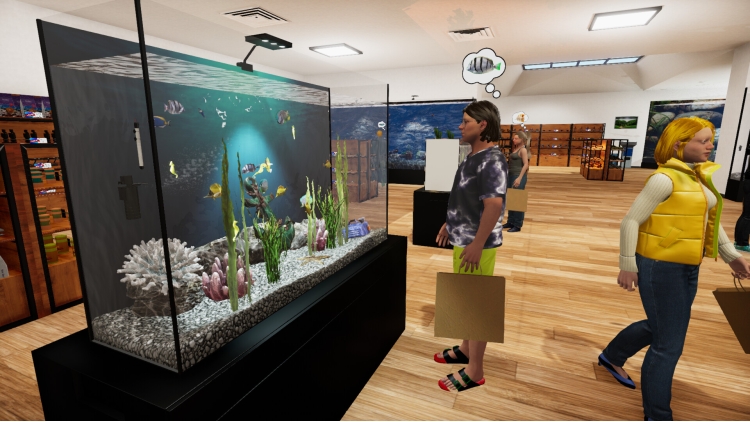
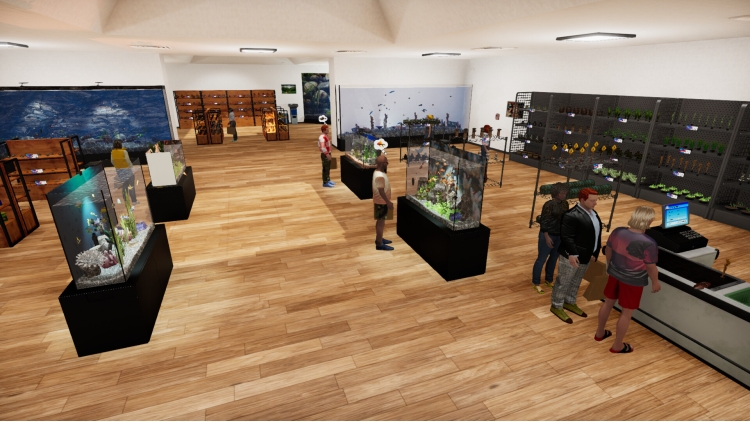
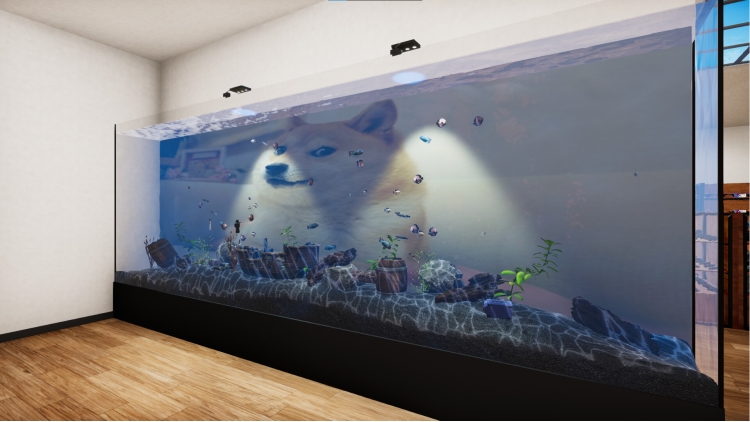
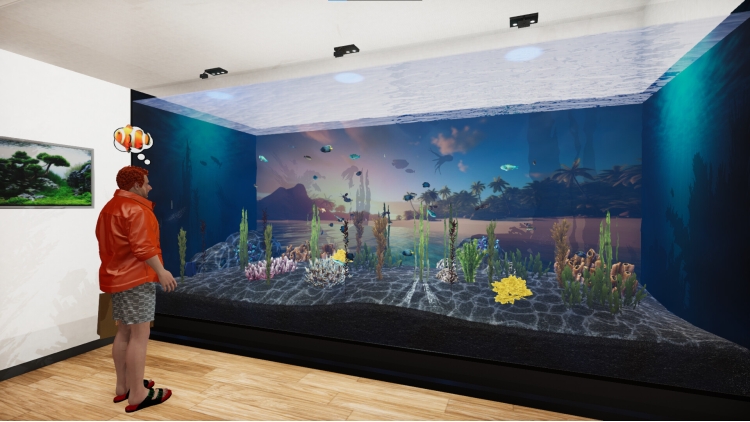
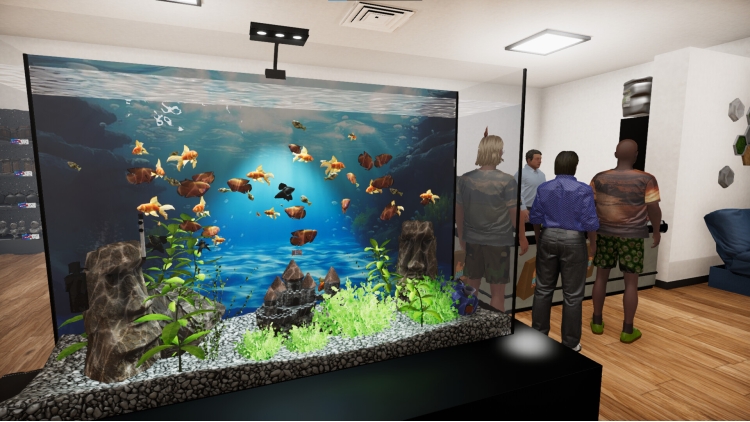
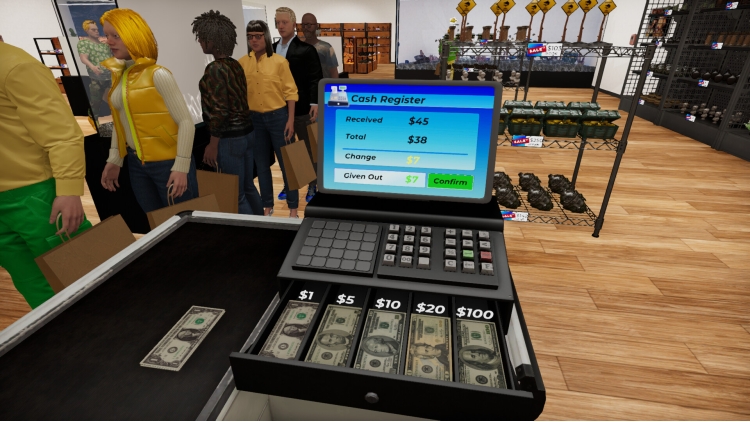
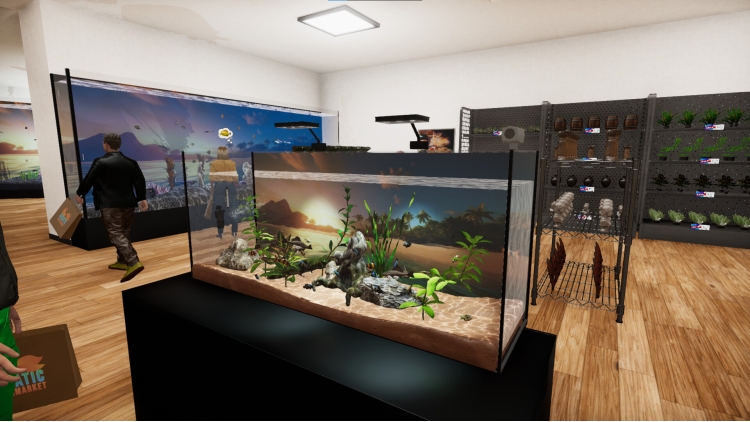
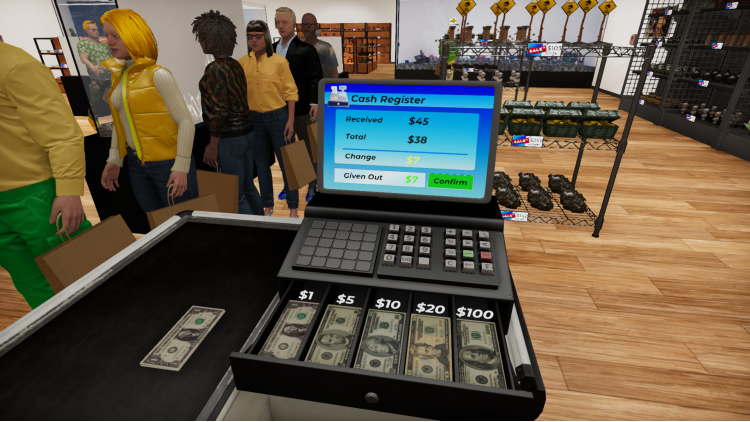

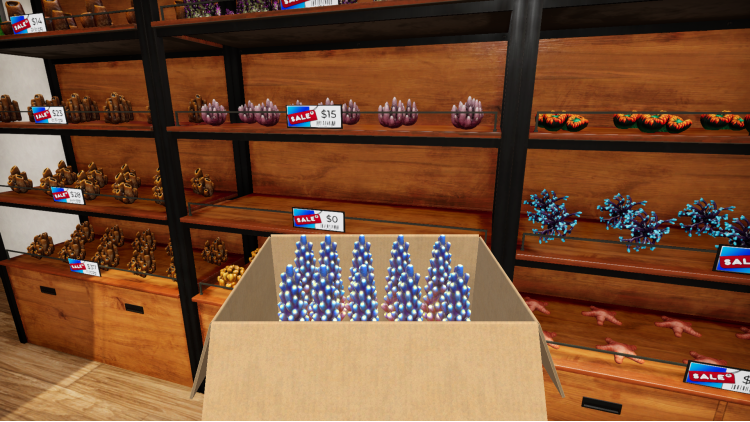
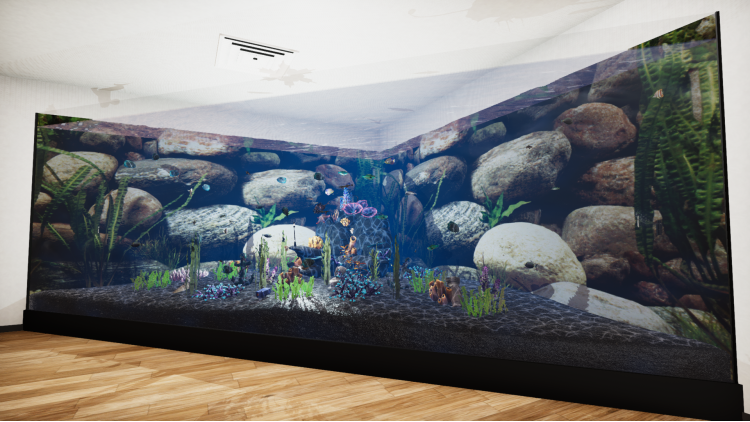
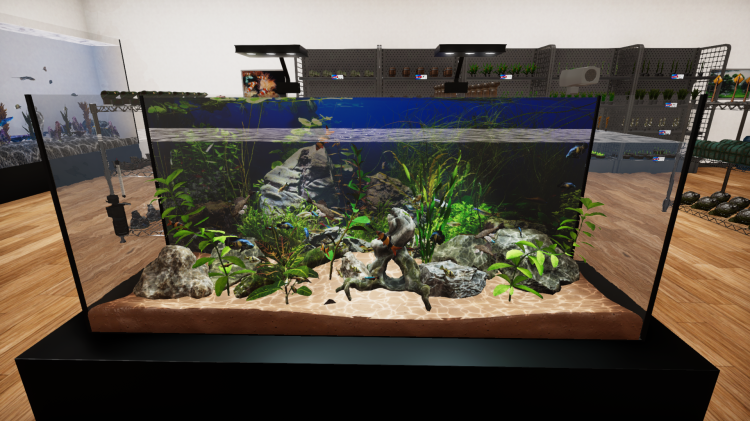
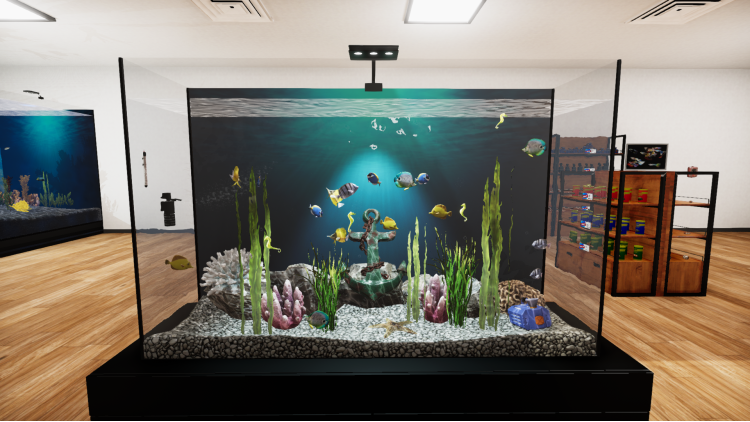
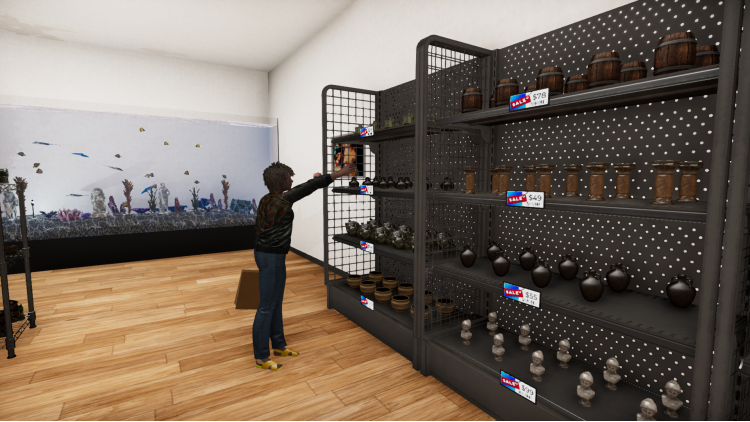

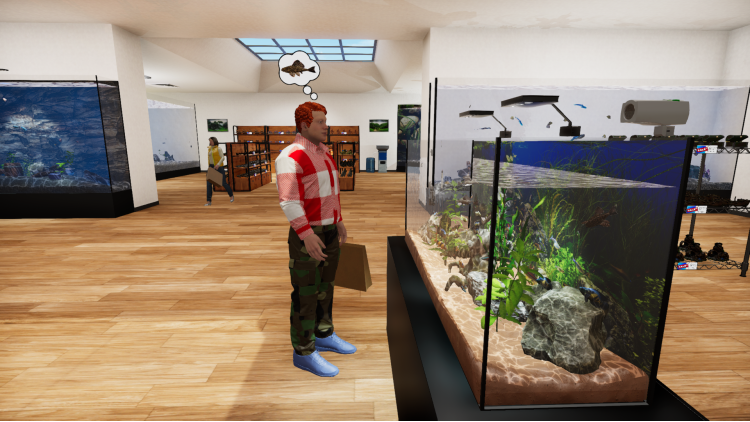

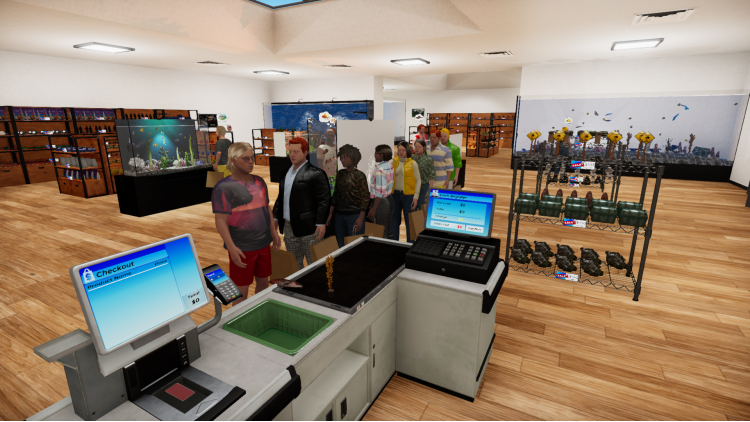
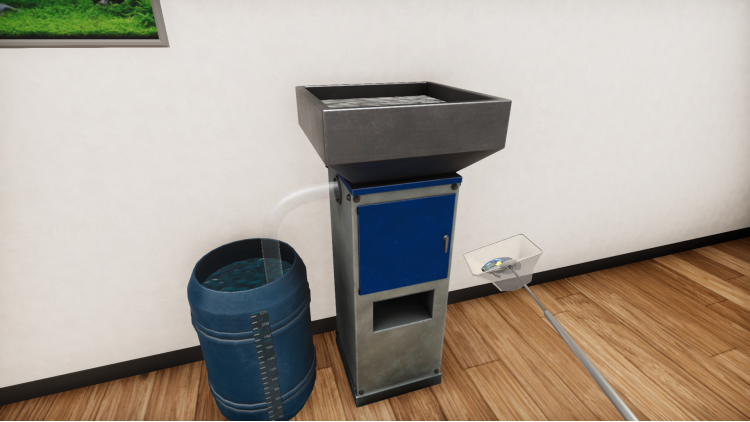
Dive into the vibrant world of aquatic retail with Aquatic Store Simulator! Take on the challenge of managing your very own underwater-themed supermarket, blending business management with the beauty of aquatic life. Stock shelves with exotic fish, decorations, set prices, take payments and maintain aquariums. Deliver fish, handle transactions, ensure your customers are happy. Customize and expand your store to become the ultimate aquarist entrepreneur.
Buy Aquatic Store Simulator PC game code quickly and safely at the best prices guaranteed via the official retailer etail.market
© FreeMind 2024
1)
Download & install the Steam client on your
computer from here.
2)
Open the Steam client, register and login. Then,
locate the Games tab on the top menu. Click that and select “Activate a Product
on Steam..”

3)
Enter your code that is showed on the orders page
of eTail. Market and and follow the steps showed to activate your game.

4)
The game can be monitored now and you can see it
on the "Library" section on Steam. You can download and install the
game now.
5)
If you need more information and support, you
can click here: https://help.steampowered.com/en/wizard/HelpWithSteam
 92%
Add To Cart
92%
Add To Cart
 56%
Add To Cart
56%
Add To Cart
 70%
Add To Cart
70%
Add To Cart
 90%
Add To Cart
90%
Add To Cart
 15%
Add To Cart
15%
Add To Cart
 0%
Add To Cart
0%
Add To Cart
 92%
Add To Cart
92%
Add To Cart
 15%
Out of Stock
15%
Out of Stock
