

Joe Danger 2: The Movie
92%


 Add To Cart

 Add To Cart

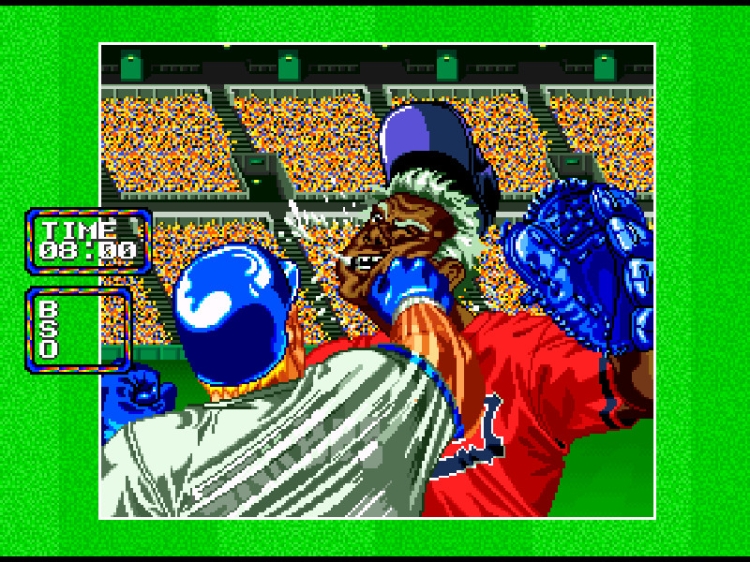
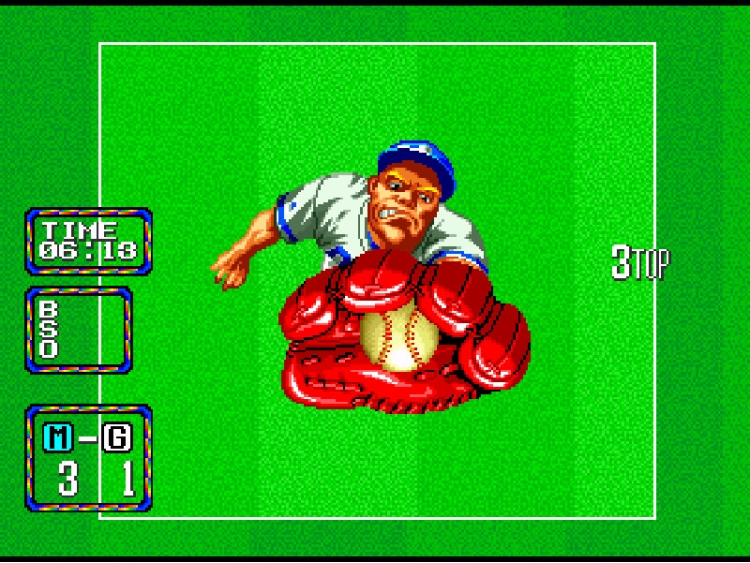
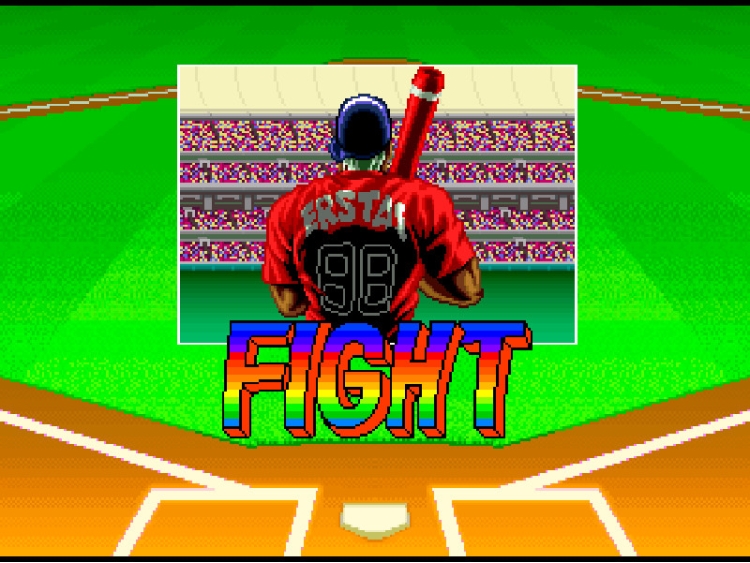
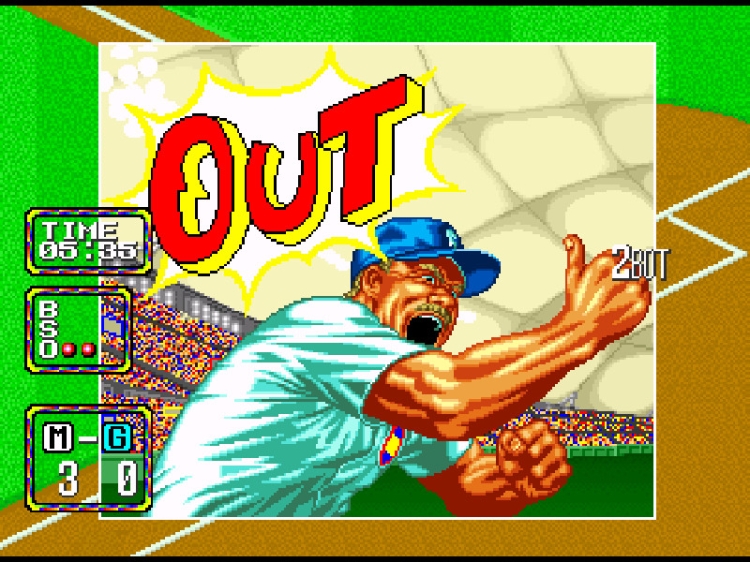
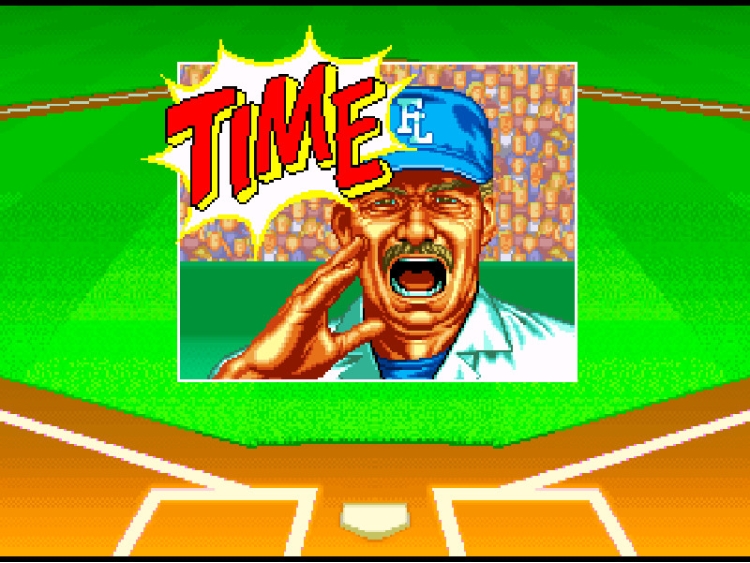
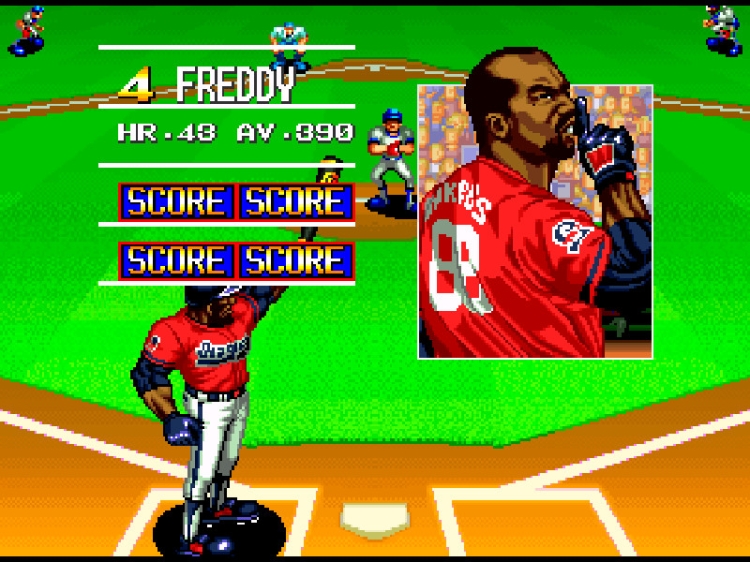
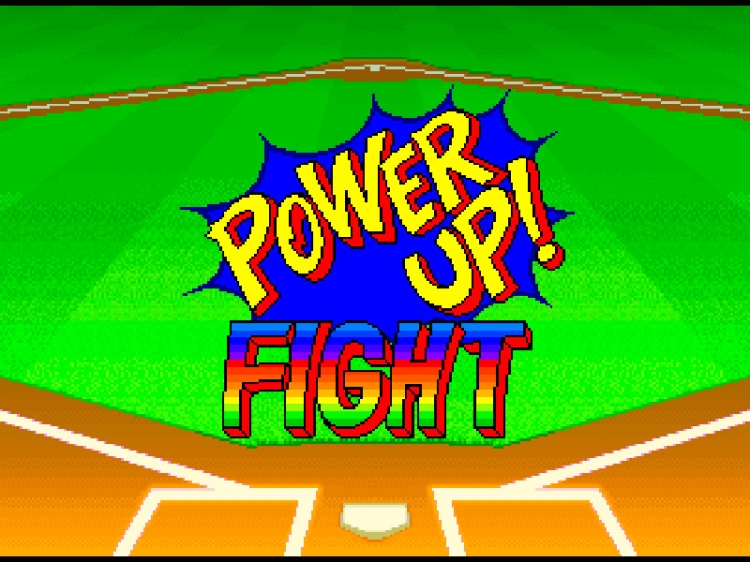
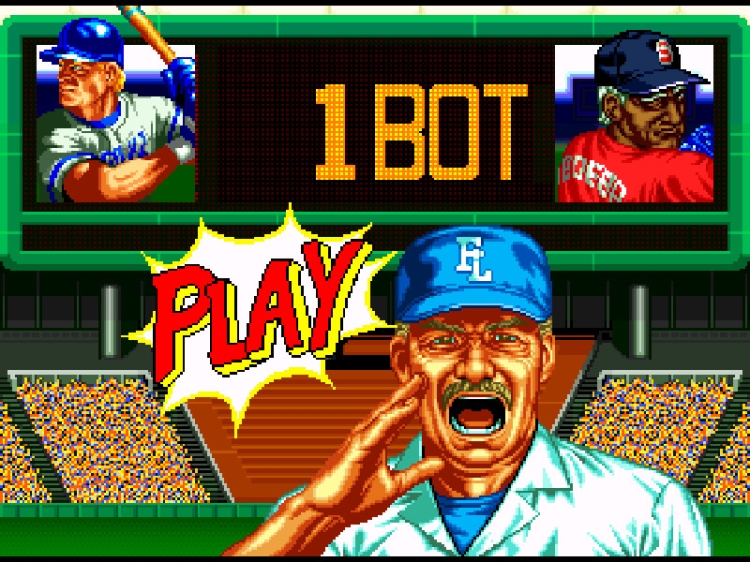
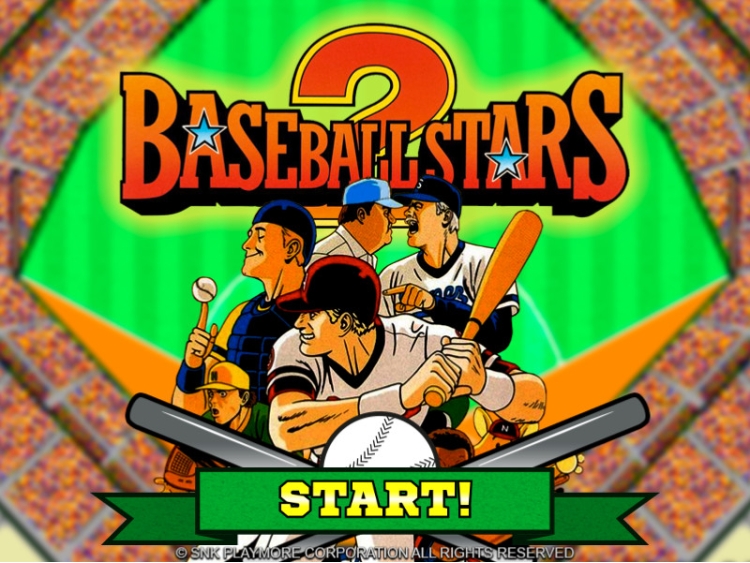
Lace up your cleats, and step onto the diamond with the pros of “BASEBALL STARS 2” on Steam! You’ll find everything you’d expect in a classic game of baseball, but with an arcade feel and intense action that distinguishes it from the pack.
MAIN FEATURES
・1P PLAY:
Pick one of six unique teams from cities around the world, and take on the CPU in a 15-game tournament!! Think you have what it takes to win the pennant?
・1P VS 2P:
Square off in local play against a friend in nine innings of excitement and enjoy split-screen views and close-up shots worthy of any highlight film together!
・SETTINGS:
Configure your controls, display language, video and audio settings at your convenience for the best “BASEBALL STARS 2” experience on PC!
** WILL NOT RUN ON Windows XP **
Buy BASEBALL STARS 2 PC game code quickly and safely at the best prices guaranteed via the official retailer etail.market
©SNK CORPORATION ALL RIGHTS RESERVED.
1)
Download & install the Steam client on your
computer from here.
2)
Open the Steam client, register and login. Then,
locate the Games tab on the top menu. Click that and select “Activate a Product
on Steam..”

3)
Enter your code that is showed on the orders page
of eTail. Market and and follow the steps showed to activate your game.

4)
The game can be monitored now and you can see it
on the "Library" section on Steam. You can download and install the
game now.
5)
If you need more information and support, you
can click here: https://help.steampowered.com/en/wizard/HelpWithSteam
 92%
Add To Cart
92%
Add To Cart
 27%
Add To Cart
27%
Add To Cart
 92%
Add To Cart
92%
Add To Cart
 70%
Add To Cart
70%
Add To Cart
 0%
Add To Cart
0%
Add To Cart
 15%
Out of Stock
15%
Out of Stock
 56%
Add To Cart
56%
Add To Cart
 31%
Add To Cart
31%
Add To Cart
 15%
Add To Cart
15%
Add To Cart
 90%
Add To Cart
90%
Add To Cart