

Kill it with Fire
15%


 Add To Cart
 Add To Cart

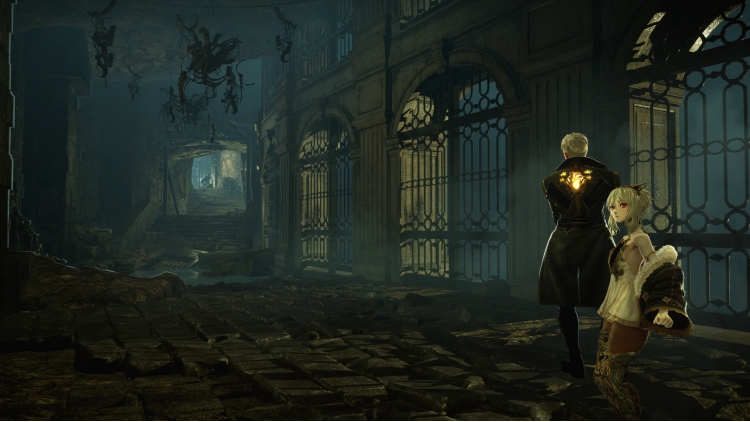

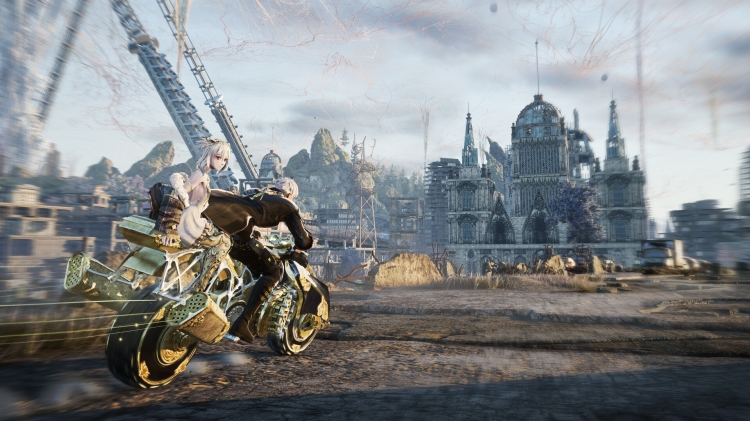
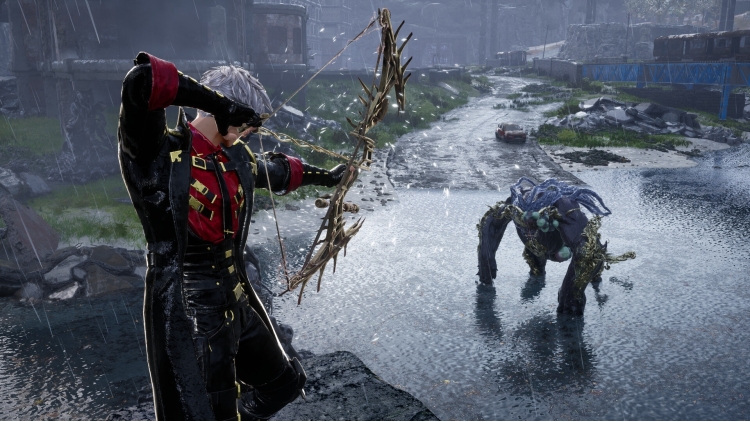
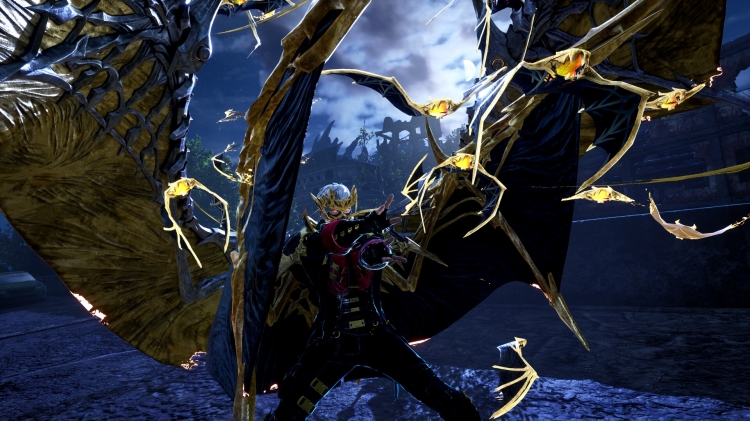
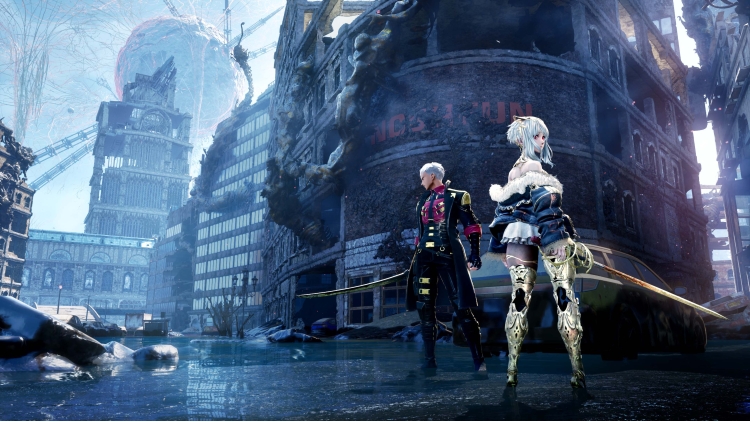
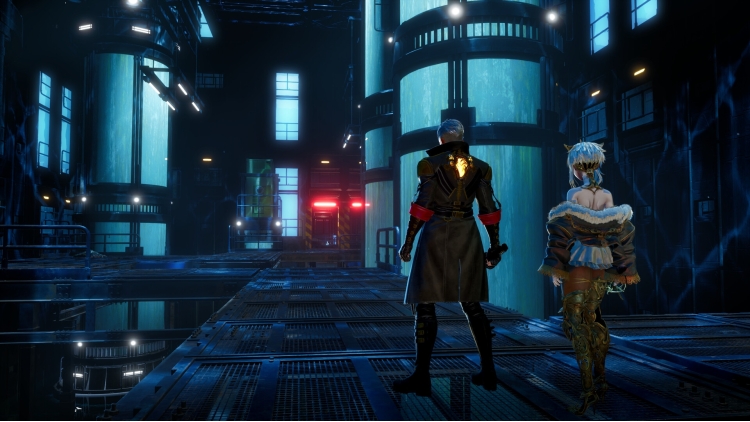
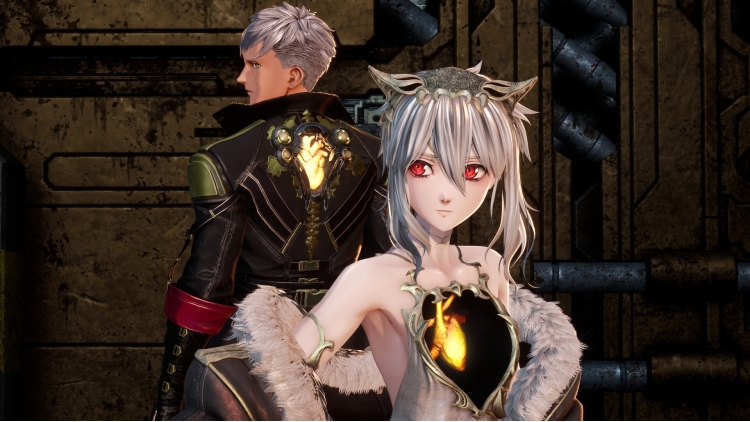
Due to the sudden appearance of the Luna Rapacis, Revenants have transformed into mindless monsters called Horrors. As a Revenant hunter, the player shall halt the world's inevitable collapse by traveling to the past with a girl called Lou, who possesses the power to manipulate time.
An epic adventure awaits, where you and your chosen partners explore a vast world, face fierce battles against powerful enemies, and uncover an epic story that transcends time.
Embark on a journey that spans both the present and the past as you search for clues to prevent the world’s destruction. Alter the fates of key Revenant characters you encounter in the past, while uncovering lost histories and the hidden truths of the world.
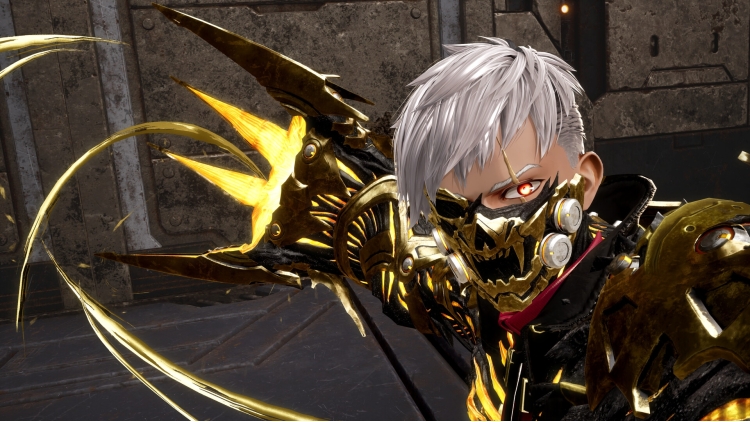
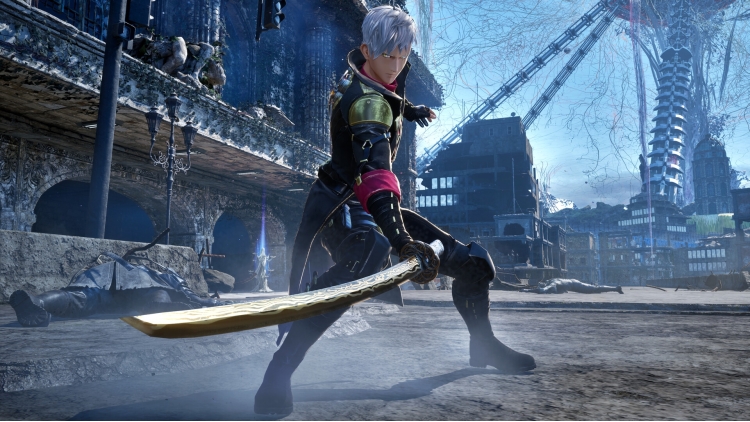
Dive into adrenaline-fueled battles where reading enemy moves and mastering your arsenal are key to survival. Unleash powerful skills, adapt on the fly, and conquer relentless foes in fights that deliver both intensity and triumph.
Experience Code Vein II’s unique gameplay mechanic, where the player drains and acquires blood from enemies to unleash a variety of skills. With the series' new build system, you can freely customize weapons and skills to suit your own battle styles.
Explore the world with trusted and powerful allies who can fight alongside you or enhance your abilities. Each partner brings unique abilities and deep connections that shape your journey.
CODE VEIN™II & ©Bandai Namco Entertainment Inc.
Buy Code Vein II PC game code quickly and safely at the best prices guaranteed via the official retailer etail.market
1)
Download & install the Steam client on your
computer from here.
2)
Open the Steam client, register and login. Then,
locate the Games tab on the top menu. Click that and select “Activate a Product
on Steam..”

3)
Enter your code that is showed on the orders page
of eTail. Market and and follow the steps showed to activate your game.

4)
The game can be monitored now and you can see it
on the "Library" section on Steam. You can download and install the
game now.
5)
If you need more information and support, you
can click here: https://help.steampowered.com/en/wizard/HelpWithSteam
 15%
Add To Cart
15%
Add To Cart
 27%
Add To Cart
27%
Add To Cart
 51%
Add To Cart
51%
Add To Cart
 0%
Add To Cart
0%
Add To Cart
 90%
Add To Cart
90%
Add To Cart
 92%
Add To Cart
92%
Add To Cart
 15%
Out of Stock
15%
Out of Stock
 70%
Add To Cart
70%
Add To Cart
 56%
Add To Cart
56%
Add To Cart
 31%
Add To Cart
31%
Add To Cart
 27%
Add To Cart
27%
Add To Cart
 92%
Add To Cart
92%
Add To Cart