

Joe Danger
92%


 Add To Cart
 Out of Stock

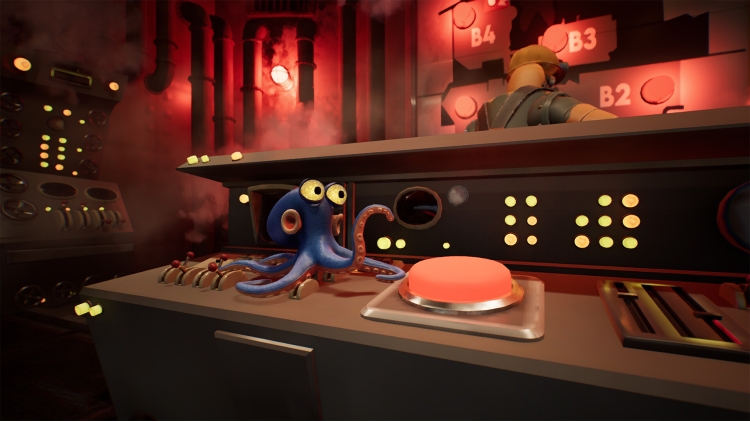
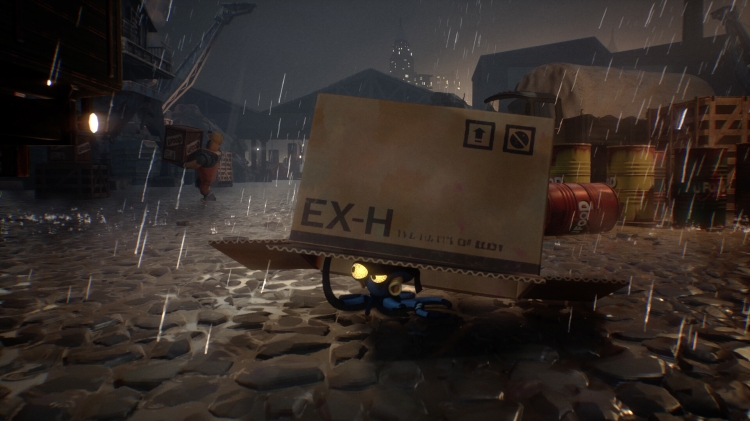
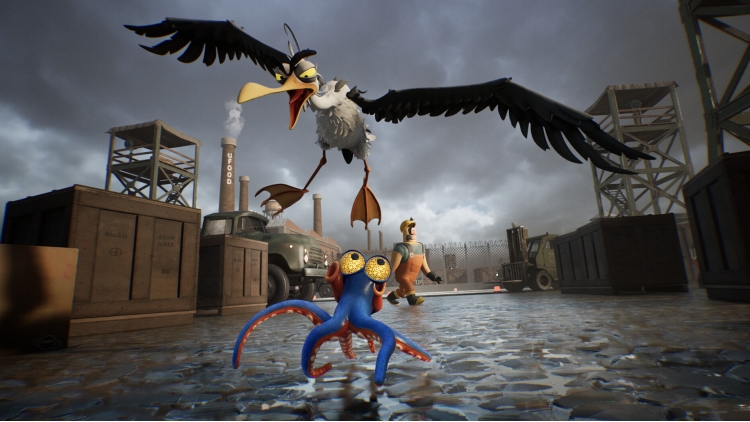
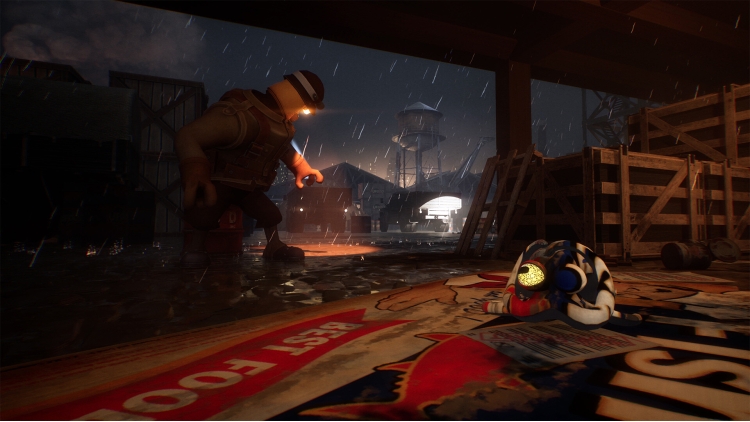
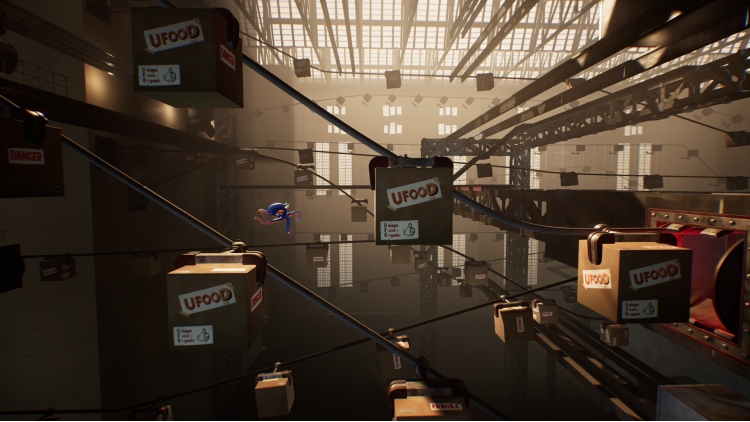
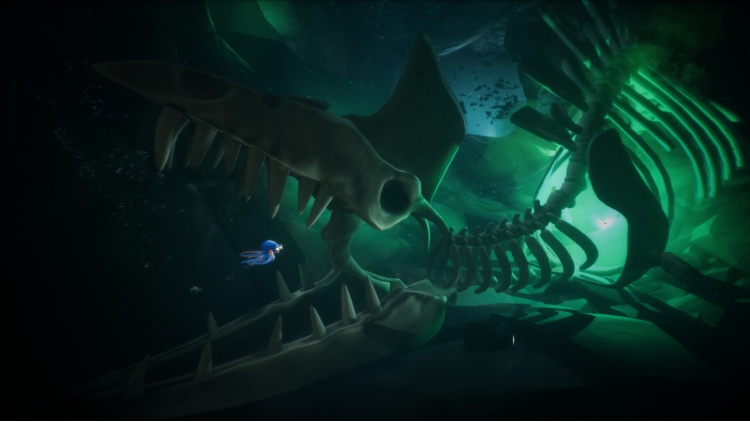
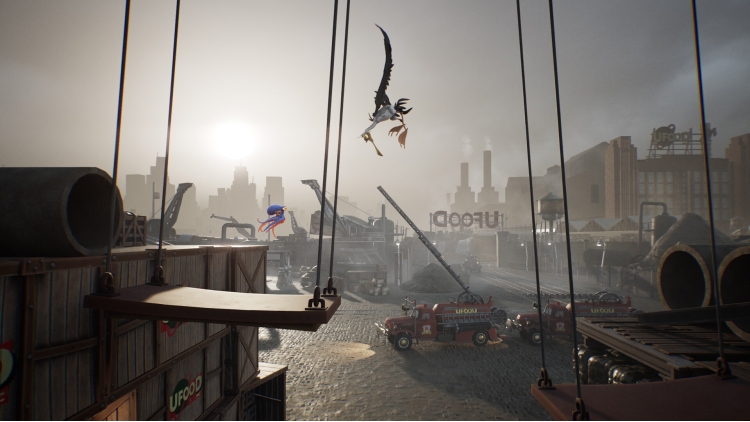
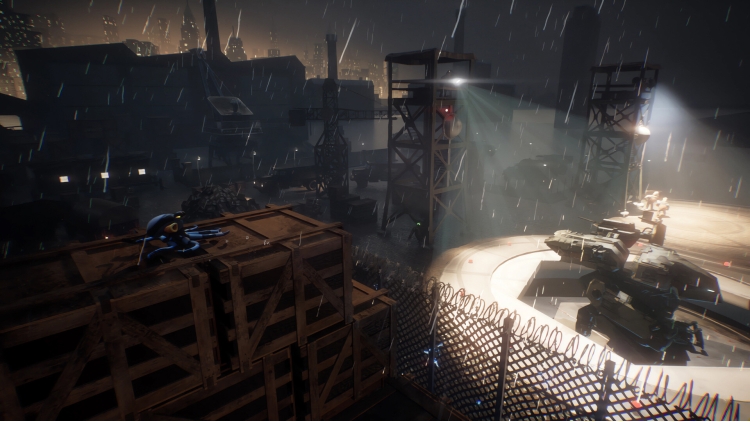
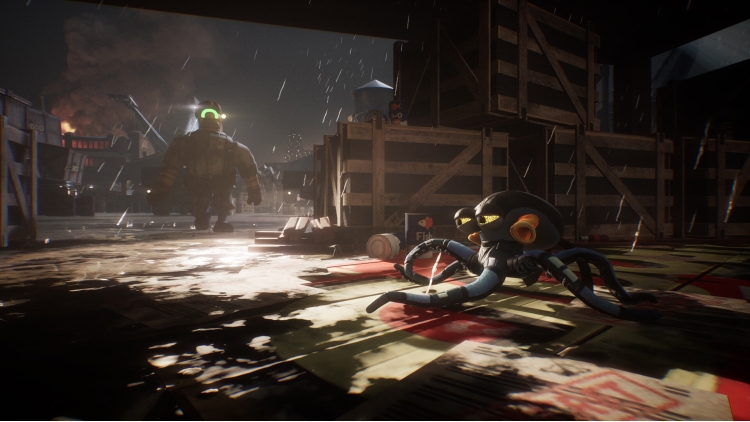

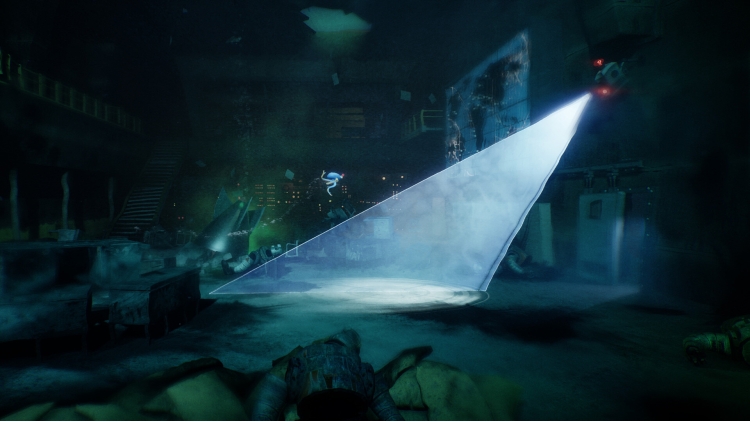
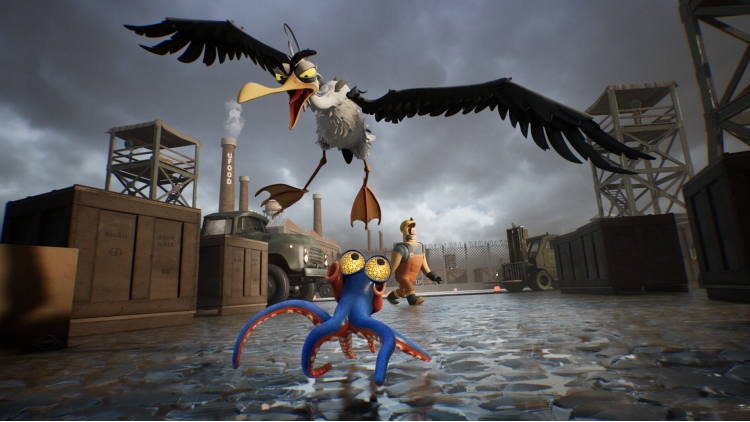
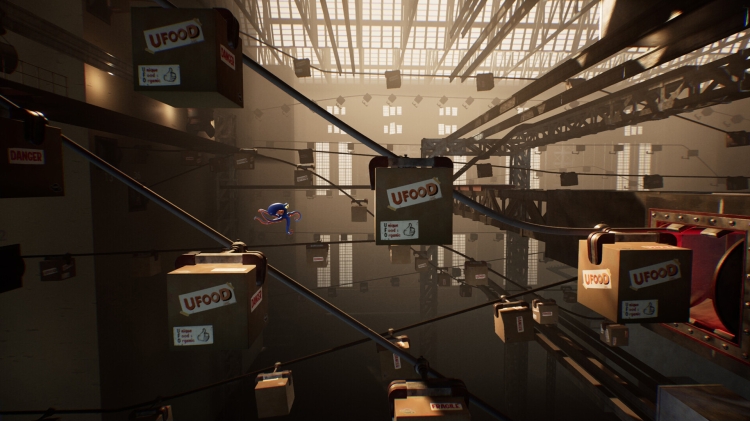
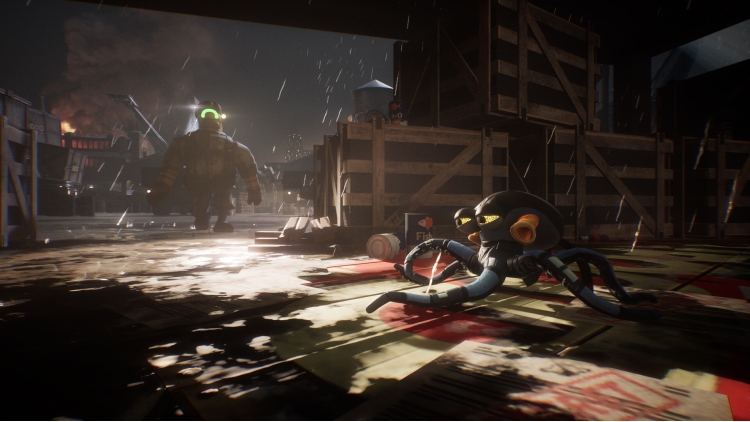
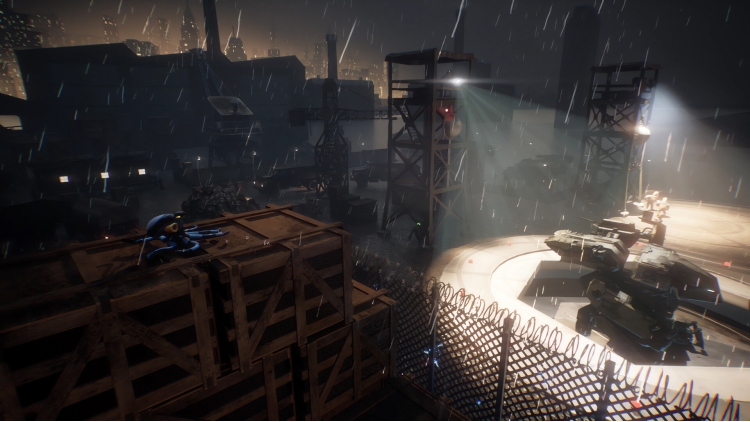
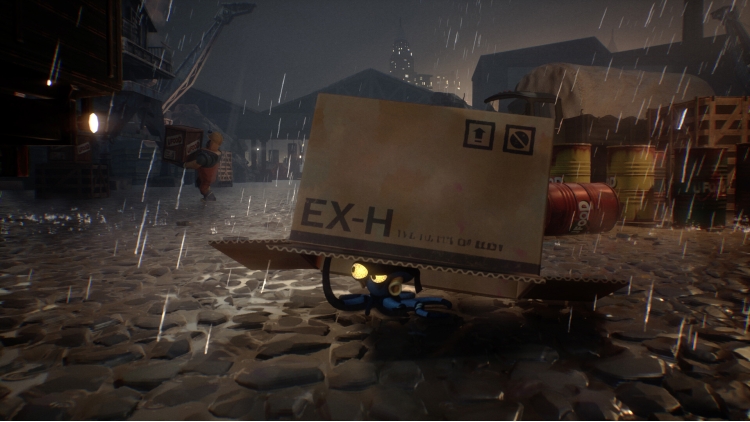
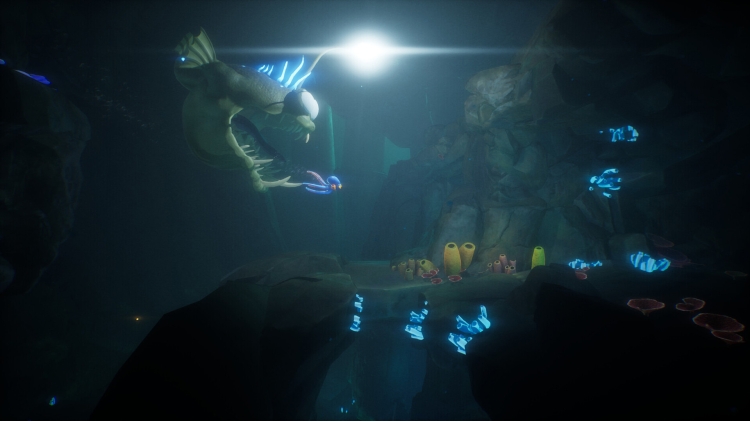
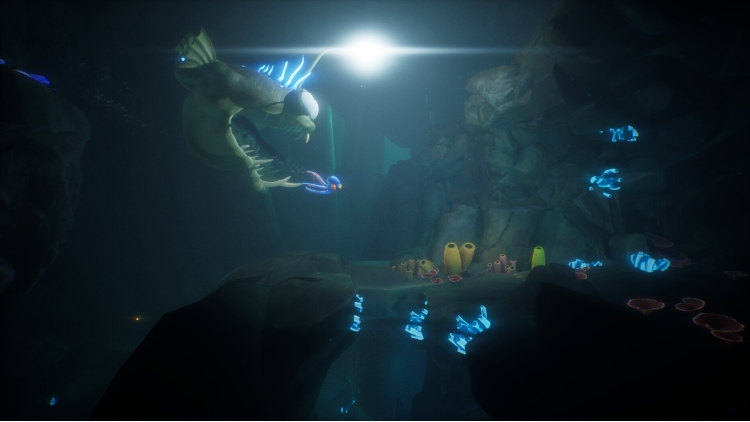
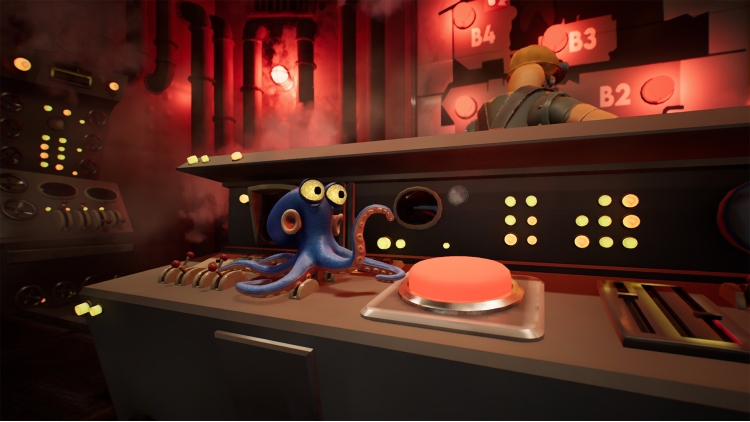
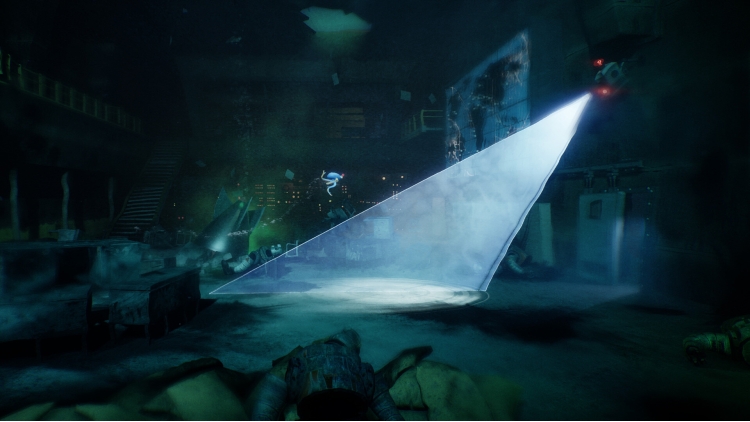

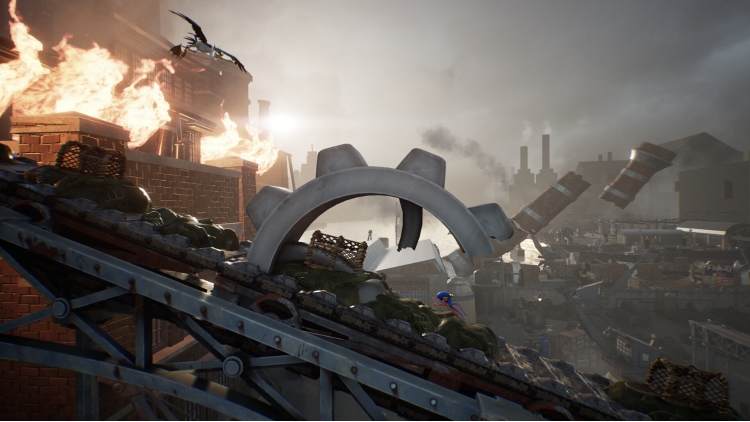
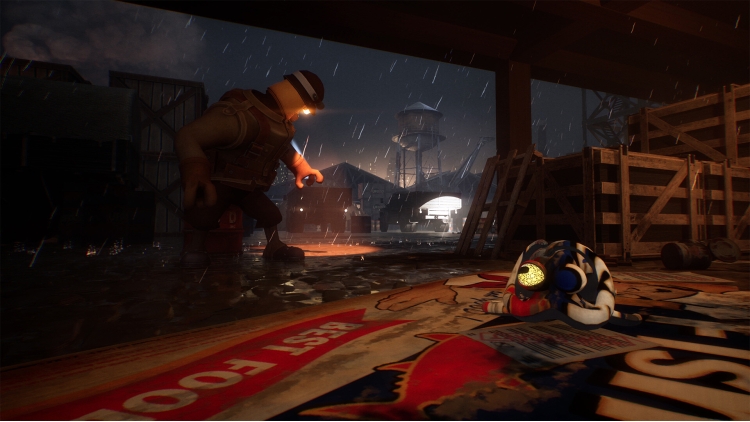
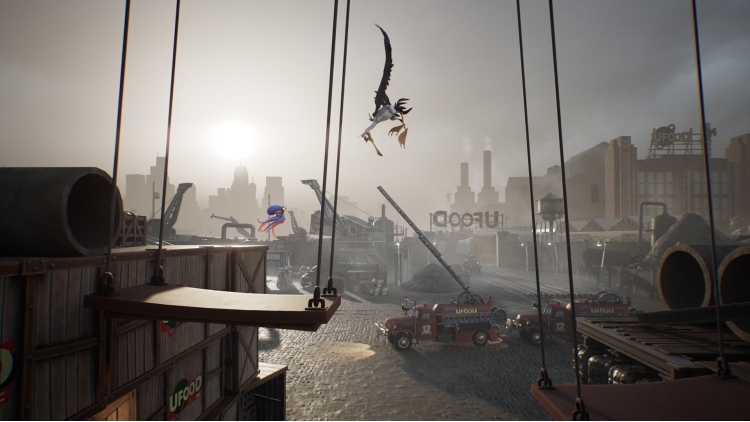
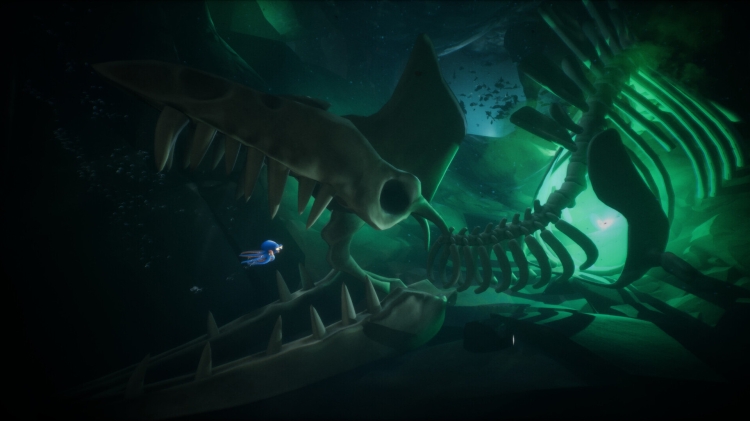
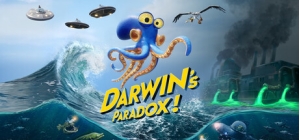
Embark on a grand adventure worthy of a true animated movie with Darwin, an octopus as charming as he is clever, ripped from the ocean and trapped in a massive and mysterious industrial complex. With his extraordinary intelligence and incredible abilities – swimming, camouflage, and many other fascinating skills – help him overcome the most formidable traps and dangers in this captivating platformer, adventure, and puzzle game.
In the peaceful vastness of the ocean, Darwin, a young octopus, explores the deep sea… until a strange beam of light pierces the abyss and pulls him toward the surface. Thrust out of his aquatic world, he wakes up disoriented in the middle of a gigantic junkyard, backed by a foreboding factory.
But something is wrong. Between the threatening machines, strange holding tanks, and the mysterious and dangerous creatures and characters that inhabit the place, Darwin realizes he is in danger. To return to the ocean, Darwin will have to outsmart, evolve, and reveal to the players through his journey the mysteries of a conspiracy that goes beyond anything one could have imagined… and which could very well seal the fate of humanity!
Main Gameplay Features:
A grand adventure worthy of an animated movie
With rich artistic direction and a vibrant world, Darwin’s Paradox immerses you in a visual and emotional epic where every detail reveals more of its incredible story.
Original gameplay
The game offers a perfect balance between platforming sequences and moments of puzzle-solving: Swim, hide, infiltrate, jump, and use the extraordinary abilities of an octopus to advance in your adventure, escape perilous situations, or solve the many puzzles in the game.
A living and interactive world
Discover sprawling levels with a unique and polished artistic direction, filled with puzzles, dangers, and surprising creatures and characters.
An immersive and poignant narrative
Between humor, emotion, and suspense, Darwin takes you on a memorable odyssey.
©2022 ZeDrimeTim “Darwin’s Paradox” and “ZDT Studio” are registered trademarks of ZeDrimeTim
Buy Darwin’s Paradox PC game code quickly and safely at the best prices guaranteed via the official retailer etail.market
©2022 ZeDrimeTim “Darwin’s Paradox” and “ZDT Studio” are registered trademarks of ZeDrimeTim
1)
Download & install the Steam client on your
computer from here.
2)
Open the Steam client, register and login. Then,
locate the Games tab on the top menu. Click that and select “Activate a Product
on Steam..”

3)
Enter your code that is showed on the orders page
of eTail. Market and and follow the steps showed to activate your game.

4)
The game can be monitored now and you can see it
on the "Library" section on Steam. You can download and install the
game now.
5)
If you need more information and support, you
can click here: https://help.steampowered.com/en/wizard/HelpWithSteam
 92%
Add To Cart
92%
Add To Cart
 15%
Out of Stock
15%
Out of Stock
 0%
Add To Cart
0%
Add To Cart
 70%
Add To Cart
70%
Add To Cart
 92%
Add To Cart
92%
Add To Cart
 90%
Add To Cart
90%
Add To Cart
 15%
Add To Cart
15%
Add To Cart
