Dino Jump Deluxe
Dino Jump Deluxe
€4.59
This product can be activated in United States.
Add to Cart Button Icon Add To Cart

  • Platform Steam Icon
  • Operating System
    Windows Icon Mac Icon Linux Icon
  • Genre Action , Indie
  • Developer Pixeljam
  • Creator Akupara Games
  • Release Date 2026-07-23 12:00 AM
  • Supported Languages English
Dino Jump Deluxe
Dino Jump Deluxe
Dino Jump Deluxe
Dino Jump Deluxe
Dino Jump Deluxe
Dino Jump Deluxe
Dino Jump Deluxe
Dino Jump Deluxe
Dino Jump Deluxe
Dino Jump Deluxe
Dino Jump Deluxe
Dino Jump Deluxe
Dino Jump Deluxe
Dino Jump Deluxe

Feature List

  • Simple Controls, High Mastery: Easy to pick up, but difficult to master as the speed ramps up.
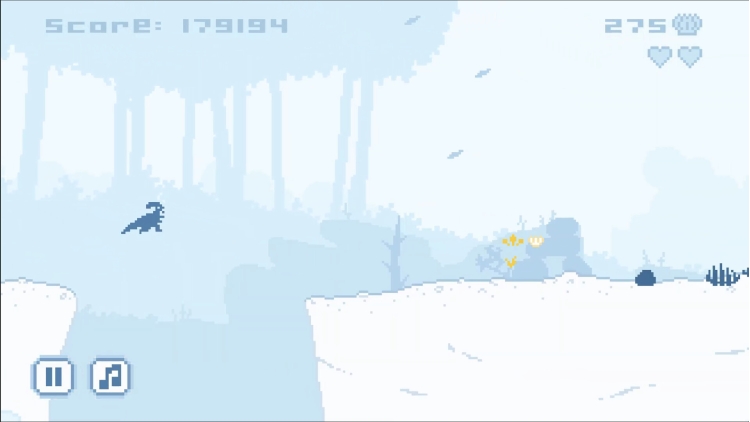
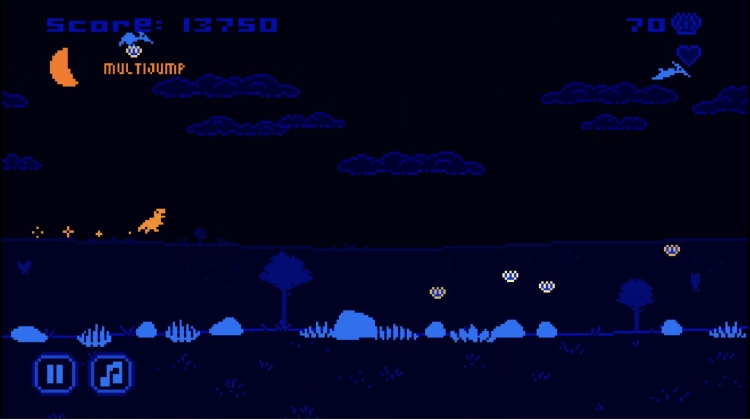
  • Procedural Landscapes: A fresh world is generated every time you hit "Start," guaranteeing endless replayability.
  • Satisfying Progression: Bring home loot to unlock new dinosaurs, skills, and cosmetics.
  • High-Speed Exploration: Seamlessly transition across terrain as you push for your next personal best.
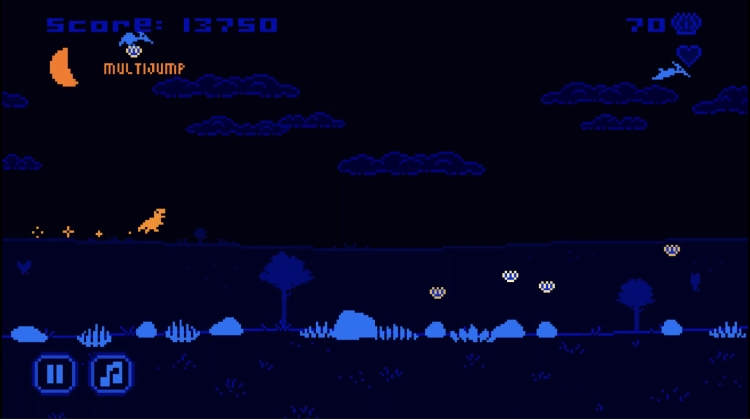
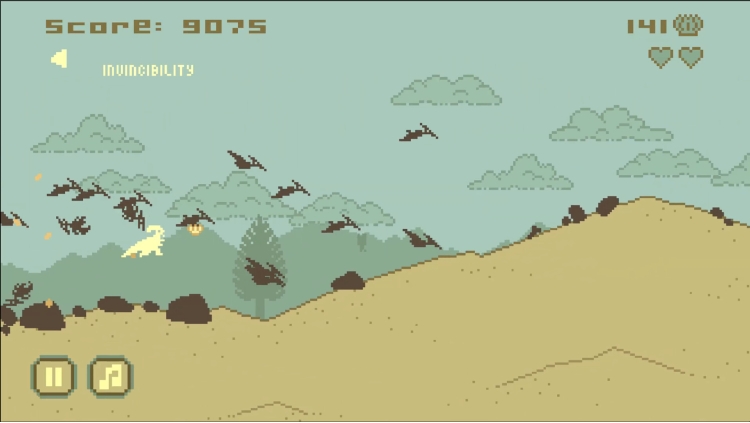
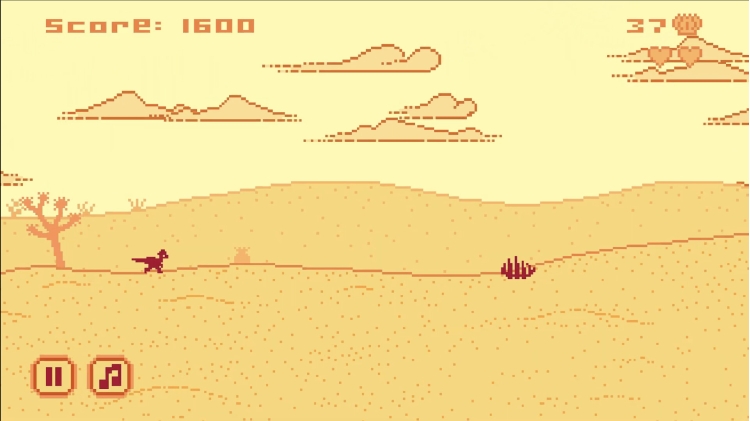
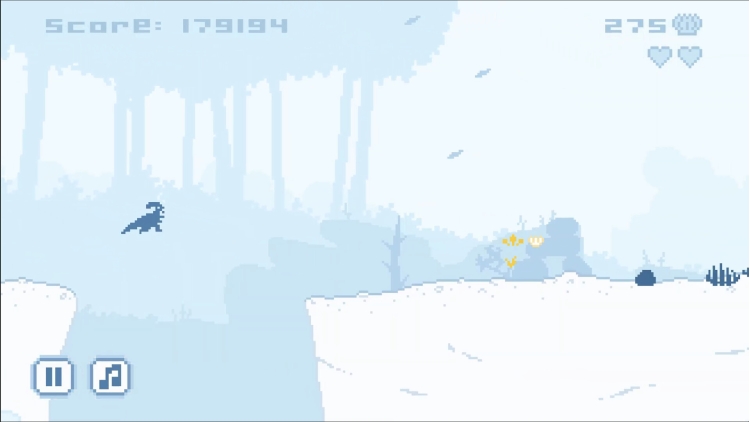
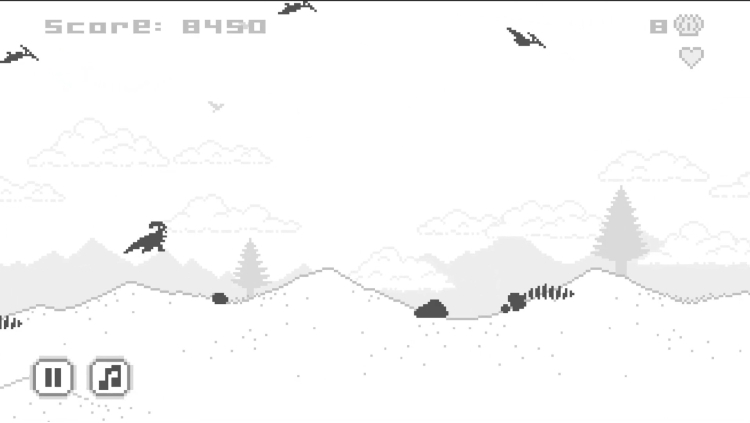
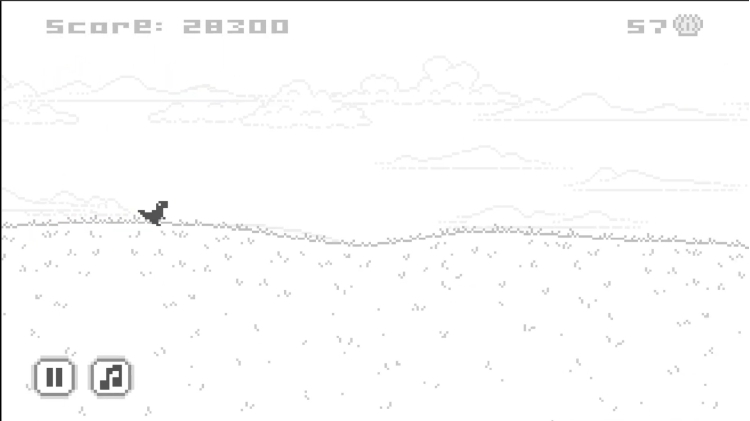
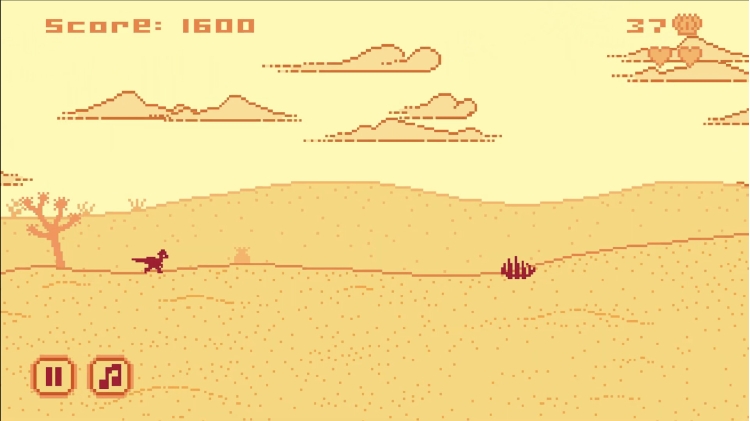
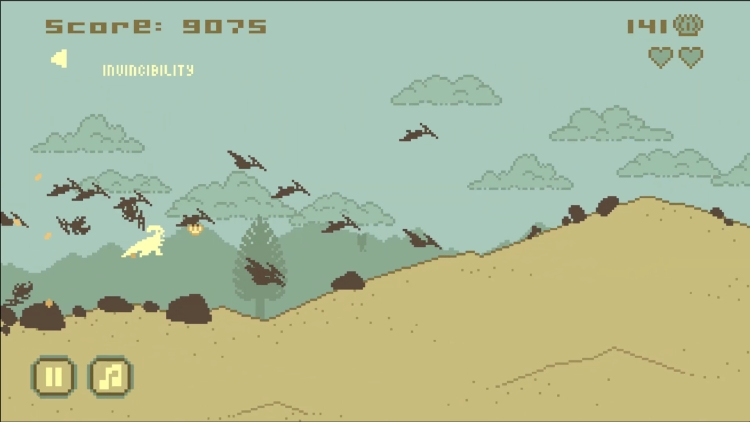
  • Retro-Modern Aesthetic: High-fidelity pixel art that pays homage to the classics while feeling fresh and fluid.


About the Game

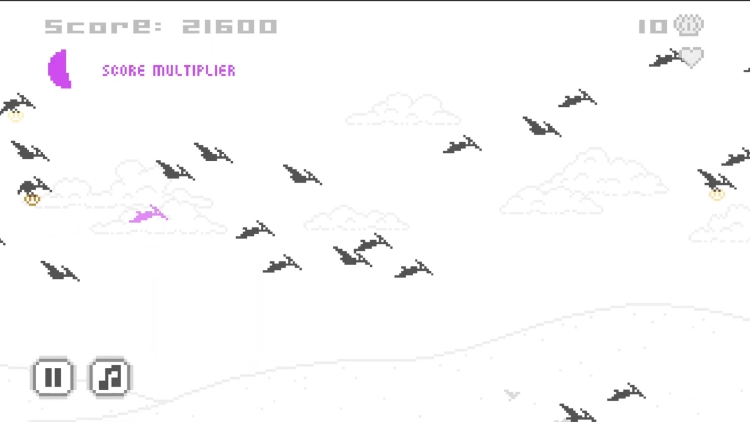
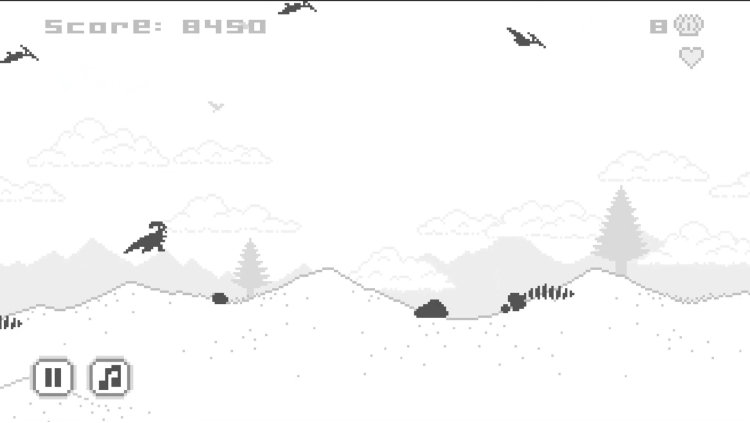
JUMP STRAIGHT INTO THE ACTION. No menus, no fluff—just pure prehistoric adrenaline. Dino Jump takes the core DNA of the classic runner and evolves it into a frantic, high-speed chase through an ever-changing world. It’s the ultimate "just one more go" experience, refined for the modern explorer.


Instant, Frantic Fun

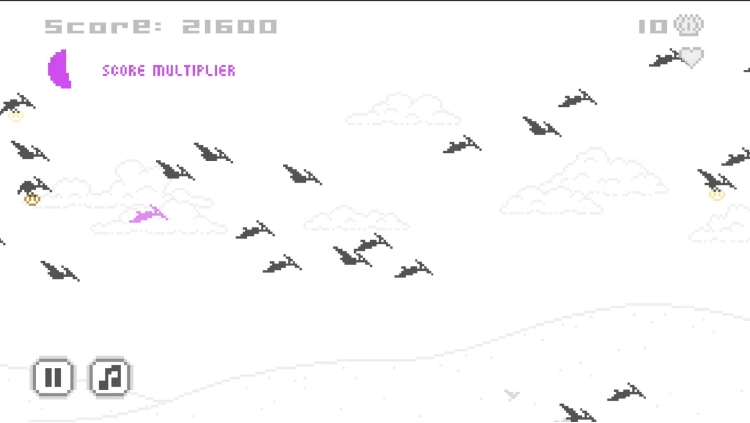
Dino Jump is built for speed. From the moment you hit start, you are thrust into a side-scrolling gauntlet of deadly obstacles.

  • Pick Up and Play: Simple one-button controls make it easy to start, but the escalating speed and procedural hazards will test your prehistoric reflexes.
  • Master the Momentum: Navigate craters, dodge predators, and time your jumps with precision as you race through a 2D pixel-art world that never stays the same.


Customization & Progression

While the gameplay is fast, the progression is deep. Every shell collected serves a purpose, fueling an endless loop that keeps your runs feeling fresh and rewarded.

  • Distinct Dinosaur Roster: Unlock a variety of dinos that don’t just look different—they feel different. Master the unique movement of the dino that fits your playstyle.
  • Your Personal Prehistory: From color palettes to special abilities, accumulate coins to personalize every aspect of your extinction-defying journey.


A New Era of Dino Run


As a non-web, standalone evolution of the original Dino Run concepts, Dino Jump offers fresh experience with fluid animations and classic pixel art.

  • Procedural Peril: Every screen is generated on the fly. No two runs are ever identical, guaranteeing a new challenge every time you respawn.
  • Loot & Level Up: Bring your shells back to your nest to upgrade your stats and prepare for your longest run yet.

The world is changing. The speed is rising. Don’t get left behind.


Buy Dino Jump Deluxe Steam Game Code - Best Price | eTail

Buy Dino Jump Deluxe PC game code quickly and safely at the best prices guaranteed via the official retailer etail.market

Dino Jump Deluxe Minimum System Requirements:
--Mac--
OS: 10.6

--Windows--
OS: Windows 10 (64-bit)
Processor: Dual Core 2.0 GHz or equivalent
Memory: 1 GB RAM
Graphics: Intel HD Graphics 4000 / AMD Radeon R5 or equivalent (DirectX 11 support)
DirectX: Version 11
Storage: 200 MB available space

Dino Jump Deluxe Recommended System Requirements :
--Windows--
OS: Windows 10 / Windows 11 (64-bit)
Processor: Intel Core i3 / AMD Ryzen 3 or better
Memory: 2 GB RAM
Graphics: NVIDIA GeForce GTX 750 / AMD Radeon RX 460 or better
DirectX: Version 11
Storage: 200 MB available space
Activation on Steam

1)      Download & install the Steam client on your computer from   here.

2)      Open the Steam client, register and login. Then, locate the Games tab on the top menu. Click that and select “Activate a Product on Steam..”

       

3)      Enter your code that is showed on the orders page of eTail. Market and and follow the steps showed to activate your game.

       

4)      The game can be monitored now and you can see it on the "Library" section on Steam. You can download and install the game now.

5)      If you need more information and support, you can click here: https://help.steampowered.com/en/wizard/HelpWithSteam

RECOMMENDED