


Joe Danger + Joe Danger 2: The Movie Bundle
90%


 Add To Cart

 Add To Cart
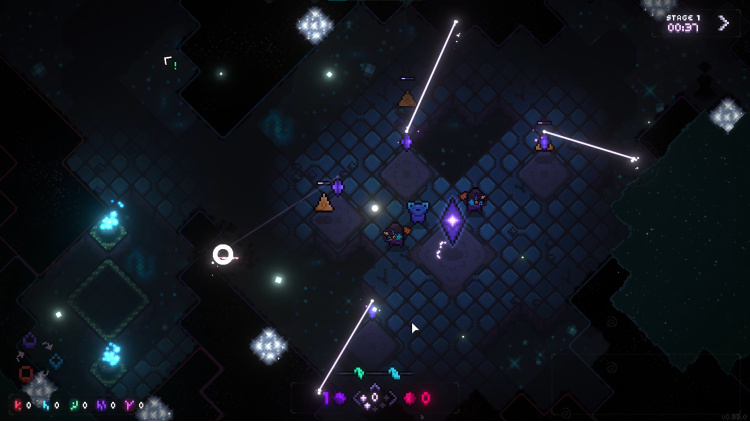
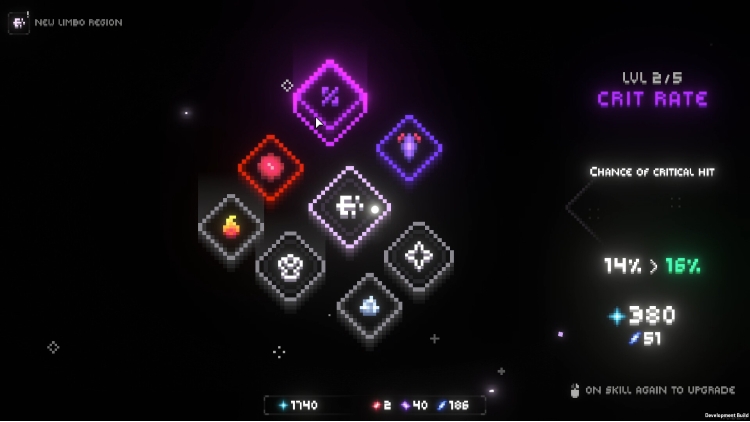
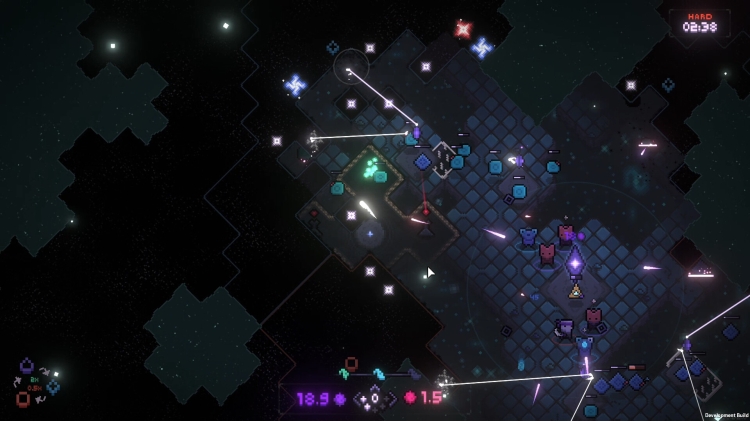
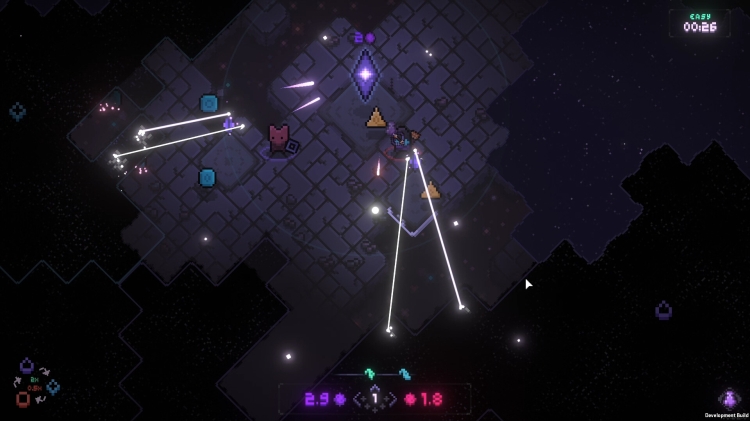
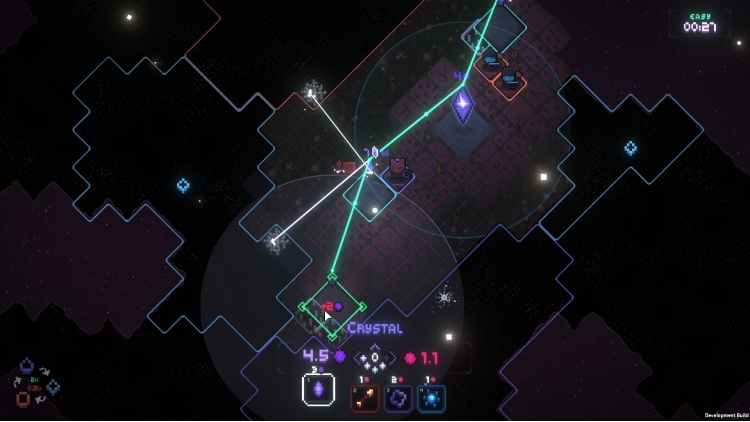
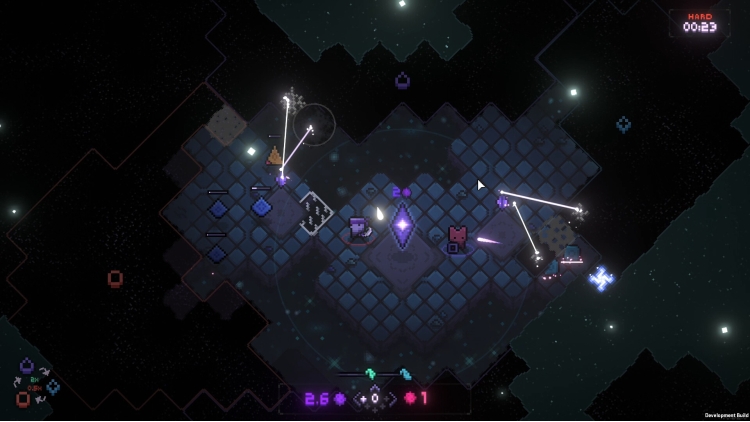
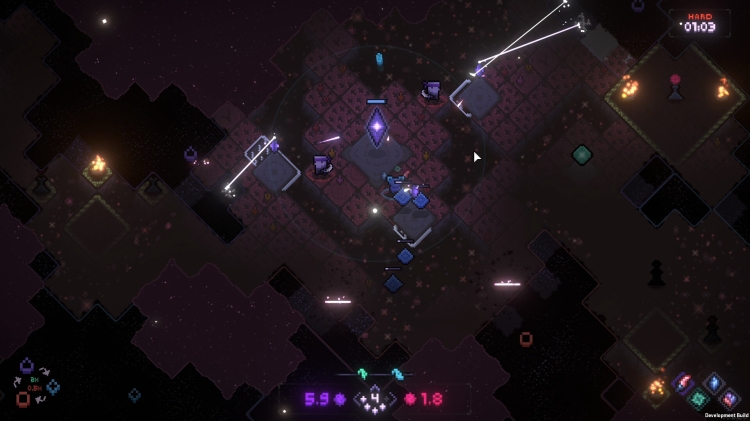

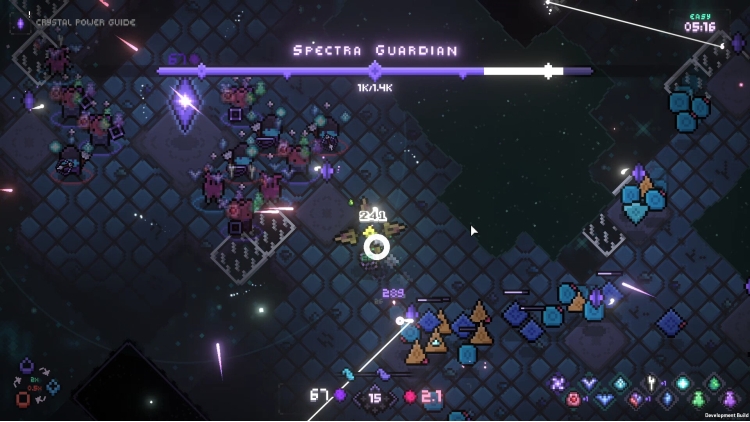
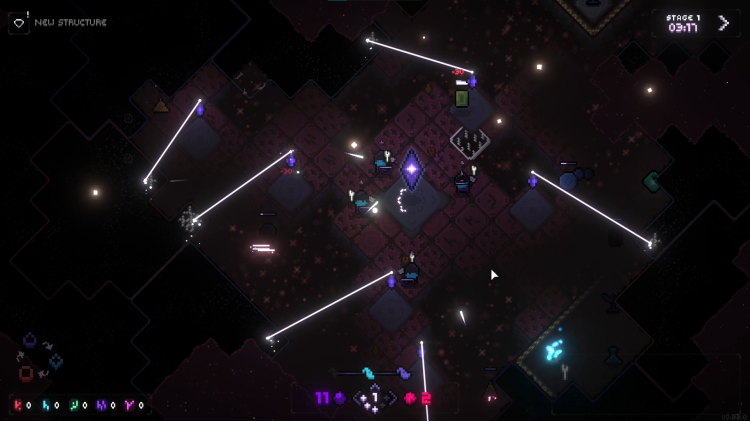
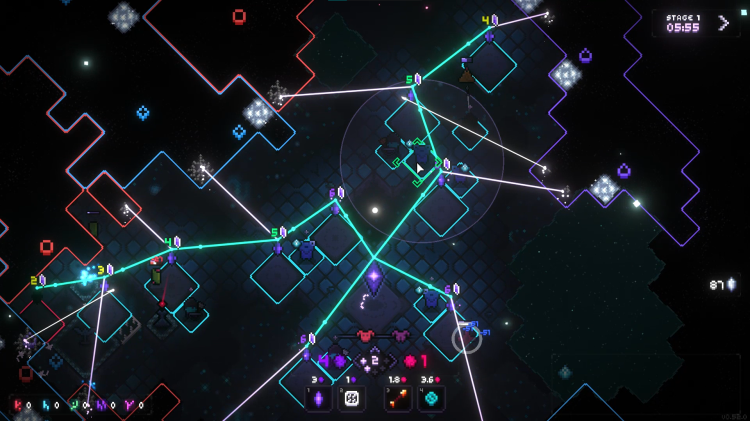
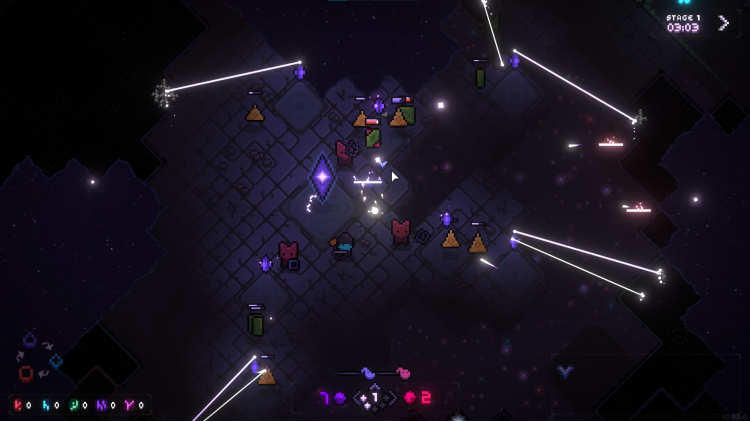
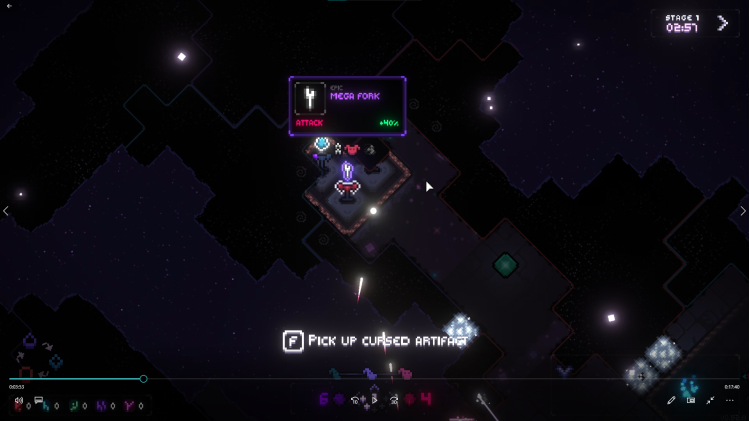
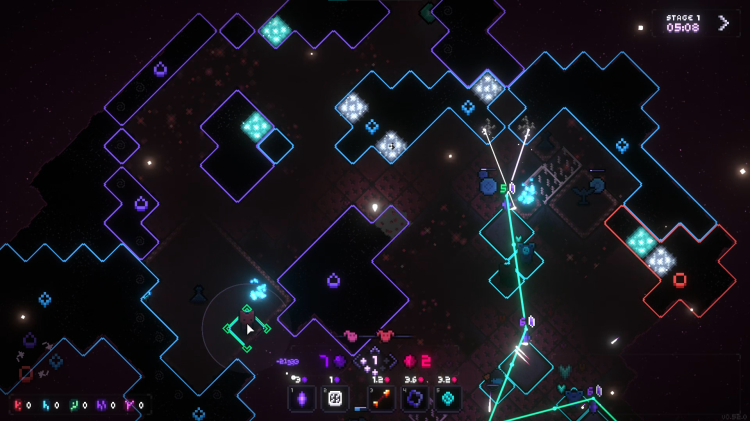
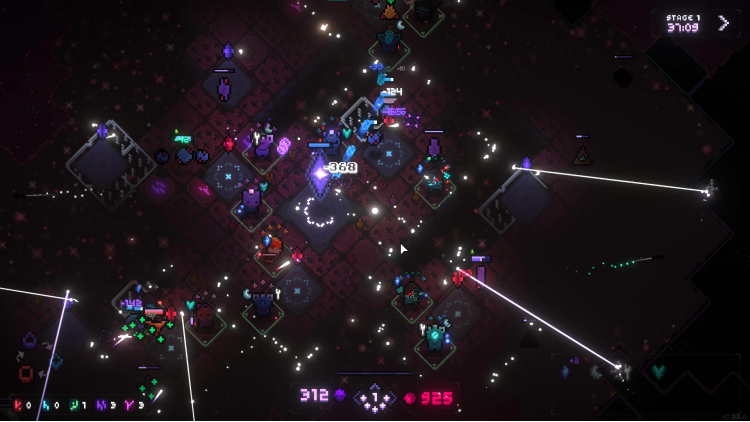
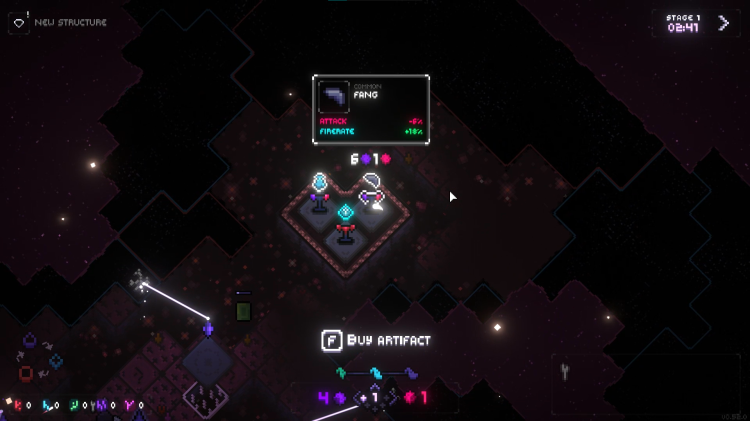
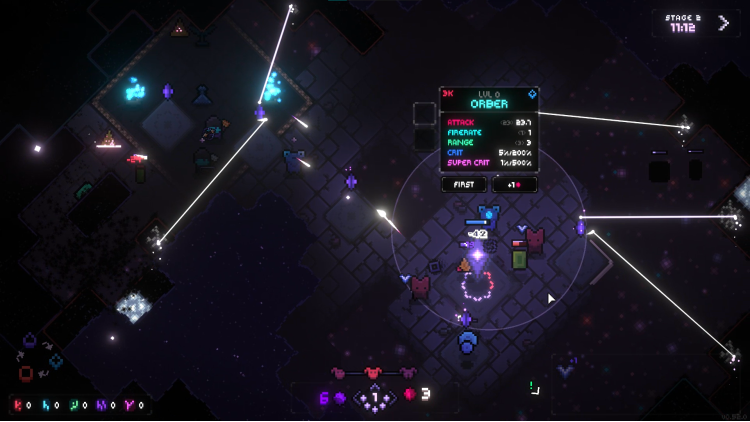

In Everwarder there's you, and a procedurally-generated world covered in darkness. Touch it - and it will spawn a creature that will try to destroy your most precious thing – a crystal with your friend trapped inside.
Every run starts with your crystal and a supply of energy. Then it's up to you how to fight the darkness. Do you steadily expand, clearing the darkness, harvesting its energy, and carefully deploying defenders to deal with whatever emerges from the dark? Or do you play it fast and loose, striking out to locate ancient structures and powerful artifacts hidden within?
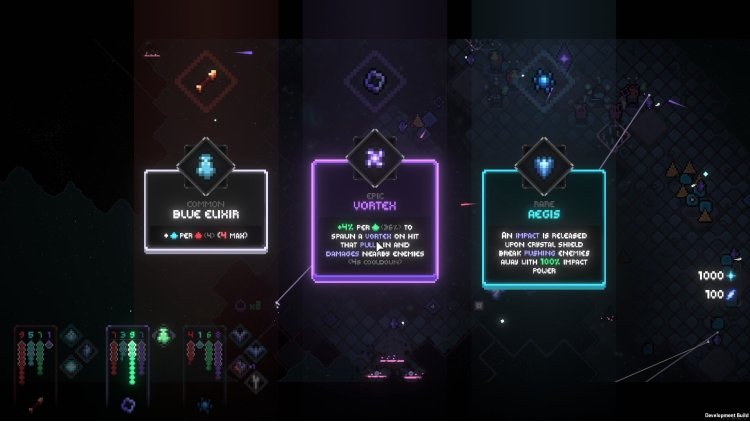
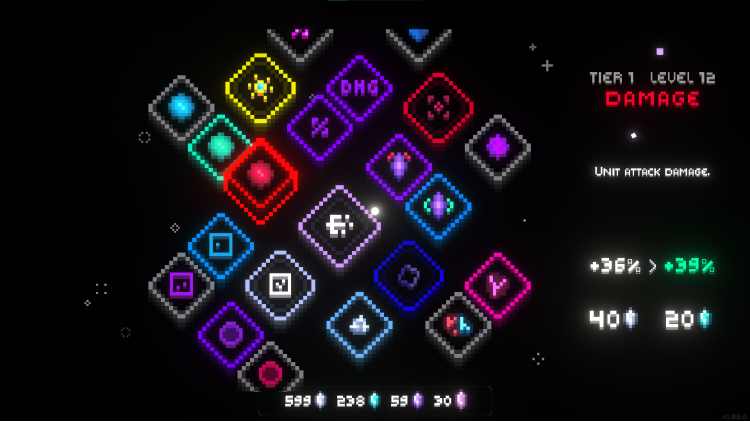
Failure is just another word for learning. With every run you gather minerals and unlock new options on the upgrade tree, allowing you to become stronger and last longer against the darkness. After all, time is not on your side: Enemies grow stronger as the seconds tick on - but so do you, gathering new resources, boosts, and upgrading your defenders to last just a bit longer.
Every run is randomly generated, with its own set of challenges and twists that will keep you on your toes. Every upgrade tweaks the experience, creating various synergies. So even if you struggle to keep up with the pressure, there’s always a way to turn the tides of the battle!
© qLate & Freedom Games - All Rights Reserved
Buy Everwarder PC game code quickly and safely at the best prices guaranteed via the official retailer etail.market
© qLate & Freedom Games - All Rights Reserved
1)
Download & install the Steam client on your
computer from here.
2)
Open the Steam client, register and login. Then,
locate the Games tab on the top menu. Click that and select “Activate a Product
on Steam..”

3)
Enter your code that is showed on the orders page
of eTail. Market and and follow the steps showed to activate your game.

4)
The game can be monitored now and you can see it
on the "Library" section on Steam. You can download and install the
game now.
5)
If you need more information and support, you
can click here: https://help.steampowered.com/en/wizard/HelpWithSteam
 90%
Add To Cart
90%
Add To Cart
 31%
Add To Cart
31%
Add To Cart
 92%
Add To Cart
92%
Add To Cart
 0%
Add To Cart
0%
Add To Cart
 27%
Add To Cart
27%
Add To Cart
 70%
Add To Cart
70%
Add To Cart
 15%
Add To Cart
15%
Add To Cart
 92%
Add To Cart
92%
Add To Cart
 15%
Out of Stock
15%
Out of Stock
 56%
Add To Cart
56%
Add To Cart
