

Joe Danger
92%


 Add To Cart

 Add To Cart

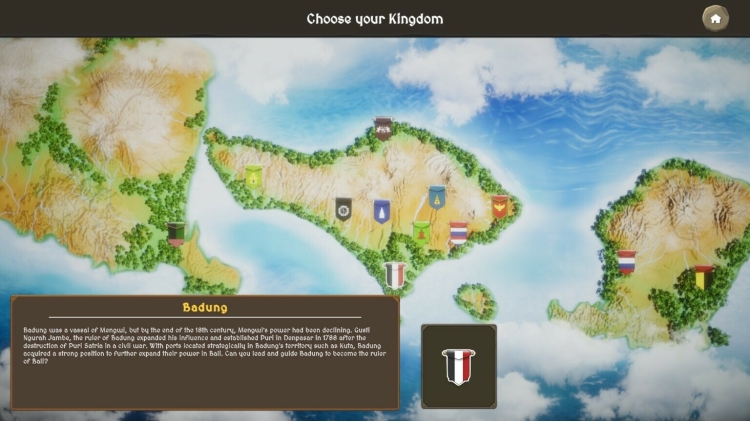
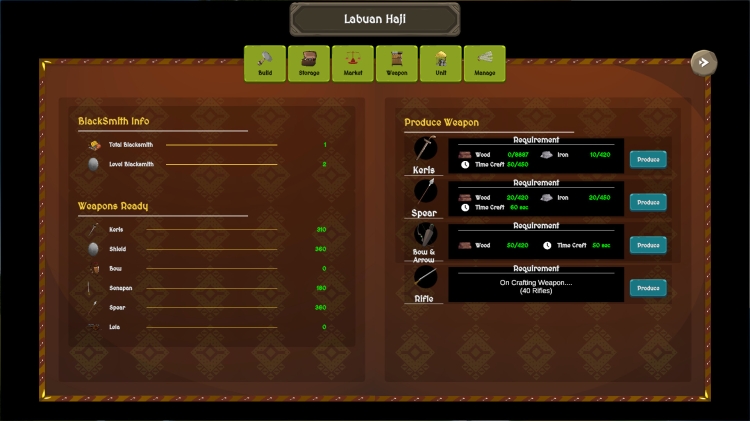
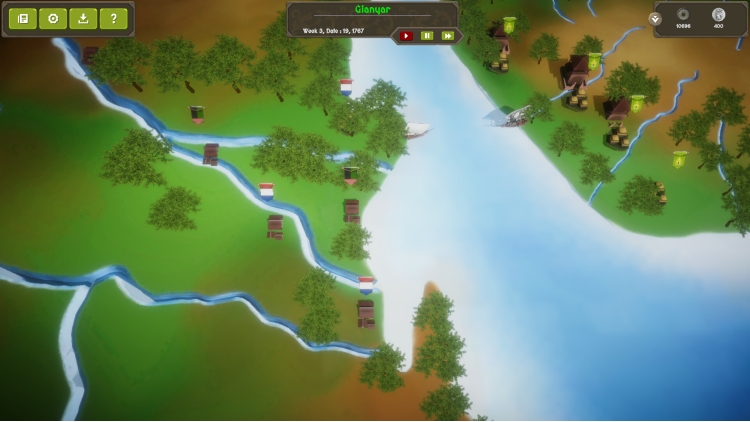
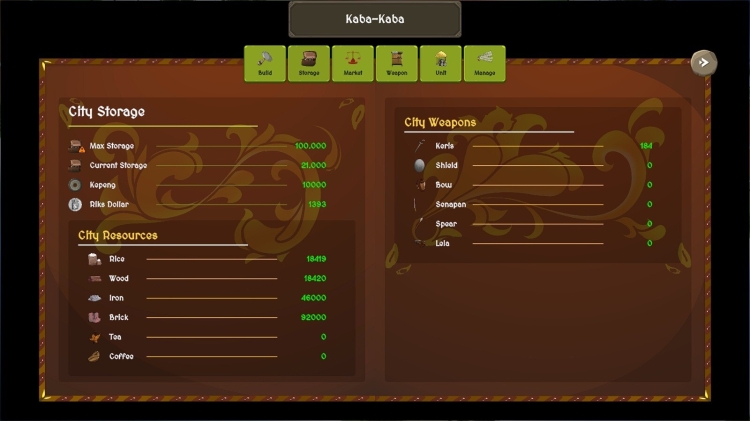
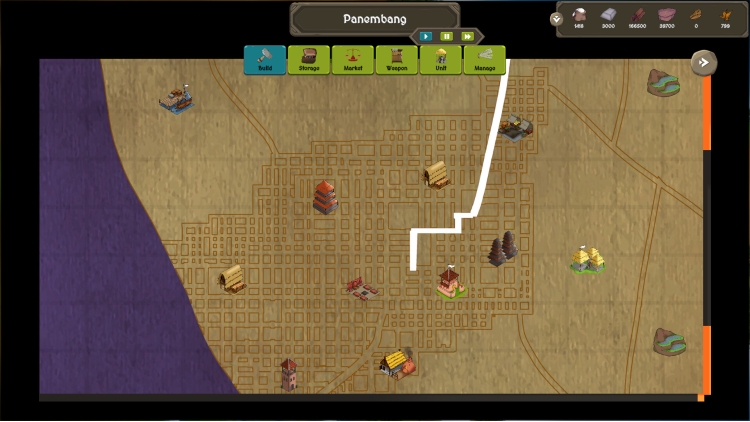
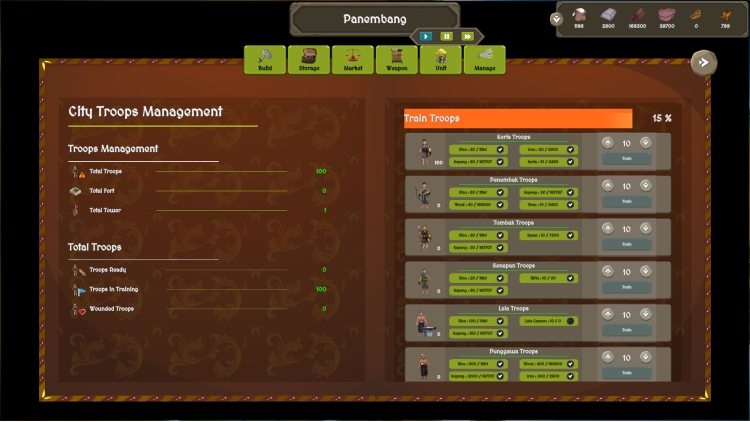
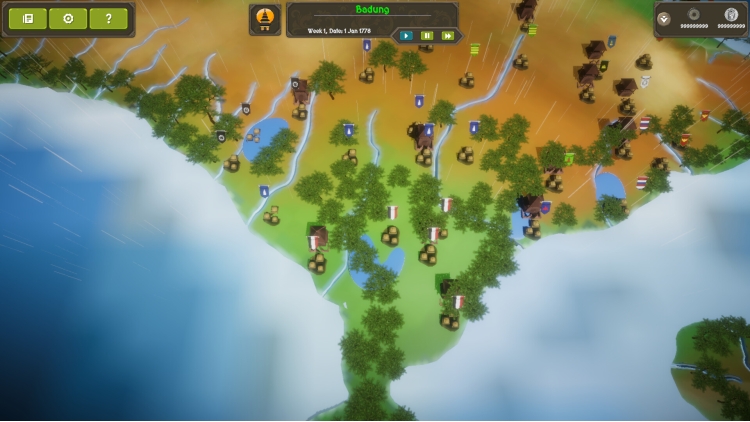
Fall of Bali is a historical strategy game set in Bali in the 19th Century with a map which covers the eastern salient of Java, Blambangan, Bali island and Lombok island. Many Balinese kingdoms were at war with each other and were spreading their influence out to both Blambangan and Lombok Island. Hence, the realm of Bali had been divided for a long time. The successor to the Bali Empire, Klungkung, was only recognized as the spiritual leader for Balinese kings, which drove the other kings to pursue the highest achievement: the ambition to become the superior ruler of Bali. Meanwhile as time passes on, the growing threat of a colonial power from the Dutch Empire in Java will soon reach Bali.
There are 12 kingdoms based on 3 main cultures: Blambanganese, Balinese, and Sasaknese.
Each kingdom has its own unique geographical location, culture, troops, diplomatic relations, and economy, reflecting the situation of the real Bali kingdoms in the late 18th Century AD
Try to expand your kingdom, conquer all kingdoms from Blambangan, Bali, and Lombok , and face the Dutch's imperialism !
Fall of Bali developed by Sengkala Dev and published by CRX Entertainment
Buy Fall of Bali PC game code quickly and safely at the best prices guaranteed via the official retailer etail.market
Fall of Bali developed by Sengkala Dev and published by CRX Entertainment
1)
Download & install the Steam client on your
computer from here.
2)
Open the Steam client, register and login. Then,
locate the Games tab on the top menu. Click that and select “Activate a Product
on Steam..”

3)
Enter your code that is showed on the orders page
of eTail. Market and and follow the steps showed to activate your game.

4)
The game can be monitored now and you can see it
on the "Library" section on Steam. You can download and install the
game now.
5)
If you need more information and support, you
can click here: https://help.steampowered.com/en/wizard/HelpWithSteam
 92%
Add To Cart
92%
Add To Cart
 70%
Add To Cart
70%
Add To Cart
 15%
Out of Stock
15%
Out of Stock
 0%
Add To Cart
0%
Add To Cart
 90%
Add To Cart
90%
Add To Cart
 15%
Add To Cart
15%
Add To Cart
 92%
Add To Cart
92%
Add To Cart
 56%
Add To Cart
56%
Add To Cart
