

Joe Danger + Joe Danger 2: The Movie Bundle
90%


 Add To Cart
 Add To Cart

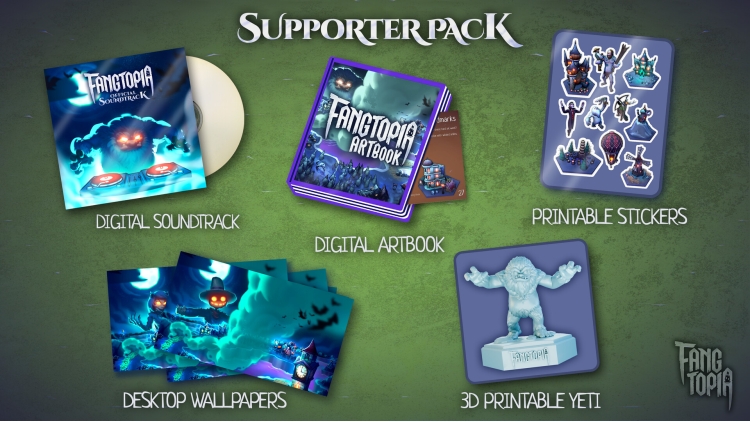
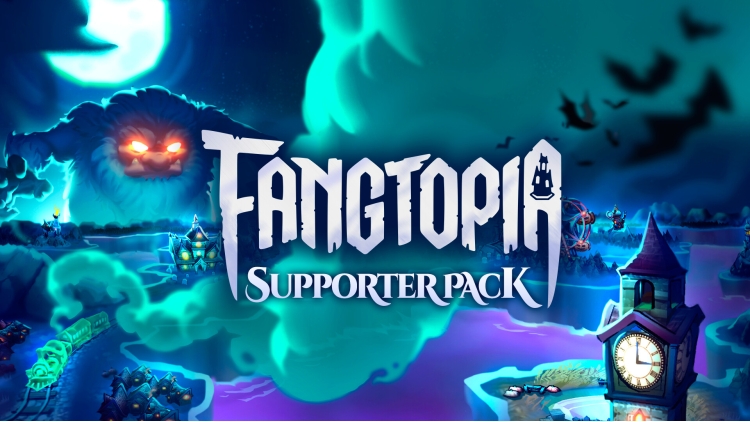
Show your support for Fangtopia with the official Supporter Pack! This pack grants immediate access to the following non-game extras:
© Copyright 2026 Absolutely Games Ltd. Published and distributed by Secret Mode Limited. SECRET MODE, the SECRET MODE logos and the crossed keys GLHF logo are registered trade marks of Secret Mode Limited.
Buy Fangtopia Supporter Pack PC game code quickly and safely at the best prices guaranteed via the official retailer etail.market
© Copyright 2026 Absolutely Games Ltd. Published and distributed by Secret Mode Limited. SECRET MODE, the SECRET MODE logos and the crossed keys GLHF logo are registered trade marks of Secret Mode Limited.
1)
Download & install the Steam client on your
computer from here.
2)
Open the Steam client, register and login. Then,
locate the Games tab on the top menu. Click that and select “Activate a Product
on Steam..”

3)
Enter your code that is showed on the orders page
of eTail. Market and and follow the steps showed to activate your game.

4)
The game can be monitored now and you can see it
on the "Library" section on Steam. You can download and install the
game now.
5)
If you need more information and support, you
can click here: https://help.steampowered.com/en/wizard/HelpWithSteam
 90%
Add To Cart
90%
Add To Cart
 15%
Add To Cart
15%
Add To Cart
 92%
Add To Cart
92%
Add To Cart
 92%
Add To Cart
92%
Add To Cart
 70%
Add To Cart
70%
Add To Cart
 15%
Out of Stock
15%
Out of Stock
 0%
Add To Cart
0%
Add To Cart
