

NASCAR Heat 4 Gold Edition
15%


 Out of Stock

 Add To Cart

A bundle of fun from a tiny team!
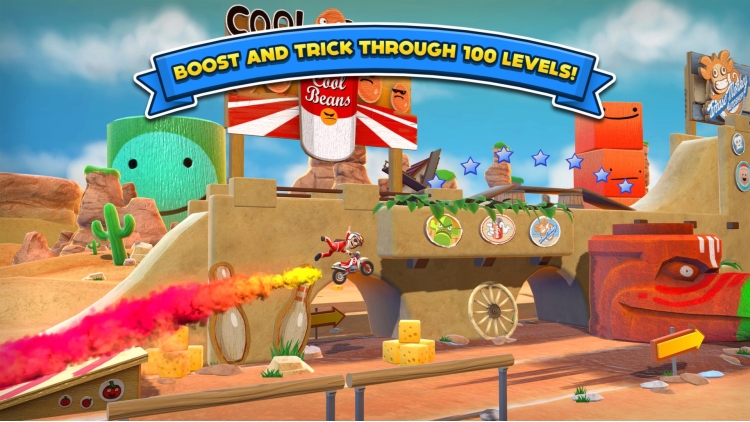
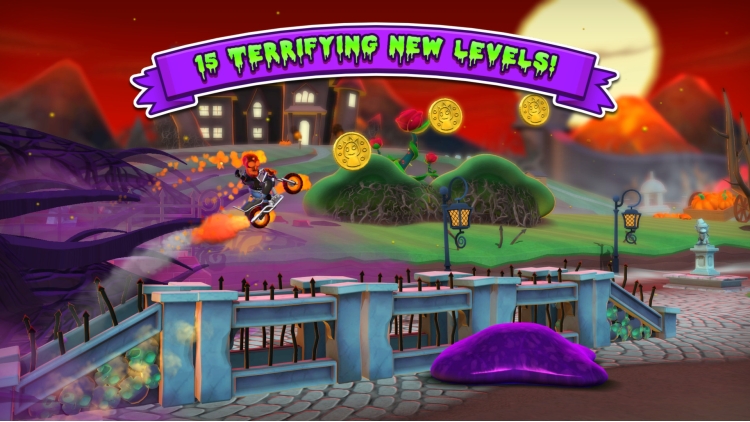
Hello Games' story started in 2008 with the release of arcade motorcycle stunt game, Joe Danger. Made by 4 friends, and spawning multiple sequels, it went on to be one of the most loved arcade franchises of its time. Combo, boost and pull ludicrous stunts as Joe attempts to race his way back into the record books in over 100 eye-popping levels.
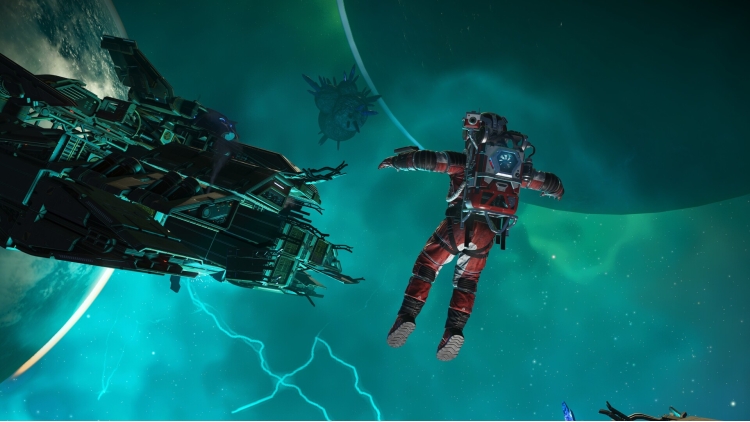
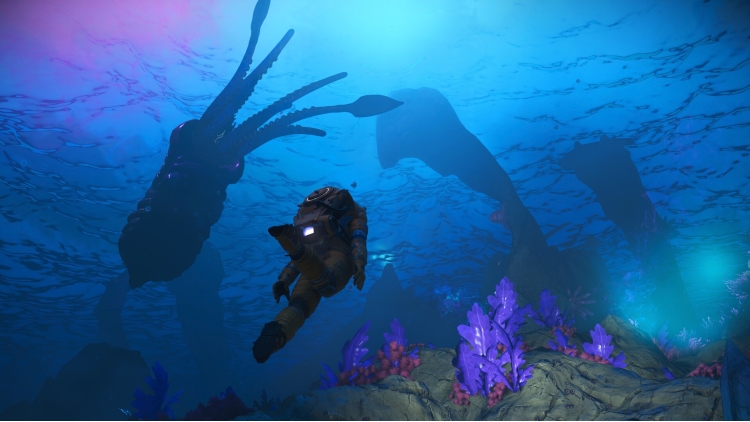
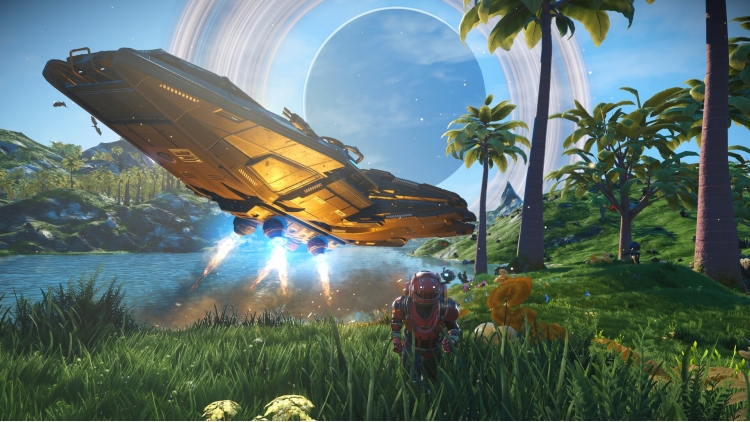
No Man's Sky followed in 2016 and over the years has established itself as one of the defining games of the last decade. It is a game about exploration and survival in an infinite procedurally generated universe and continues to receive massive free updates regularly some eight years after launch.
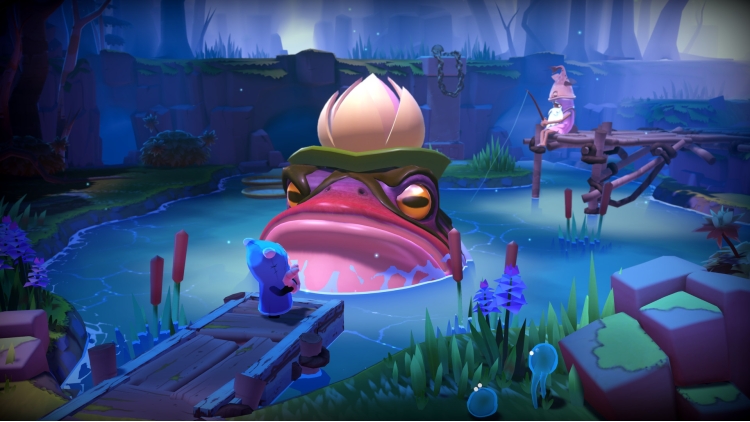
The Last Campfire was a passion project from several members of the Hello Games' team. Released in 2020, it is a single-player puzzle adventure, a story of a lost ember trapped in a puzzling place, searching for meaning and a way home.
Items included in this bundle
Buy Hello Games Bundle PC game code quickly and safely at the best prices guaranteed via the official retailer etail.market
1)
Download & install the Steam client on your
computer from here.
2)
Open the Steam client, register and login. Then,
locate the Games tab on the top menu. Click that and select “Activate a Product
on Steam..”

3)
Enter your code that is showed on the orders page
of eTail. Market and and follow the steps showed to activate your game.

4)
The game can be monitored now and you can see it
on the "Library" section on Steam. You can download and install the
game now.
5)
If you need more information and support, you
can click here: https://help.steampowered.com/en/wizard/HelpWithSteam
 15%
Out of Stock
15%
Out of Stock
 15%
Add To Cart
15%
Add To Cart
 0%
Add To Cart
0%
Add To Cart
 92%
Add To Cart
92%
Add To Cart
 56%
Add To Cart
56%
Add To Cart
 70%
Add To Cart
70%
Add To Cart
 90%
Add To Cart
90%
Add To Cart
 92%
Add To Cart
92%
Add To Cart
 31%
Add To Cart
31%
Add To Cart