

Joe Danger 2: The Movie
92%


 Add To Cart
 Add To Cart

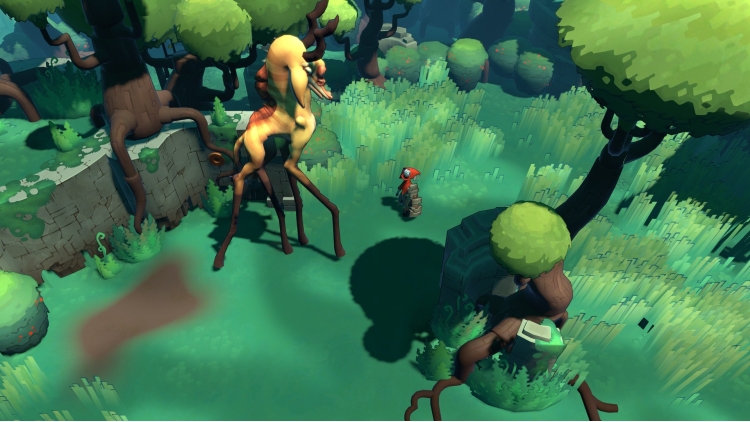
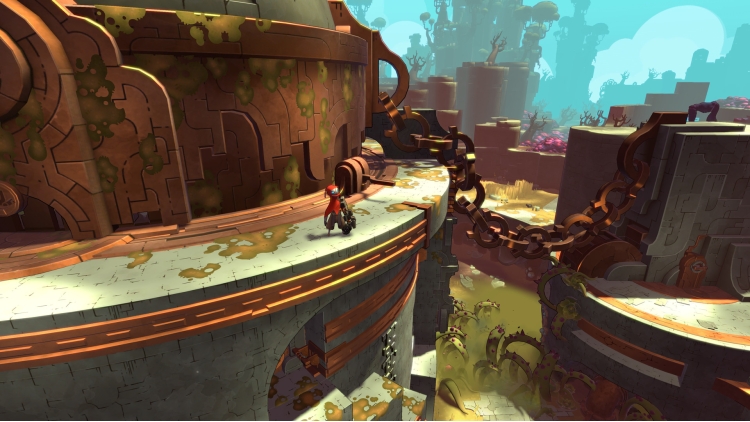
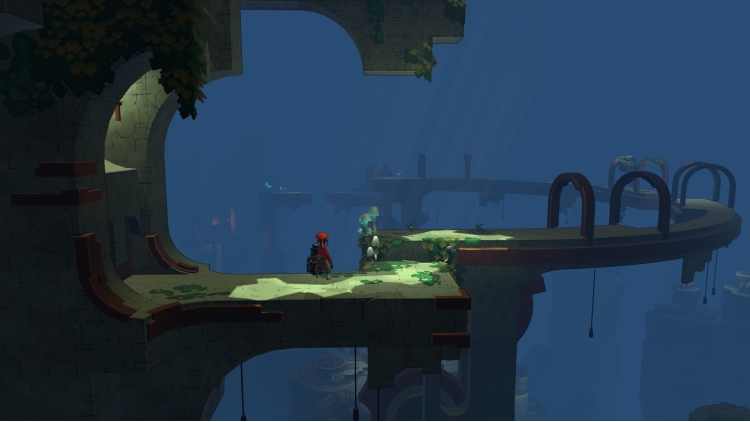
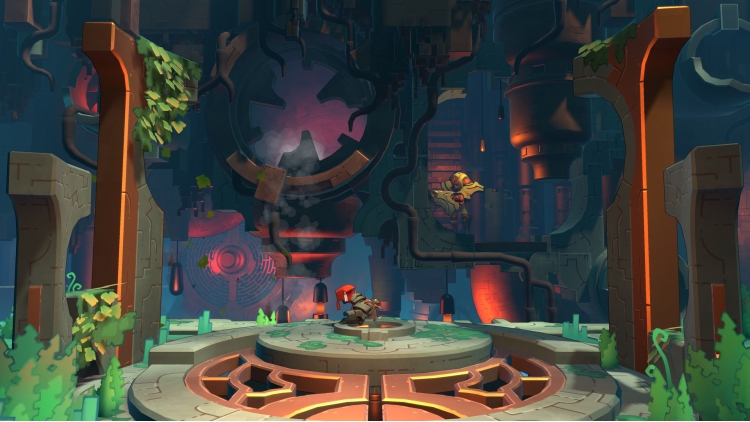
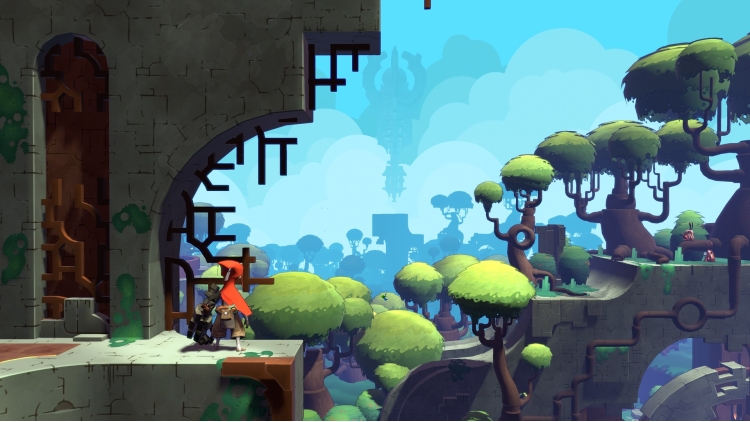
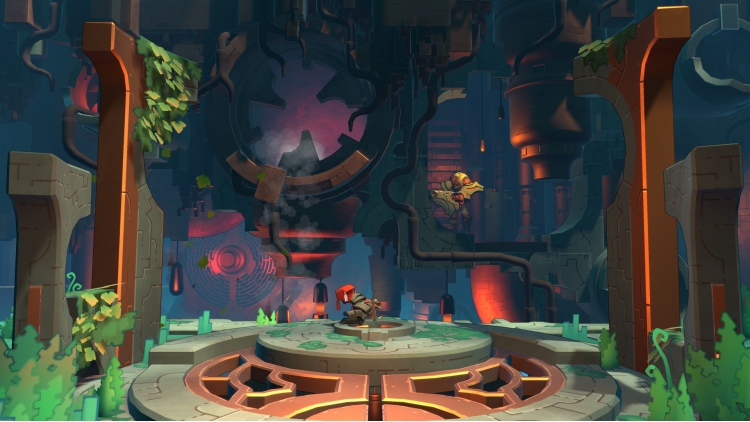
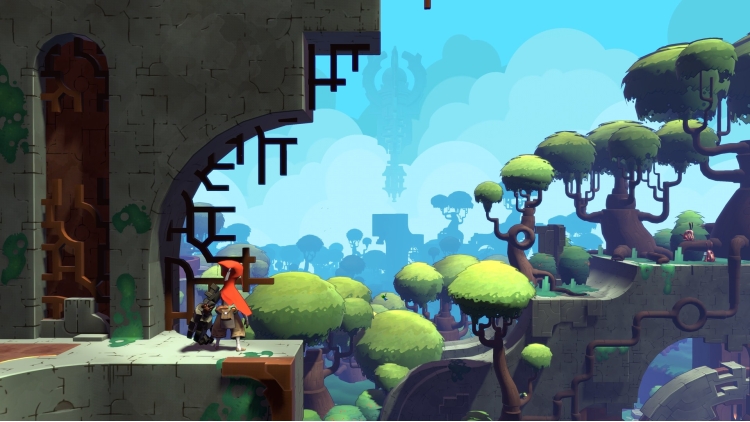
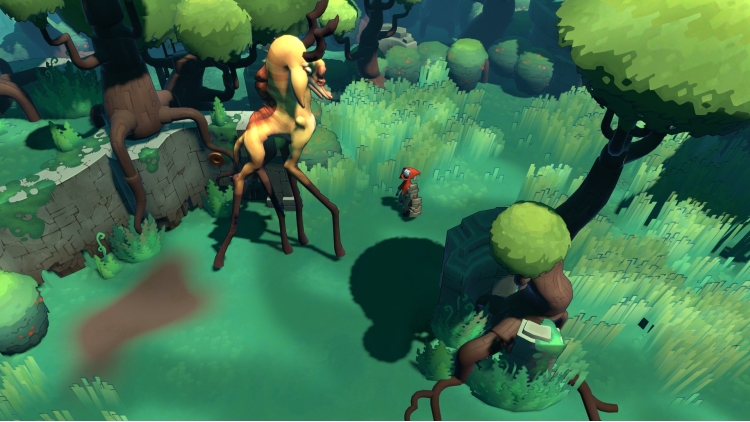
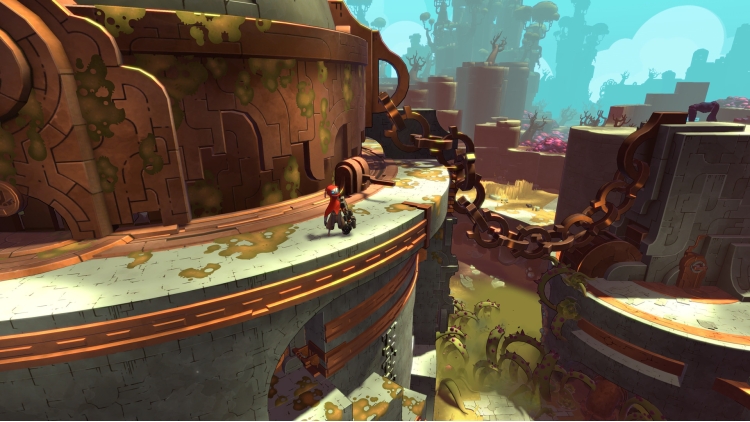
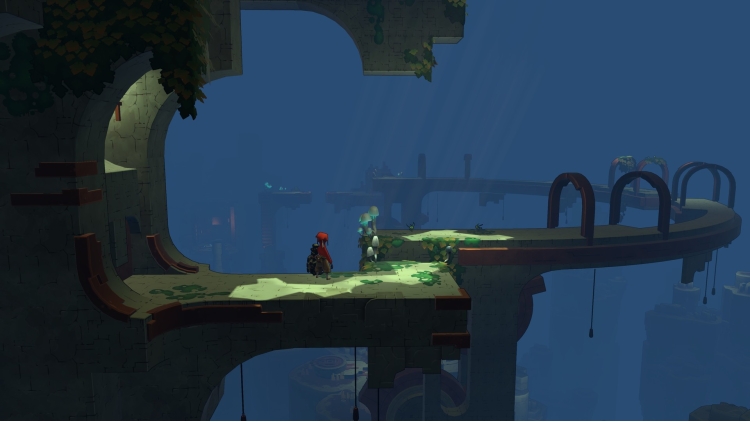
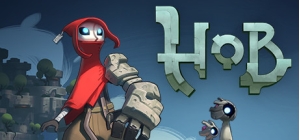
From the team that brought you Torchlight and Torchlight II comes Hob: a vibrant, suspenseful action-adventure game set on a stunning and brutal world in disarray. As players delve into the mysteries around them, they discover a planet in peril. Can it be mended, or will the world fall further into chaos?
Copyright © 2017 Runic Games, Inc. Torchlight, Torchlight II, Hob, Runic and Runic Games are registered trademarks of Runic Games, Inc. All rights reserved.
Buy Hob PC game code quickly and safely at the best prices guaranteed via the official retailer etail.market
Copyright © 2017 Runic Games, Inc. Torchlight, Torchlight II, Hob, Runic and Runic Games are registered trademarks of Runic Games, Inc. All rights reserved.
1)
Download & install the Steam client on your
computer from here.
2)
Open the Steam client, register and login. Then,
locate the Games tab on the top menu. Click that and select “Activate a Product
on Steam..”

3)
Enter your code that is showed on the orders page
of eTail. Market and and follow the steps showed to activate your game.

4)
The game can be monitored now and you can see it
on the "Library" section on Steam. You can download and install the
game now.
5)
If you need more information and support, you
can click here: https://help.steampowered.com/en/wizard/HelpWithSteam
 92%
Add To Cart
92%
Add To Cart
 92%
Add To Cart
92%
Add To Cart
 90%
Add To Cart
90%
Add To Cart
 70%
Add To Cart
70%
Add To Cart
 0%
Add To Cart
0%
Add To Cart
 15%
Add To Cart
15%
Add To Cart
 15%
Out of Stock
15%
Out of Stock