

Joe Danger
27%


 Add To Cart
 Add To Cart

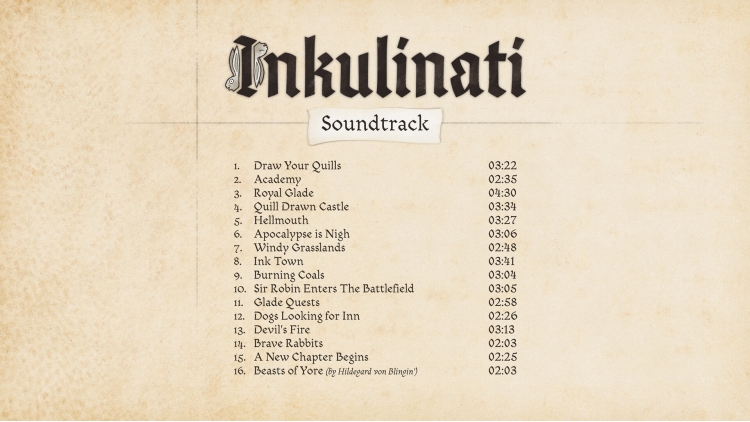
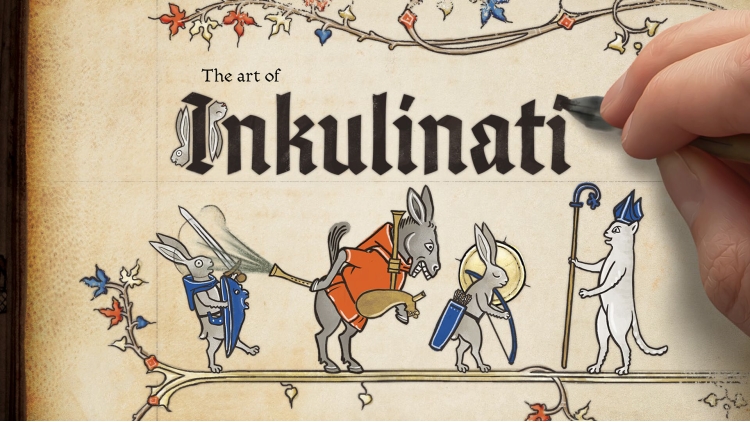
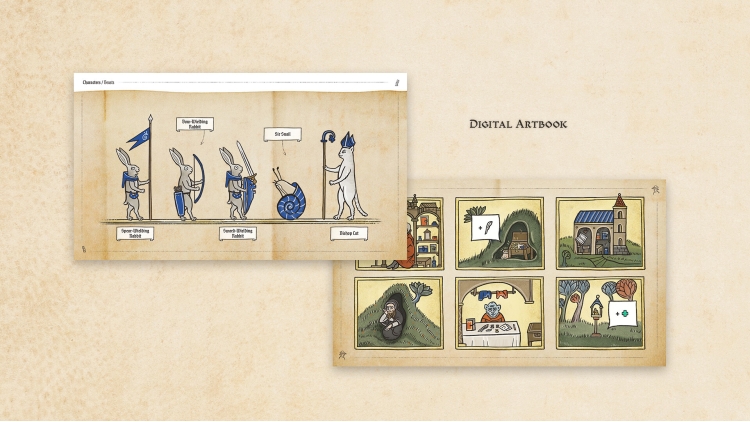
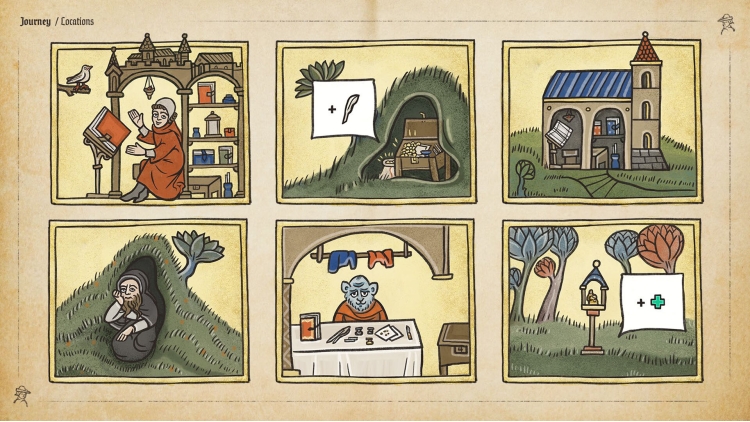
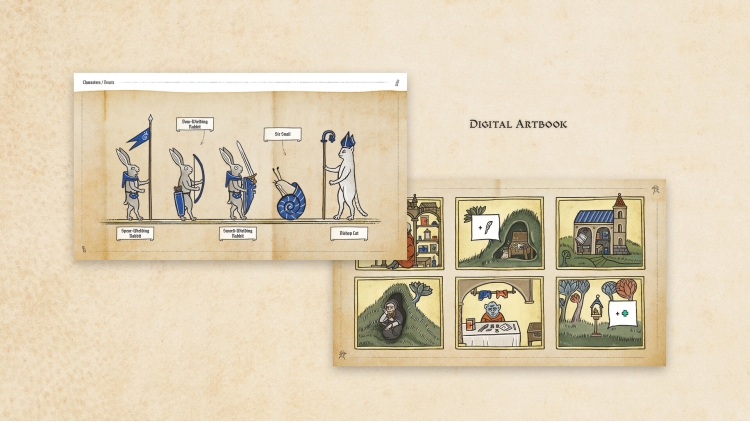
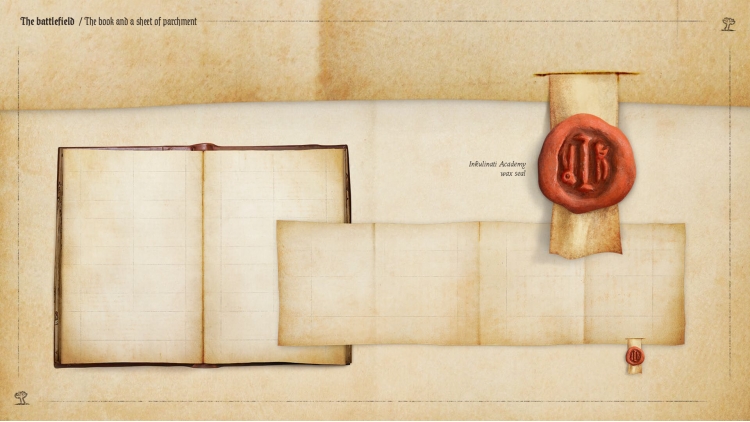
The supporter pack contains a selection of goodies for Inkulinati, for all those who want to go the extra mile to support the developers of the game.
Contents
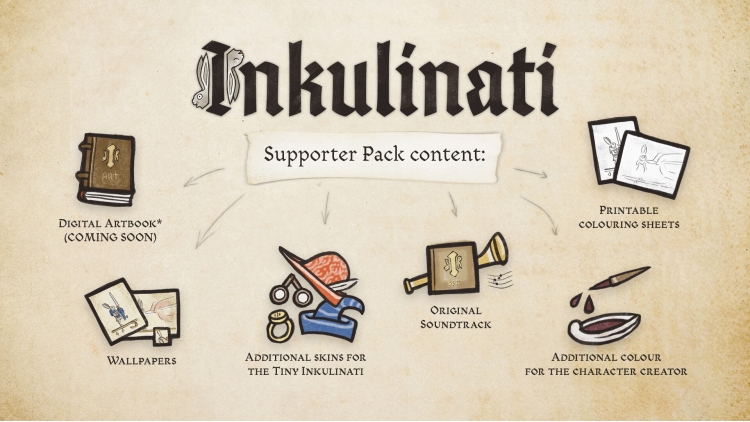
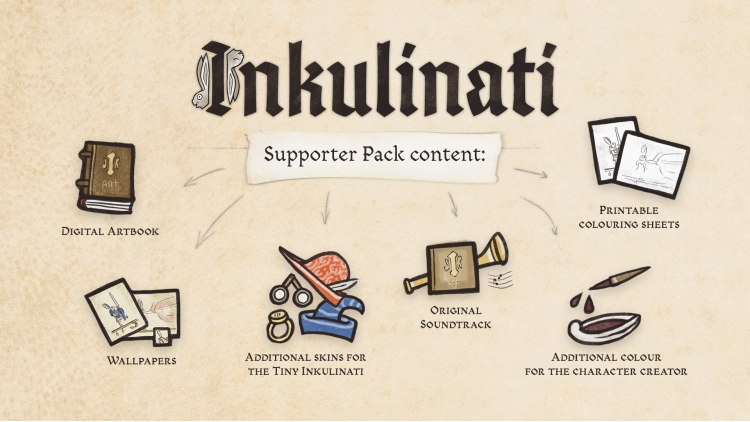
- Additional skin for the Tiny Inkulinati
- Additional colour for the character creator
- The Inkulinati Original Soundtrack
- Printable colouring sheets
- A selection of wallpapers
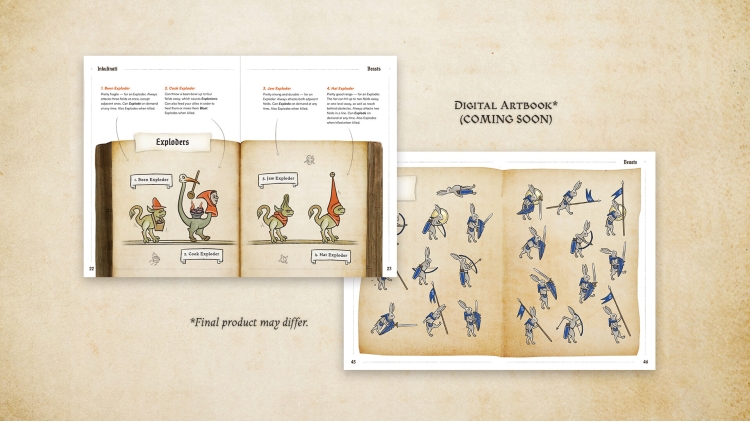
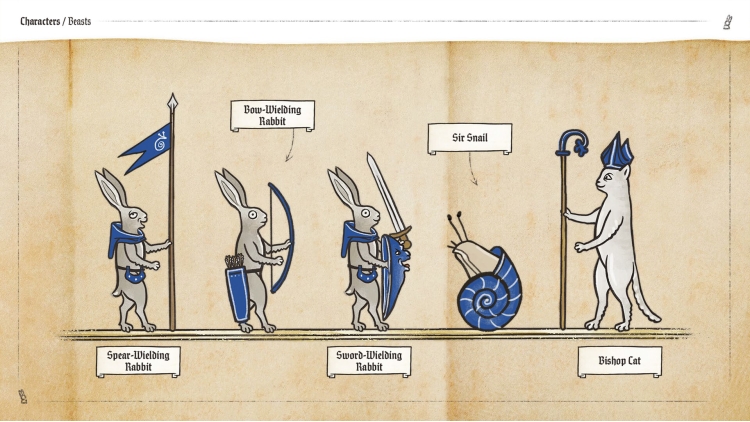
- Digital Artbook - a look at medieval references and the visual development of Inkulinati
Thank you from the bottom of our hearts for your support!
© 2023 Daedalic Entertainment GmbH.
Daedalic and the Daedalic logo are trademarks of Daedalic Entertainment GmbH, Germany.
Buy Inkulinati - Supporter Pack PC game code quickly and safely at the best prices guaranteed via the official retailer etail.market
© 2023 Daedalic Entertainment GmbH.Daedalic and the Daedalic logo are trademarks of Daedalic Entertainment GmbH, Germany.
1)
Download & install the Steam client on your
computer from here.
2)
Open the Steam client, register and login. Then,
locate the Games tab on the top menu. Click that and select “Activate a Product
on Steam..”

3)
Enter your code that is showed on the orders page
of eTail. Market and and follow the steps showed to activate your game.

4)
The game can be monitored now and you can see it
on the "Library" section on Steam. You can download and install the
game now.
5)
If you need more information and support, you
can click here: https://help.steampowered.com/en/wizard/HelpWithSteam
 27%
Add To Cart
27%
Add To Cart
 27%
Add To Cart
27%
Add To Cart
 15%
Add To Cart
15%
Add To Cart
 19%
Add To Cart
19%
Add To Cart
 30%
Add To Cart
30%
Add To Cart
 0%
Add To Cart
0%
Add To Cart
 Add To Cart
 15%
Out of Stock
15%
Out of Stock
