

Joe Danger 2: The Movie
92%


 Add To Cart

 Add To Cart


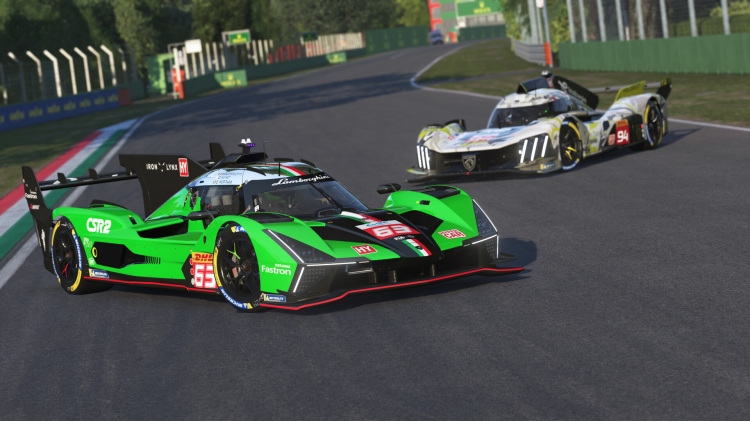
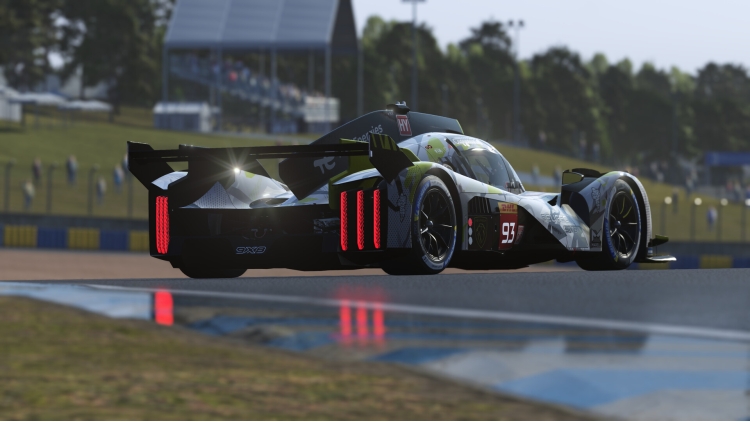
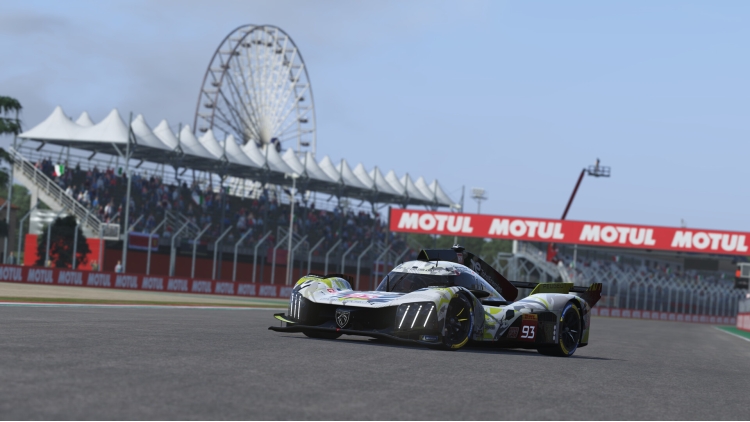

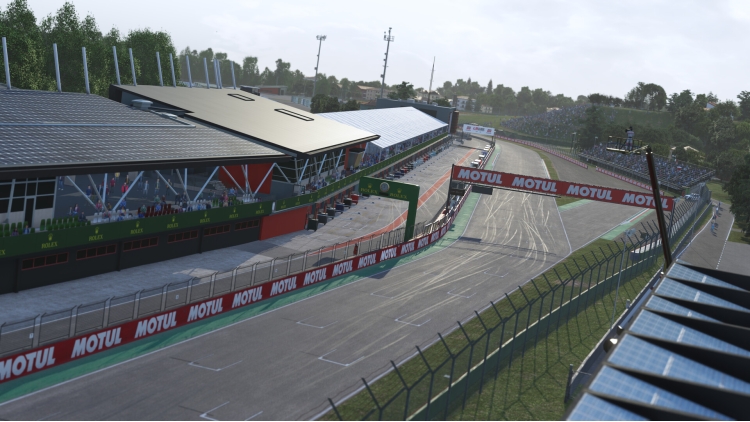

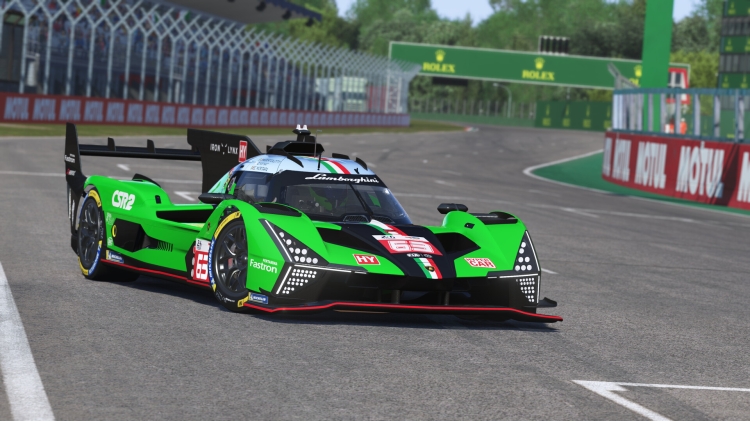
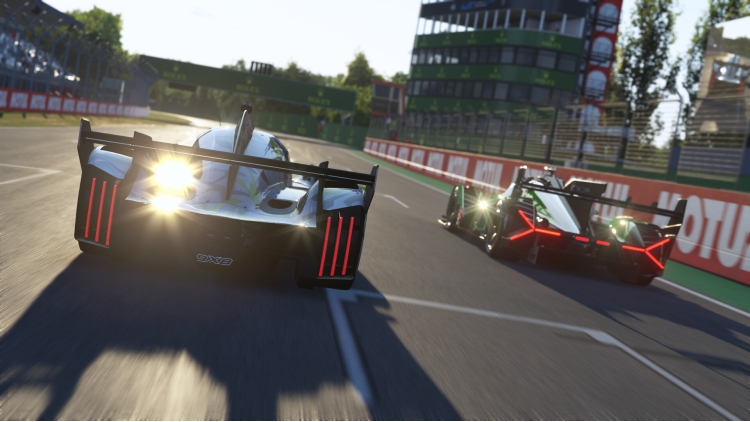
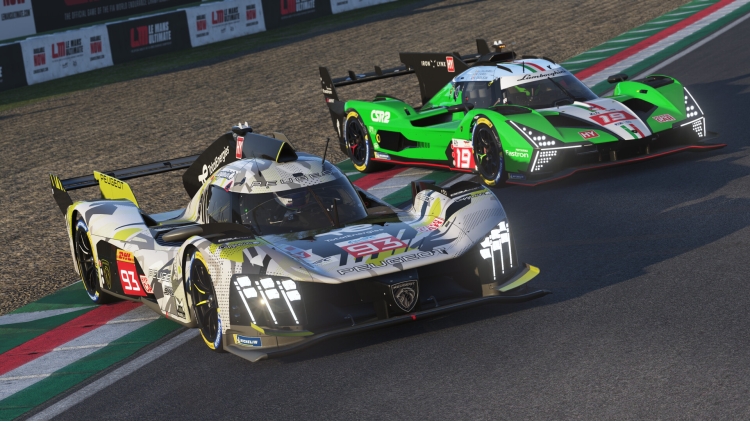
The 2024 DLC Season Pass will be your access all areas to the 2024 season, and will enable you to download the latest content the minute it is ready to be brought into the game. The pass will offer savings compared to purchasing all four packs individually. The 2024 Season Pass will bundle together all the packs and will consist of the four new Hypercars, four iconic circuits and seven of the closely-matched GT3 cars.
Content
- Pack 1 - July 2024 - Imola, Peugeot 9X8 (2024 spec), Lamborghini SC63
- Pack 2 - September 2024 - COTA, Isotta Fraschini Tipo 6 LMH-C, Alpine A424 LMDh
- Pack 3 - December 2024 - Ferrari 296 LMGT3, BMW M4 LMGT3, Corvette Z06 LMGT3.R, Interlagos
- Pack 4 - Expected Q1 2025 - 2 LMGT3
- NEW Pack 5 - Expected Q2 2025 - 1 track / 2 LMGT3
*Specific content per pack and timeframes are not final and maybe subject to change.
** Content above does not include free content
Buy Le Mans Ultimate - 2024 Season Pass PC game code quickly and safely at the best prices guaranteed via the official retailer etail.market
1)
Download & install the Steam client on your
computer from here.
2)
Open the Steam client, register and login. Then,
locate the Games tab on the top menu. Click that and select “Activate a Product
on Steam..”

3)
Enter your code that is showed on the orders page
of eTail. Market and and follow the steps showed to activate your game.

4)
The game can be monitored now and you can see it
on the "Library" section on Steam. You can download and install the
game now.
5)
If you need more information and support, you
can click here: https://help.steampowered.com/en/wizard/HelpWithSteam
 92%
Add To Cart
92%
Add To Cart
 92%
Add To Cart
92%
Add To Cart
 15%
Add To Cart
15%
Add To Cart
 90%
Add To Cart
90%
Add To Cart
 15%
Out of Stock
15%
Out of Stock
 31%
Add To Cart
31%
Add To Cart
 0%
Add To Cart
0%
Add To Cart
 56%
Add To Cart
56%
Add To Cart
 27%
Add To Cart
27%
Add To Cart
 70%
Add To Cart
70%
Add To Cart