

Elite Dangerous: Odyssey Deluxe Edition
0%


 Add To Cart

 Add To Cart

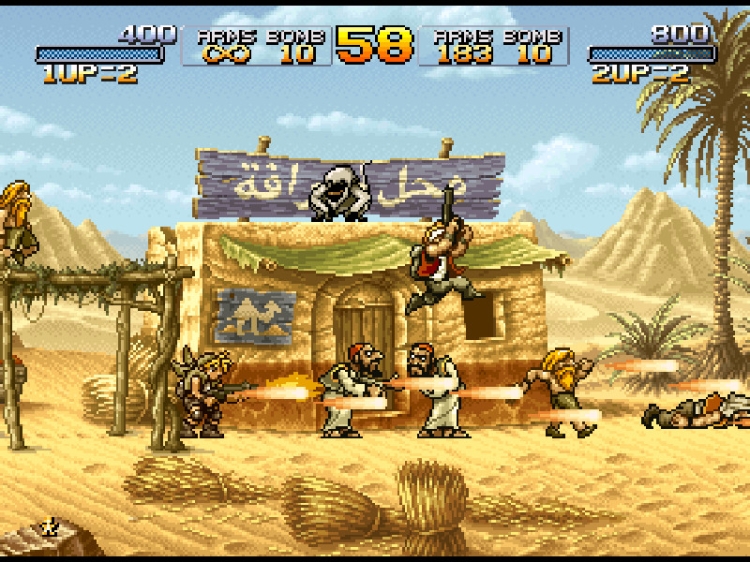
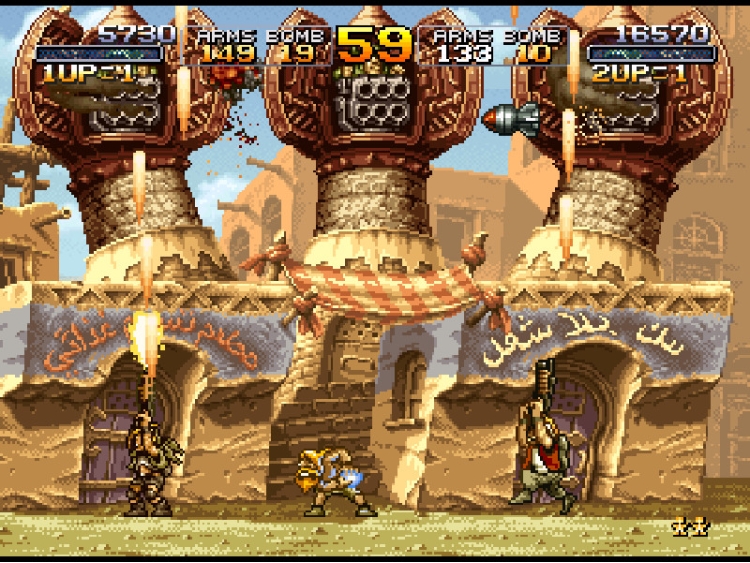
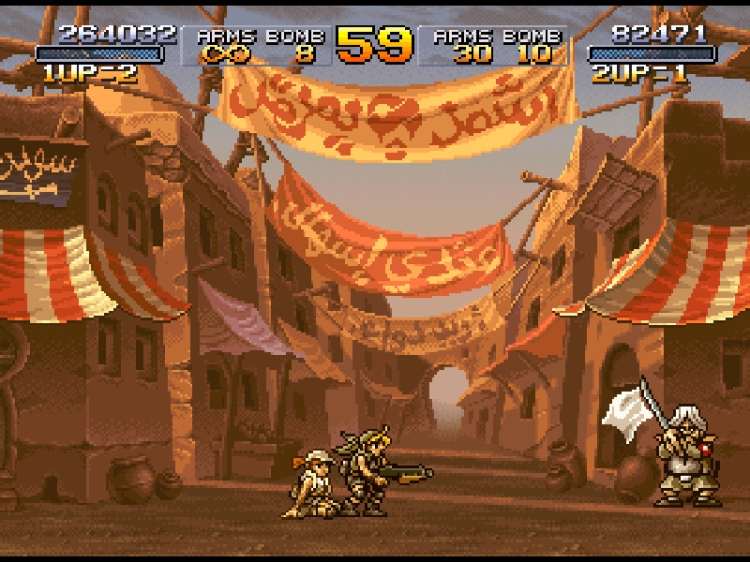
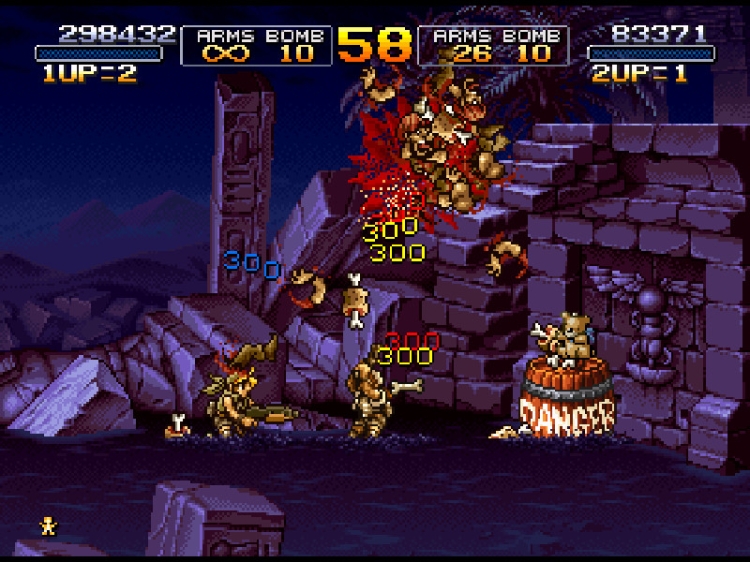
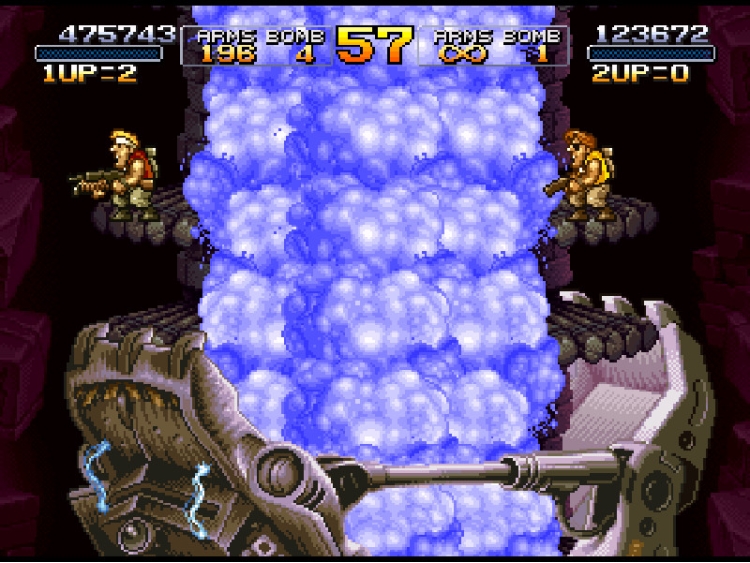
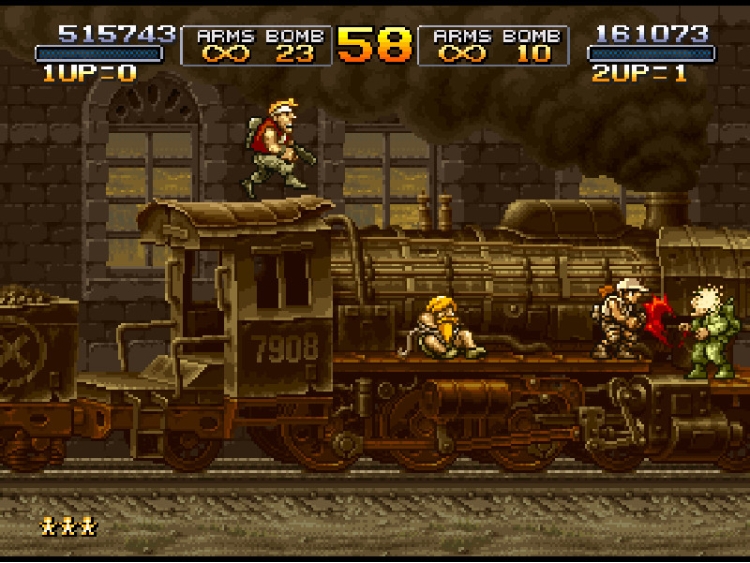
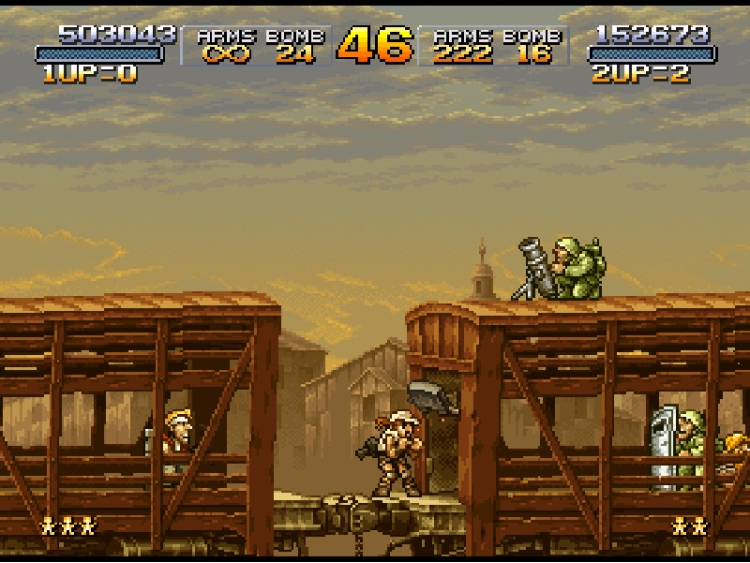
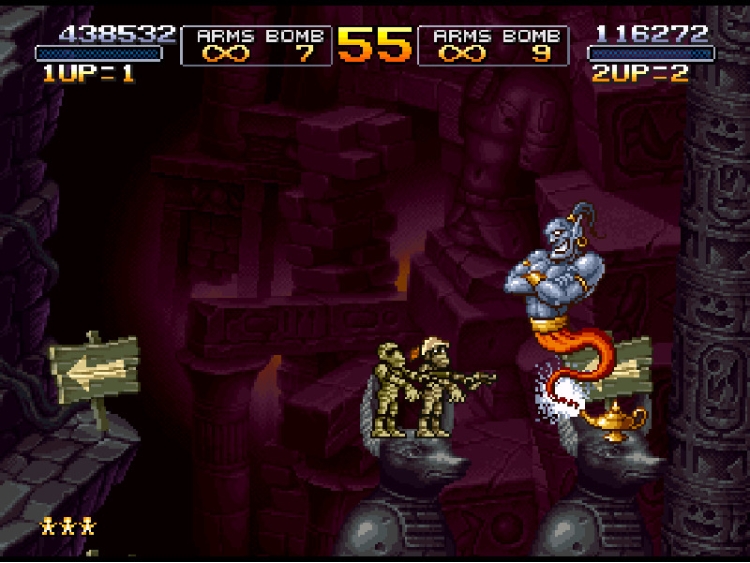
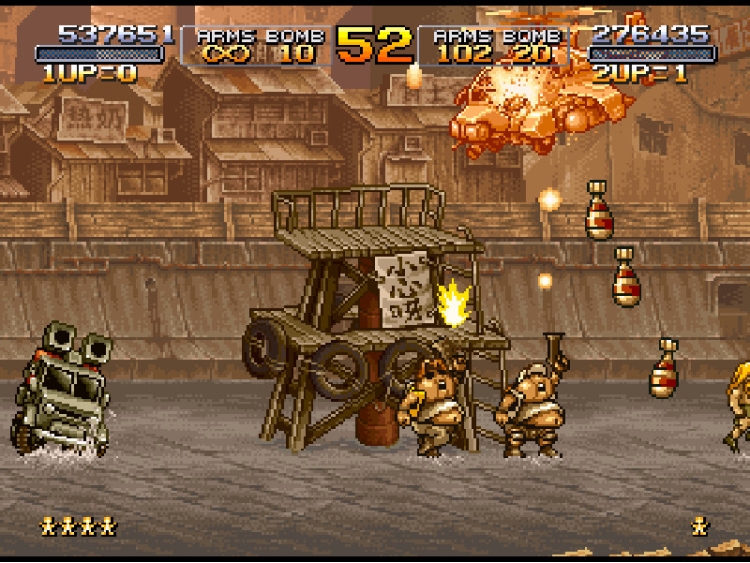
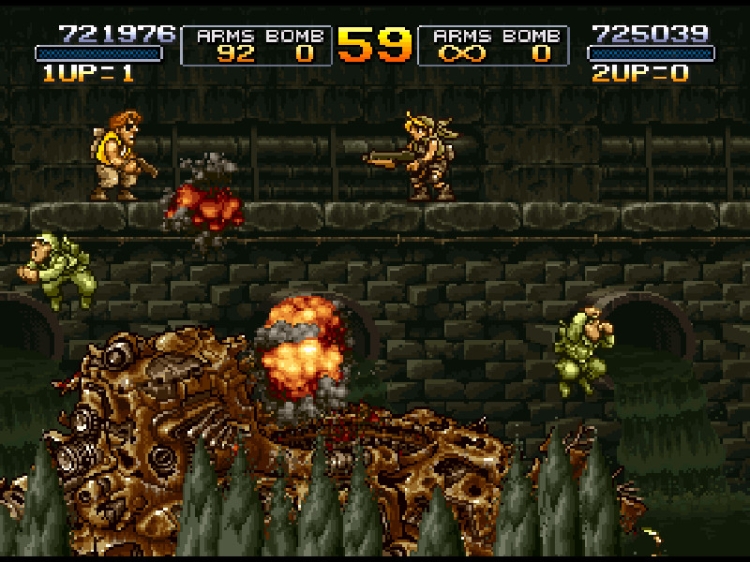
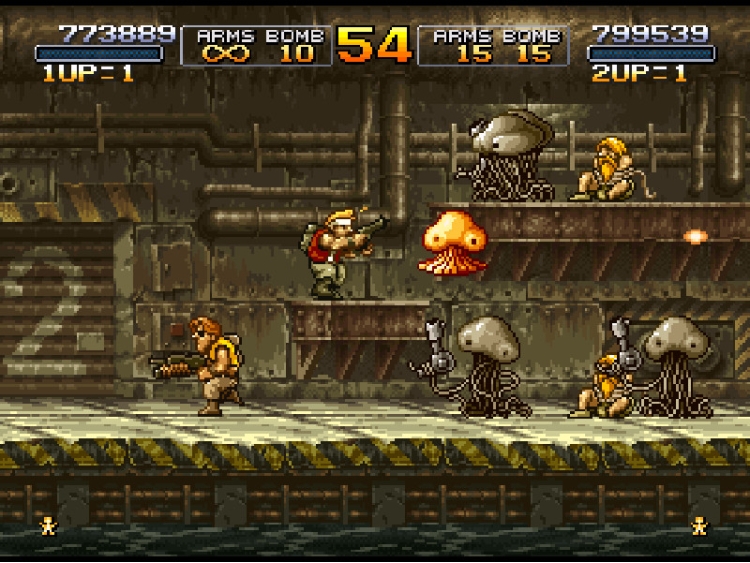
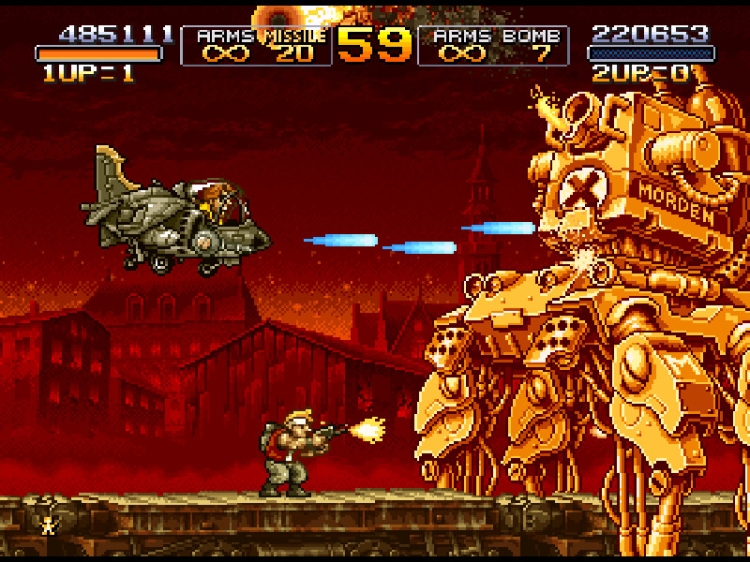
“METAL SLUG 2”
, the 2nd entry in SNK’s emblematic 2D run & gun action shooting game returns to the battlefield on the Steam gaming platform!
MAIN FEATURES
・ARCADE MODE (MAIN MISSION):
Play the original arcade version of
“METAL SLUG 2”
from Missions 1 to 6, and fight your way through the hail of bullets to thwart General Morden's evil ambitions, and uncover the secret of his new coup!!
・MISSION MODE (STAGE SELECT):
Play, and replay your favorite missions as much as you want! Hone your skills alone or along with a brother-in-arms on the levels you have unlocked so far!
・SETTINGS:
Set your controls, language, video display, and sound volume settings for the ultimate
“METAL SLUG 2”
experience on PC!
・LEADERBOARDS:
Check your current rank & score in “METAL SLUG” at any time, and challenge other players to be the best
“METAL SLUG 2”
soldier in the world!
** WILL NOT RUN ON Windows XP **
Buy METAL SLUG 2 PC game code quickly and safely at the best prices guaranteed via the official retailer etail.market
©SNK CORPORATION ALL RIGHTS RESERVED.
1)
Download & install the Steam client on your
computer from here.
2)
Open the Steam client, register and login. Then,
locate the Games tab on the top menu. Click that and select “Activate a Product
on Steam..”

3)
Enter your code that is showed on the orders page
of eTail. Market and and follow the steps showed to activate your game.

4)
The game can be monitored now and you can see it
on the "Library" section on Steam. You can download and install the
game now.
5)
If you need more information and support, you
can click here: https://help.steampowered.com/en/wizard/HelpWithSteam
 0%
Add To Cart
0%
Add To Cart
 56%
Add To Cart
56%
Add To Cart
 15%
Add To Cart
15%
Add To Cart
 15%
Out of Stock
15%
Out of Stock
 92%
Add To Cart
92%
Add To Cart
 92%
Add To Cart
92%
Add To Cart
 90%
Add To Cart
90%
Add To Cart
 70%
Add To Cart
70%
Add To Cart