

Joe Danger + Joe Danger 2: The Movie Bundle
90%


 Add To Cart

 Out of Stock


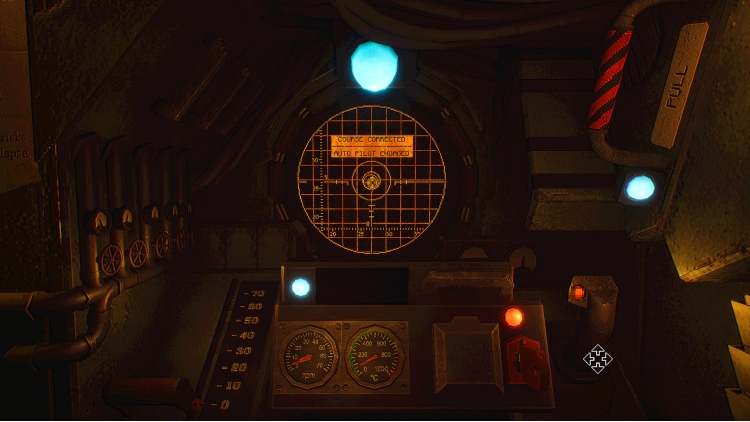
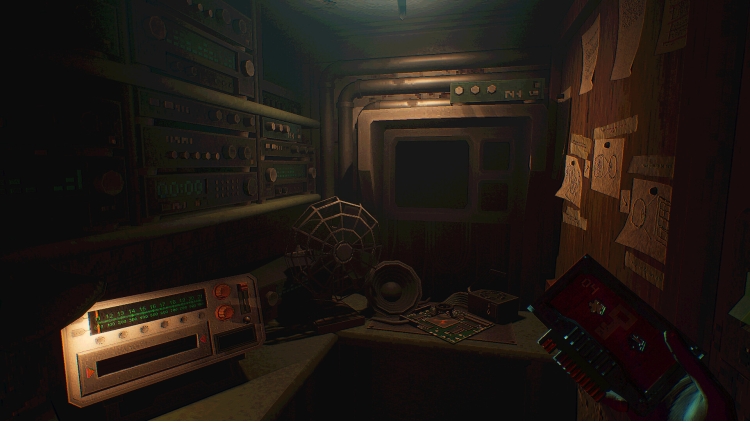
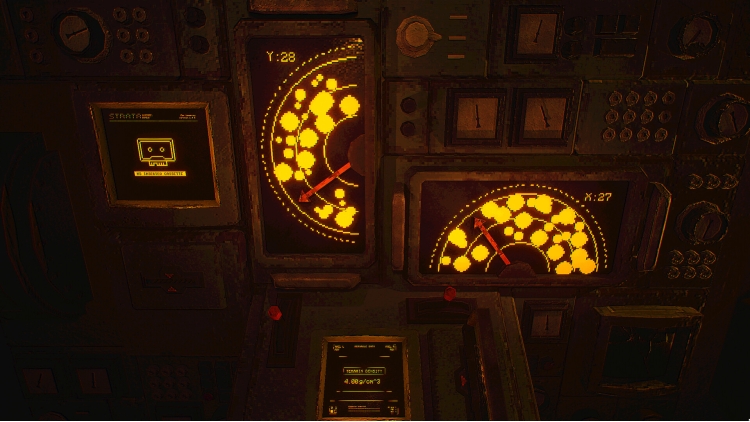
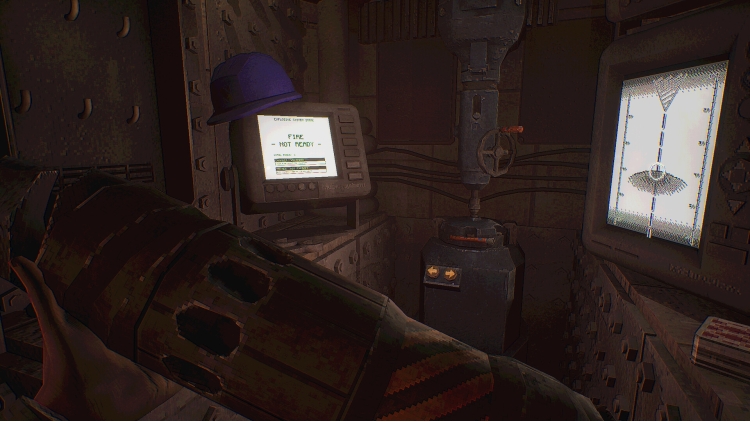
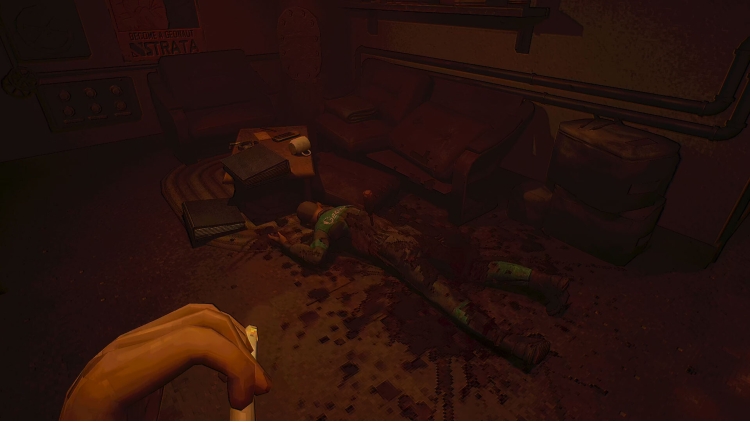
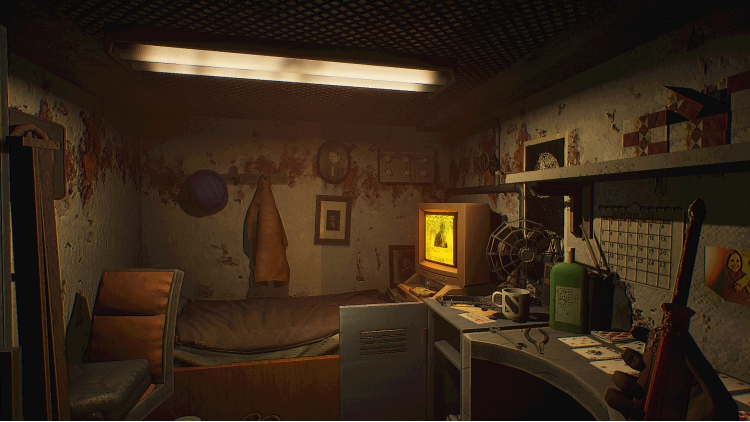

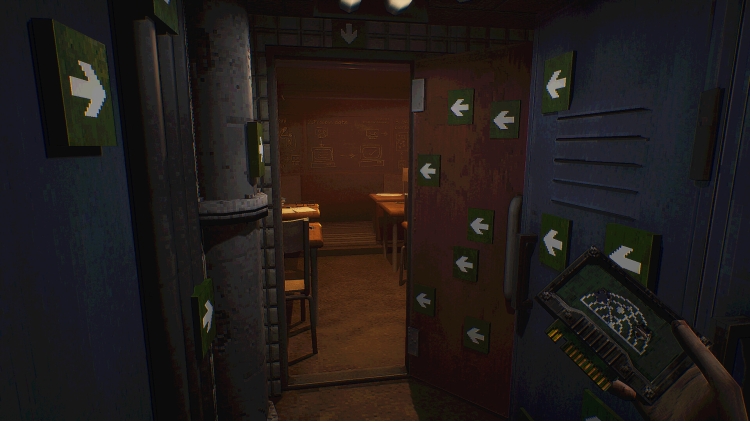
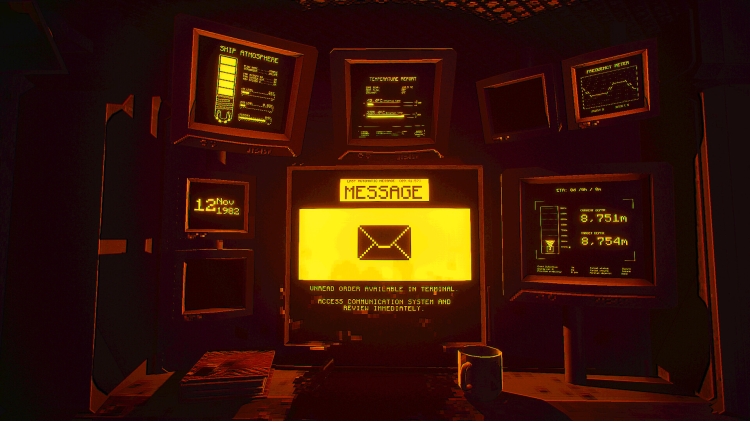
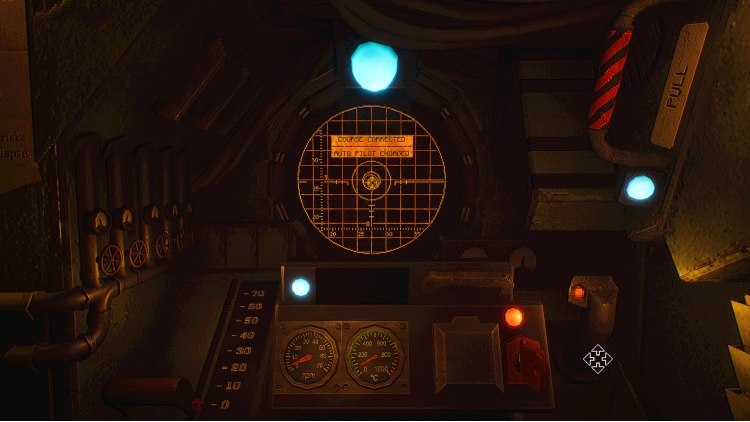
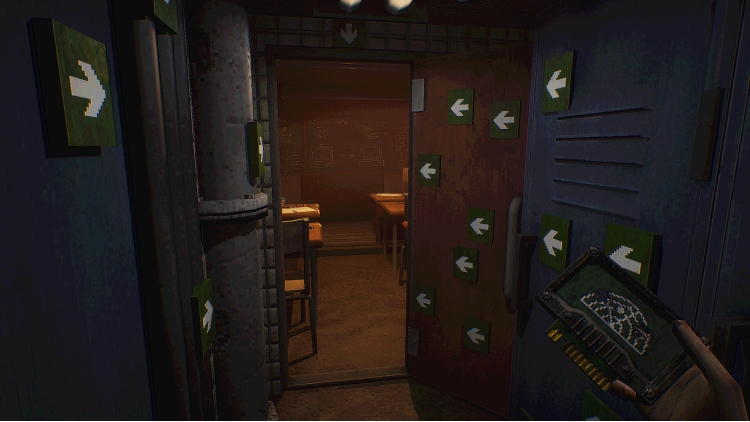
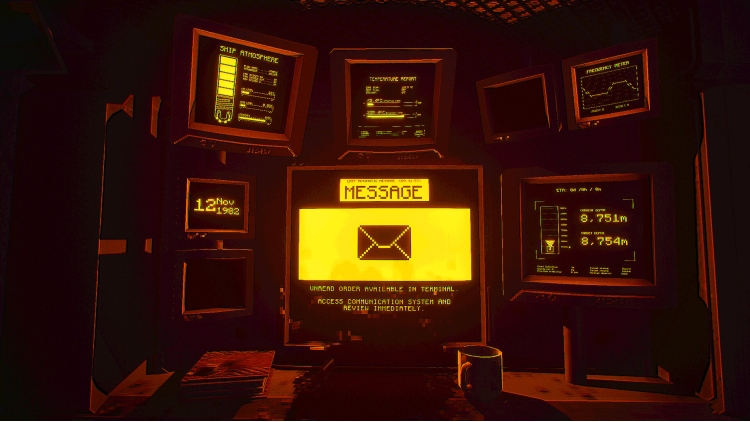


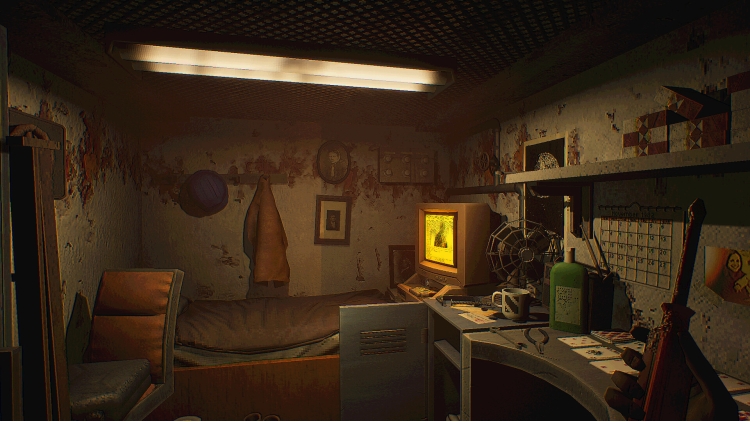
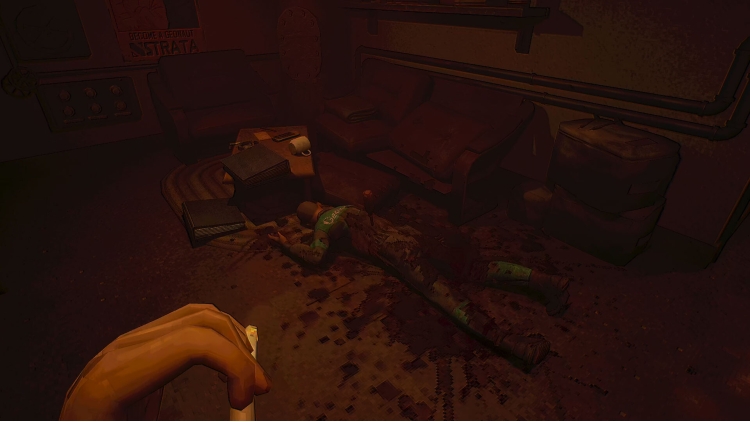
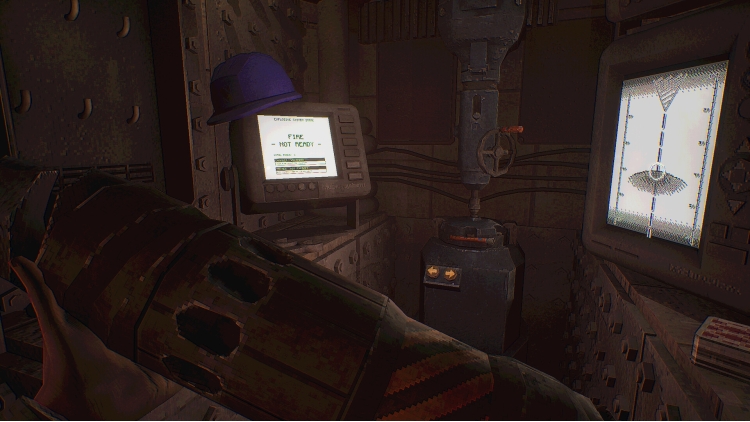
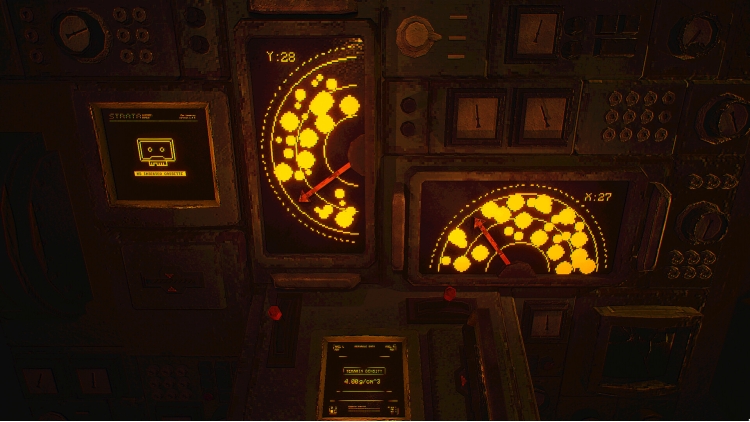
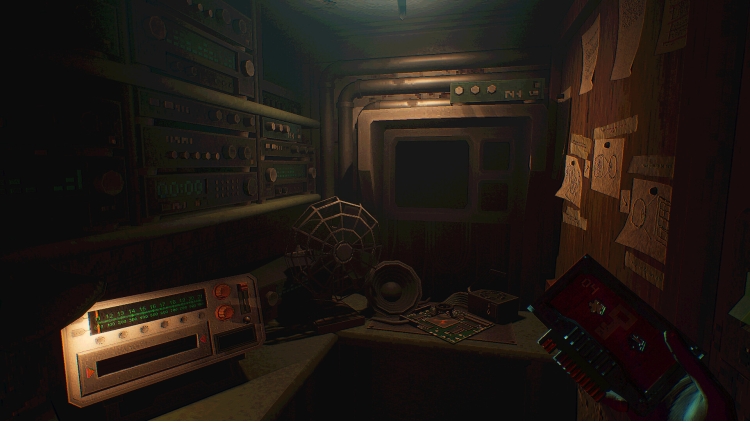
MOLE is a psychological horror experience with tactile simulation elements about madness, faith, and the depths we choose to dig. You are the Navigator aboard a deep-bore vessel, a colossal drilling machine. But the crew is gone. The vessel is silent. And the Signal won’t stop calling.
Spiral into your own history as fragments of your memory surface with choices that refuse to stay buried. Interact with the vessel's complex systems, solve diegetic puzzles, and unravel the mystery behind your missing crew.
Keep the vessel alive as you descend into impossible depths at the cost of your sanity eroding.
Buy MOLE PC game code quickly and safely at the best prices guaranteed via the official retailer etail.market
1)
Download & install the Steam client on your
computer from here.
2)
Open the Steam client, register and login. Then,
locate the Games tab on the top menu. Click that and select “Activate a Product
on Steam..”

3)
Enter your code that is showed on the orders page
of eTail. Market and and follow the steps showed to activate your game.

4)
The game can be monitored now and you can see it
on the "Library" section on Steam. You can download and install the
game now.
5)
If you need more information and support, you
can click here: https://help.steampowered.com/en/wizard/HelpWithSteam
 90%
Add To Cart
90%
Add To Cart
 92%
Add To Cart
92%
Add To Cart
 15%
Add To Cart
15%
Add To Cart
 92%
Add To Cart
92%
Add To Cart
 0%
Add To Cart
0%
Add To Cart
 56%
Add To Cart
56%
Add To Cart
 15%
Out of Stock
15%
Out of Stock
 70%
Add To Cart
70%
Add To Cart
