

Kill it with Fire
15%


 Add To Cart

 Add To Cart

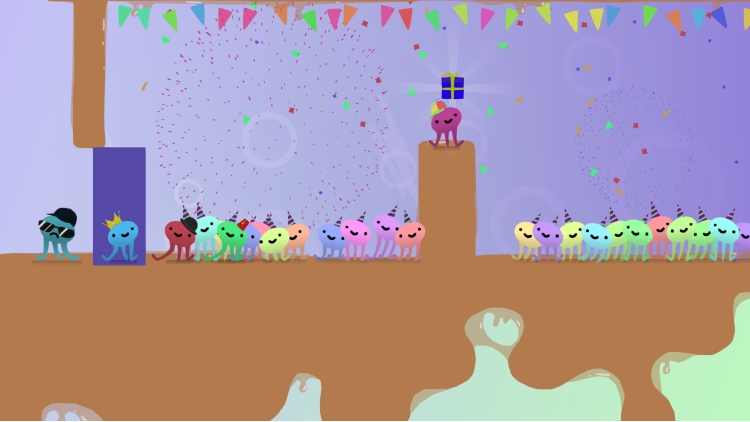
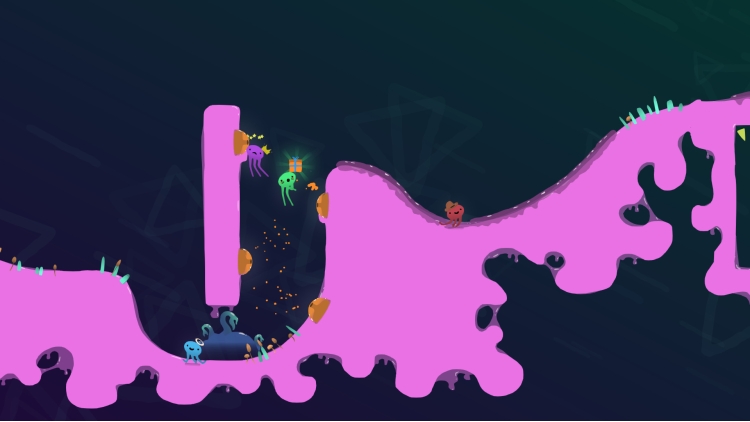
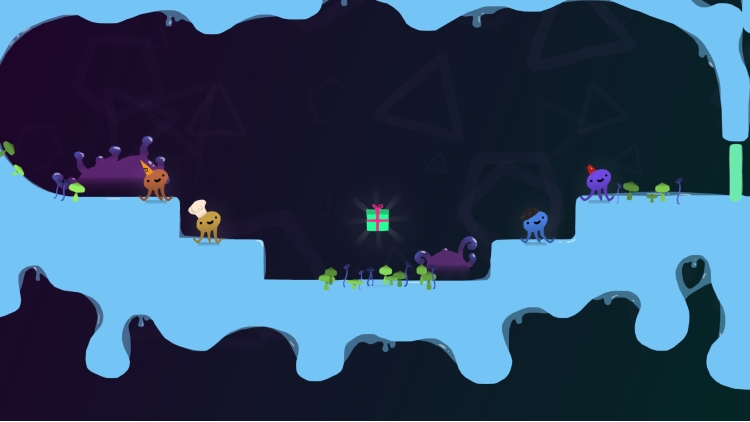
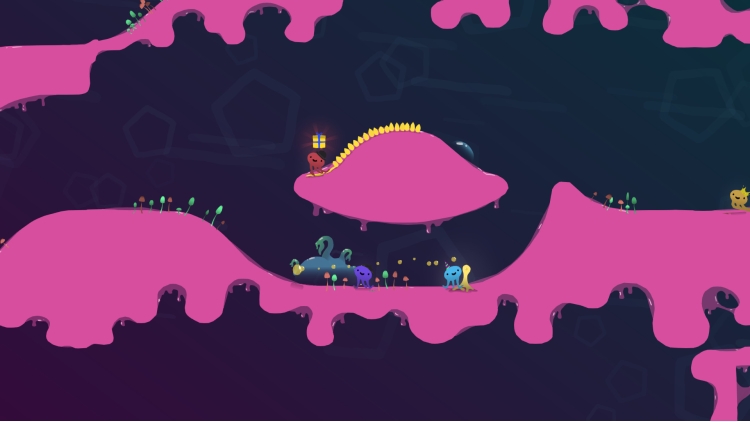
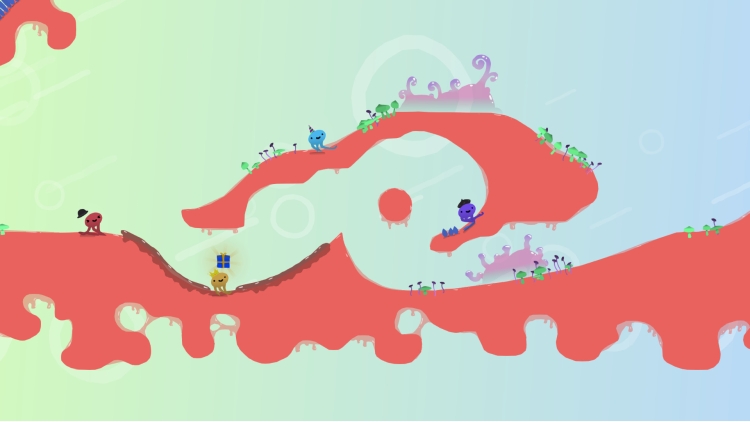

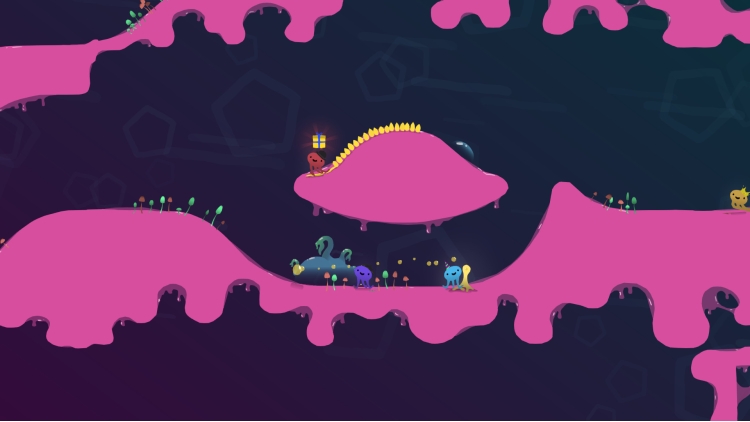
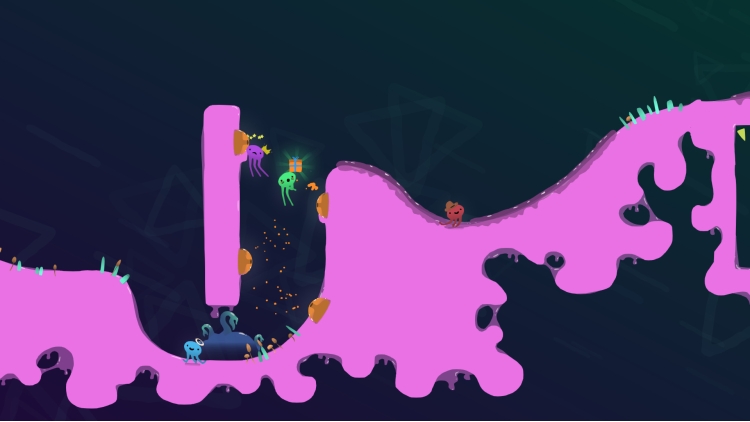

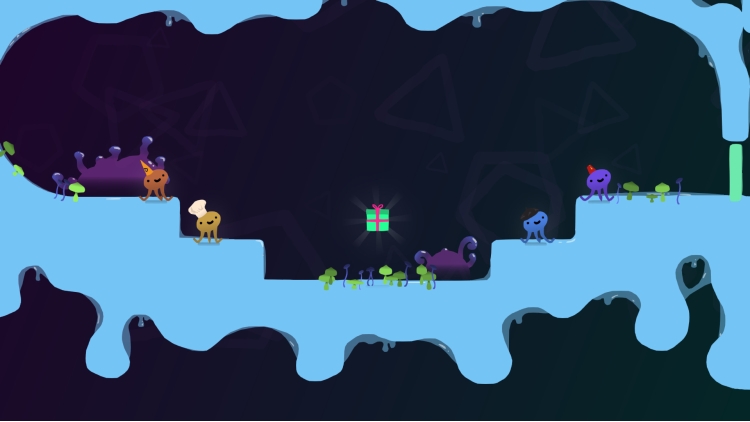
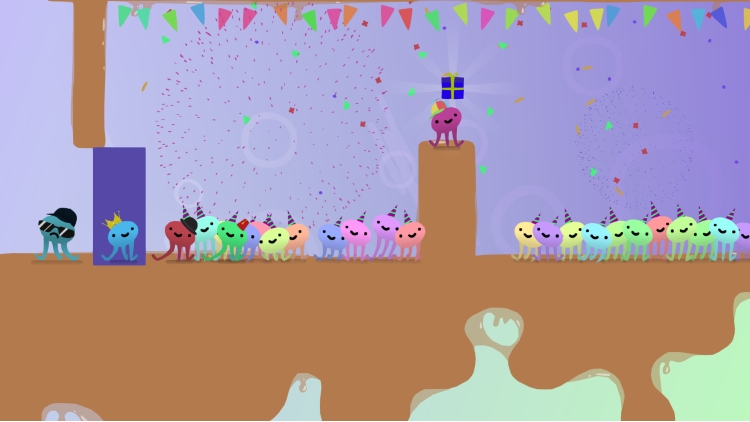
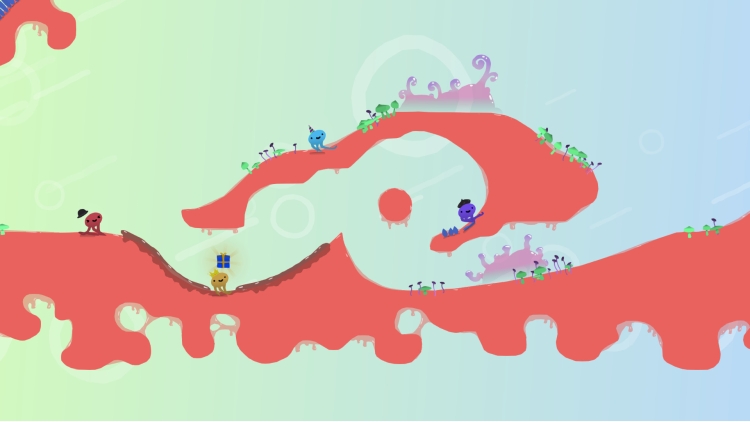
One octopus party, one shiny present, up to 4 scrambling podes ready to race for the right to party!
*RACE YOUR WAY TO THE PARTY*
Wriggle, jiggle, and squiggle past your friends!
*COUCH MULTIPLAYER*
Up to four players can squish up on the couch for competitive fun!
*BE THE BEST DRESSED GUEST*
Express your inner pode by donning a range of delightful hats!
*FIGHT FOR THE PRESENT*
Kick, boop, slap and jump your way to party-superiority over your friends!
*INFINITELY VARIED RUNS*
With ever-changing stages each round, you'll never play the same race twice!
*EVERYONE’S INVITED*
Sea-dwellers, land-walkers, cat-lovers and players of all ages can join this wild pode chase!
©slampunks 2018. Published by PQUBE Limited
Buy Muddledash PC game code quickly and safely at the best prices guaranteed via the official retailer etail.market
©slampunks 2018. Published by PQUBE Limited
1)
Download & install the Steam client on your
computer from here.
2)
Open the Steam client, register and login. Then,
locate the Games tab on the top menu. Click that and select “Activate a Product
on Steam..”

3)
Enter your code that is showed on the orders page
of eTail. Market and and follow the steps showed to activate your game.

4)
The game can be monitored now and you can see it
on the "Library" section on Steam. You can download and install the
game now.
5)
If you need more information and support, you
can click here: https://help.steampowered.com/en/wizard/HelpWithSteam
 15%
Add To Cart
15%
Add To Cart
 92%
Add To Cart
92%
Add To Cart
 70%
Add To Cart
70%
Add To Cart
 15%
Out of Stock
15%
Out of Stock
 90%
Add To Cart
90%
Add To Cart
 92%
Add To Cart
92%
Add To Cart
 0%
Add To Cart
0%
Add To Cart
