

No Man's Sky
70%


 Add To Cart
 Add To Cart

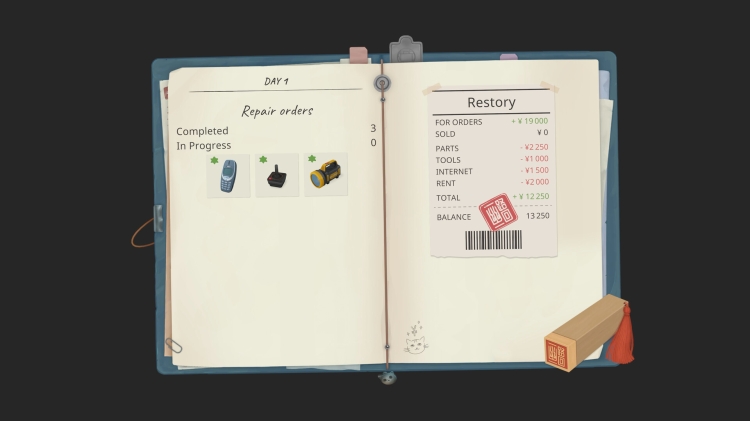
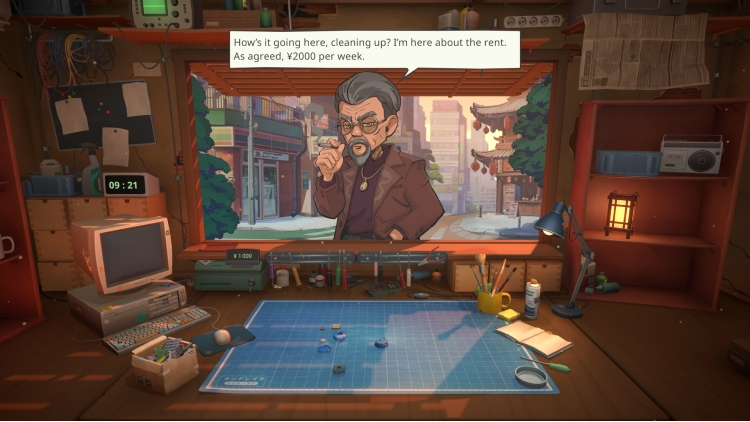
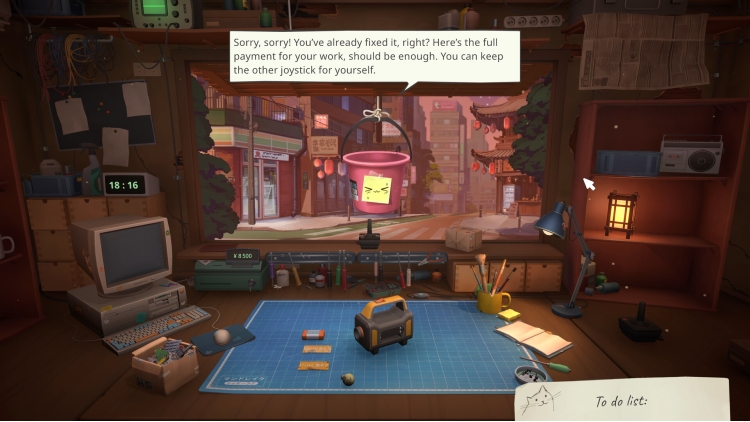
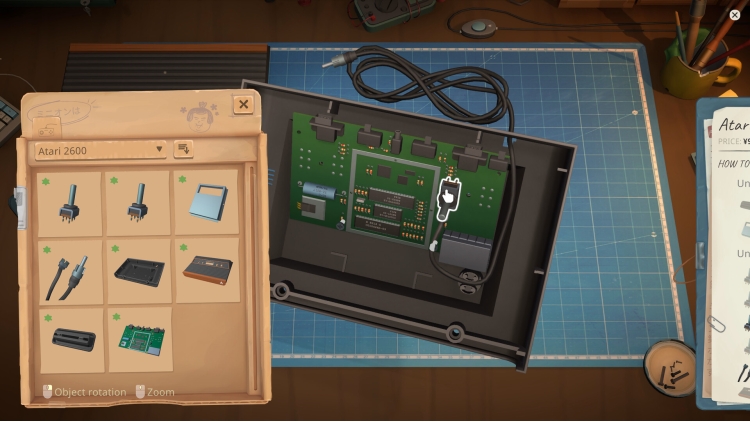
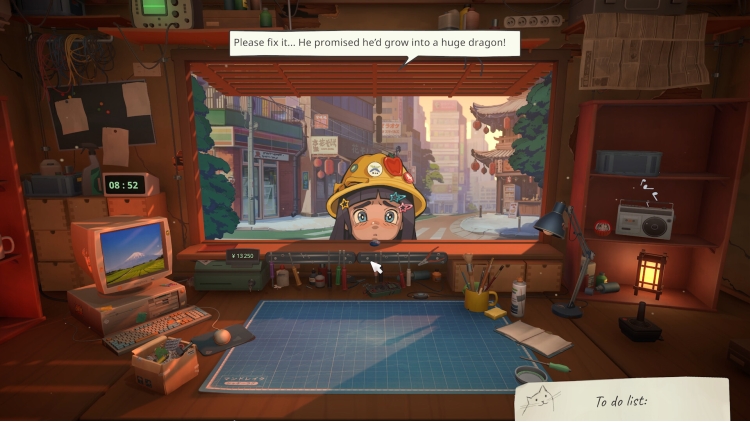
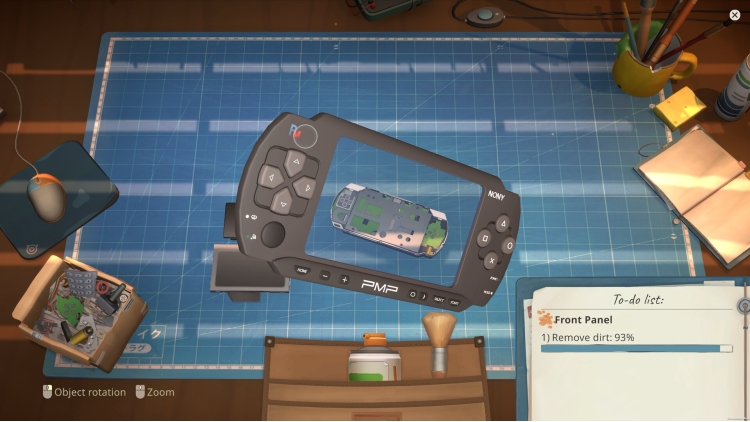
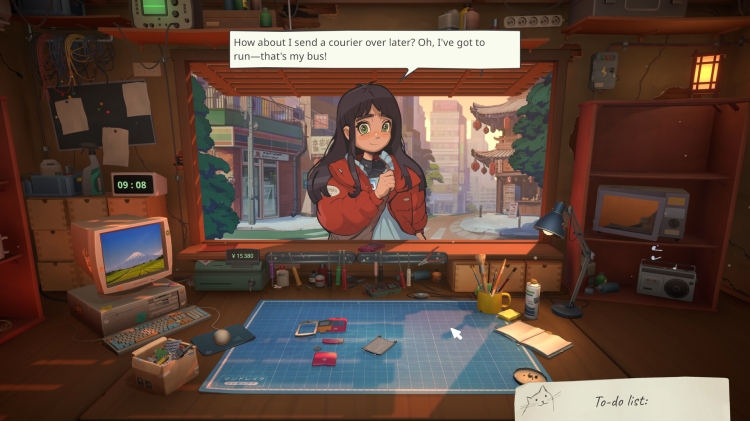
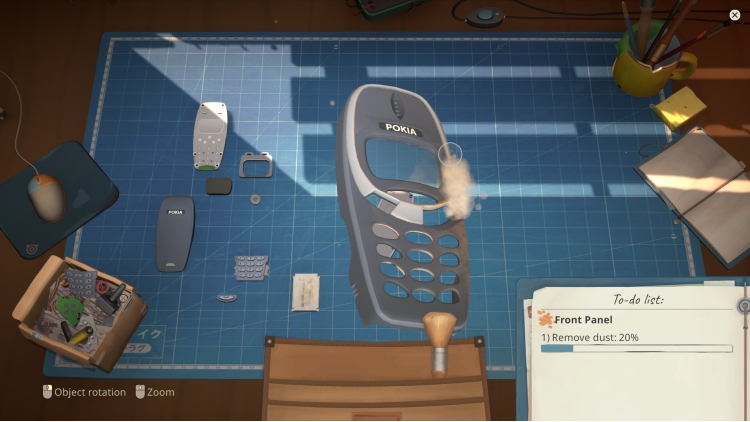
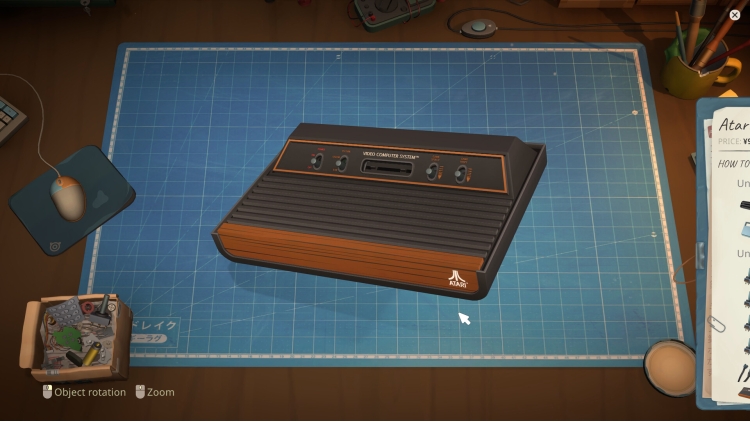
ReStory is a chill, narrative-driven shop management simulator from the creators of I Am Future, set on the bustling streets of mid-2000s Tokyo and featuring an in-depth device repair system.
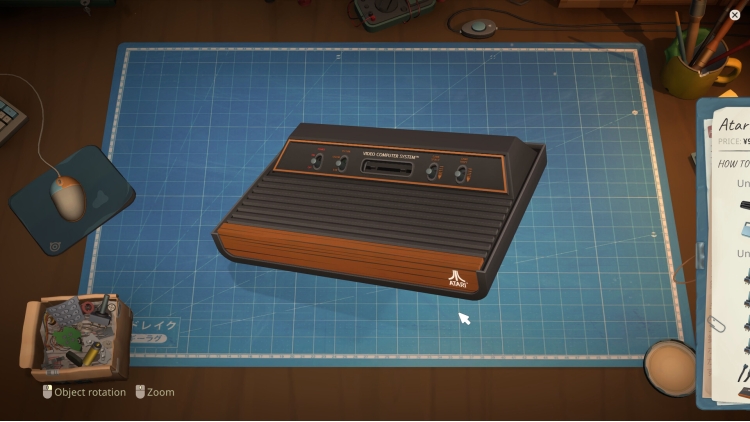
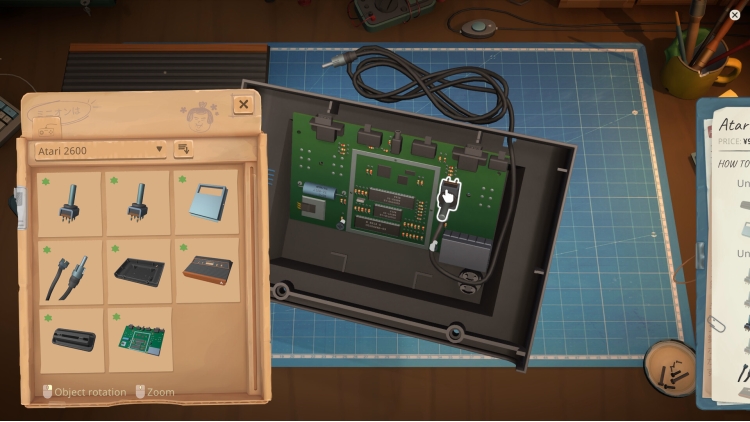
In this game, you run an electronic repair shop, meticulously restore nostalgic Y2K-era devices, including officially licensed Atari consoles, and interact with customers to experience a branching storyline with multiple endings that depend on your choices.
RUN AN ELECTRONICS REPAIR SHOP – IN JAPAN!
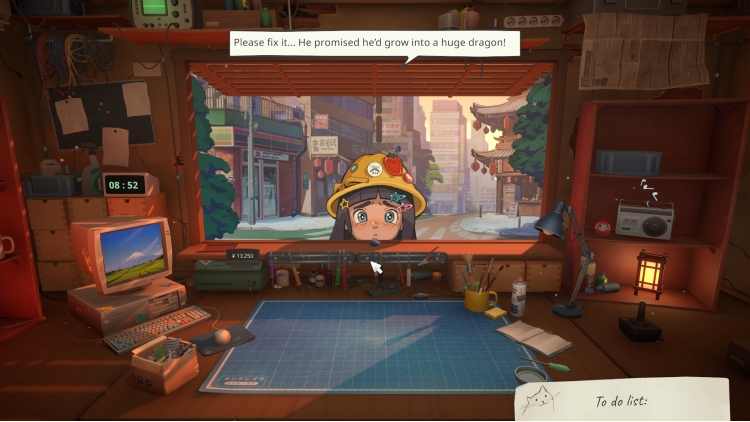
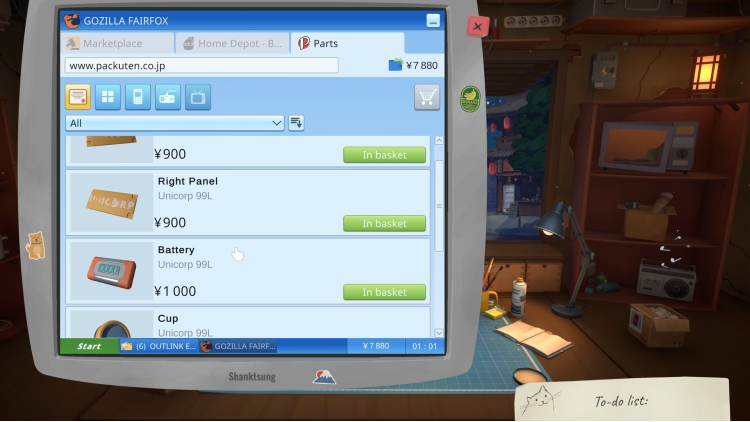
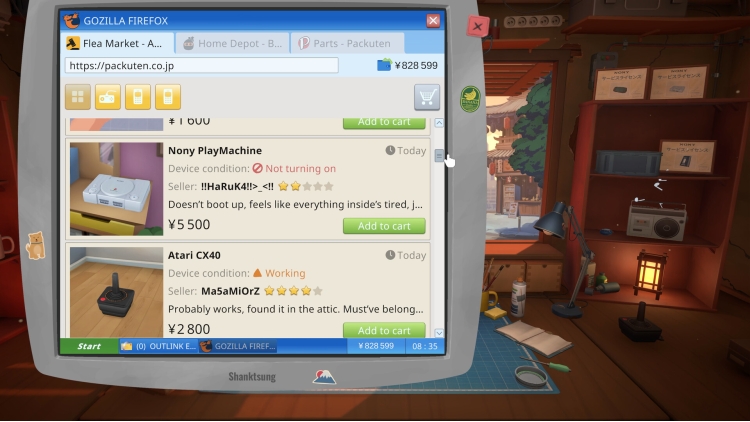
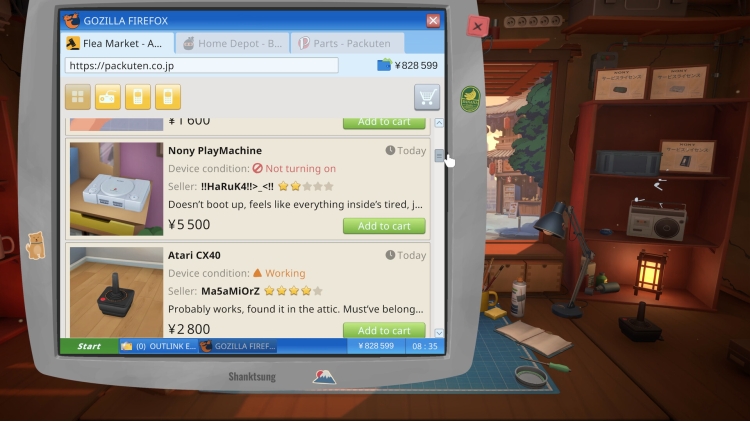
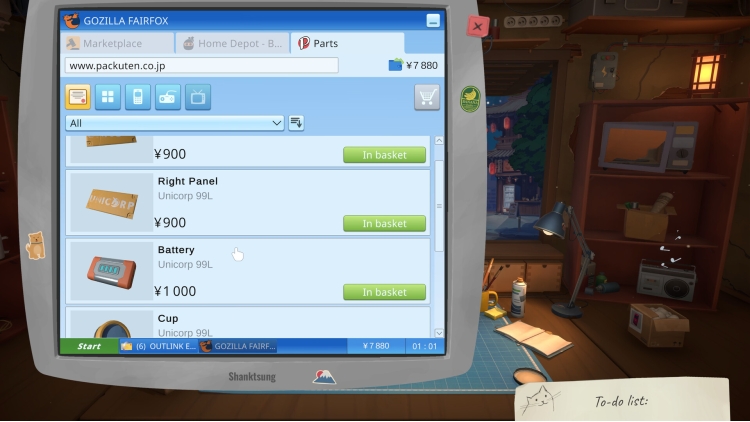
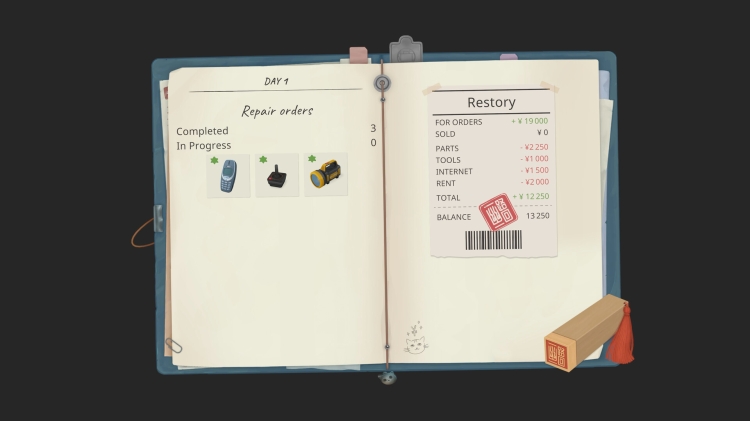
Greet customers, take their devices in for repairs, manage your finances, and surf the web for spare parts. Relax and enjoy running your own small shop in a game created with love and respect for the one-of-a-kind vibe of the Japanese urban life in the mid-2000s.
RESTORE ICONIC DEVICES OF THE 2000s
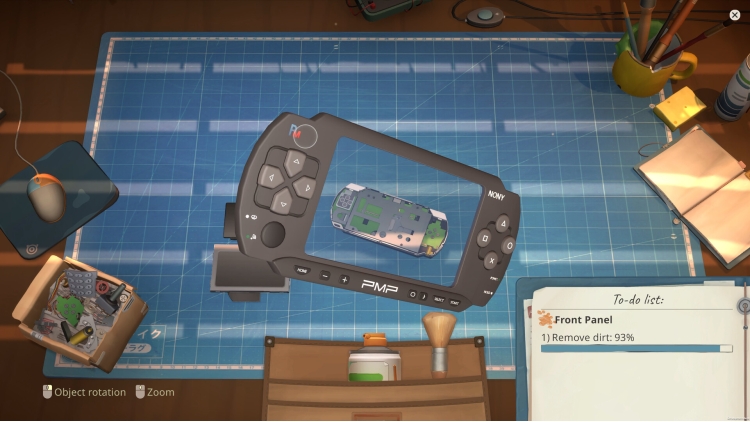
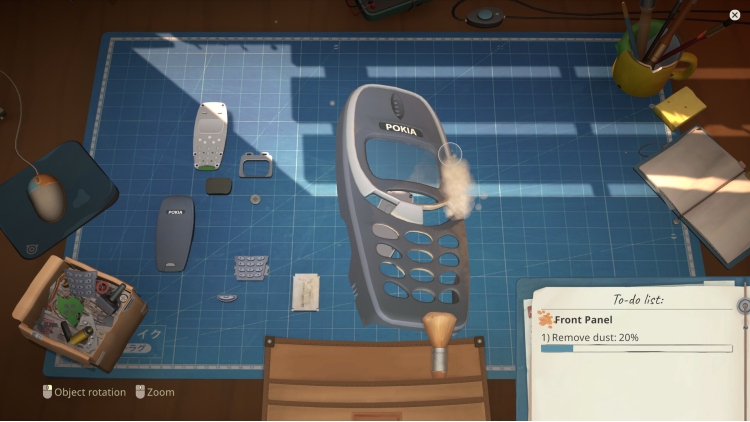
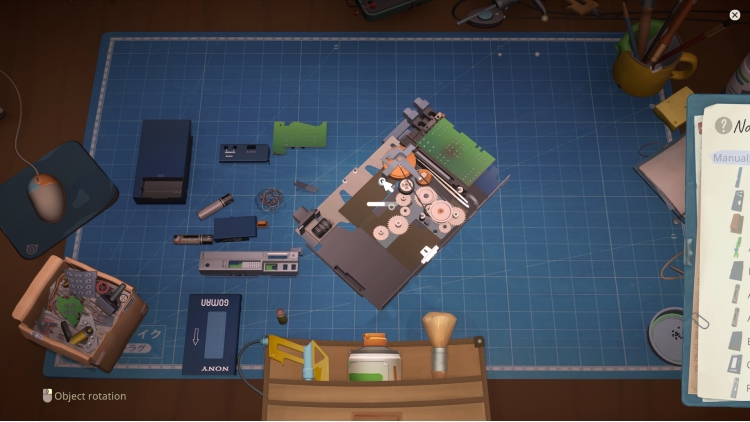
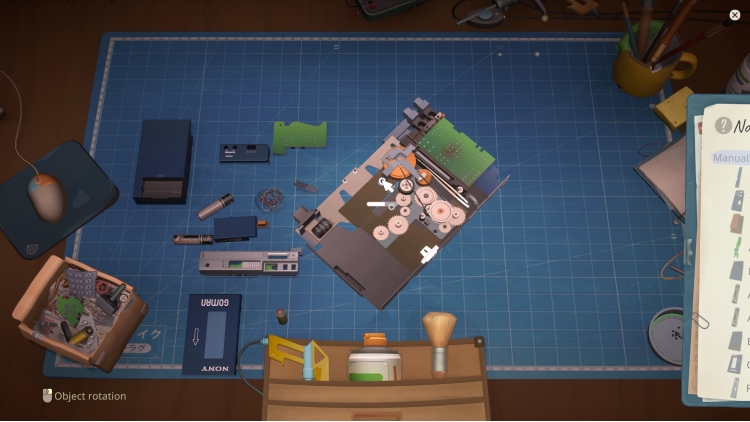
Fix a variety of nostalgic devices inspired by iconic game consoles, handhelds, phones, cameras, music players, and home appliances. Carefully take each gadget apart, clean it, replace faulty parts, and assemble it back together using your trusty toolset.
INFLUENCE EACH CUSTOMER’S STORY
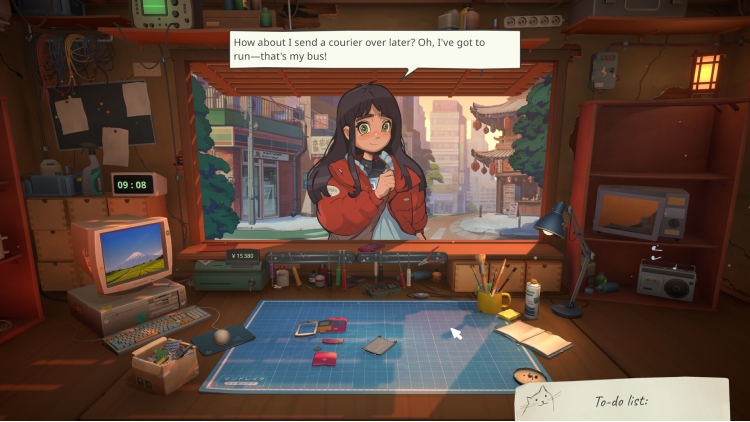
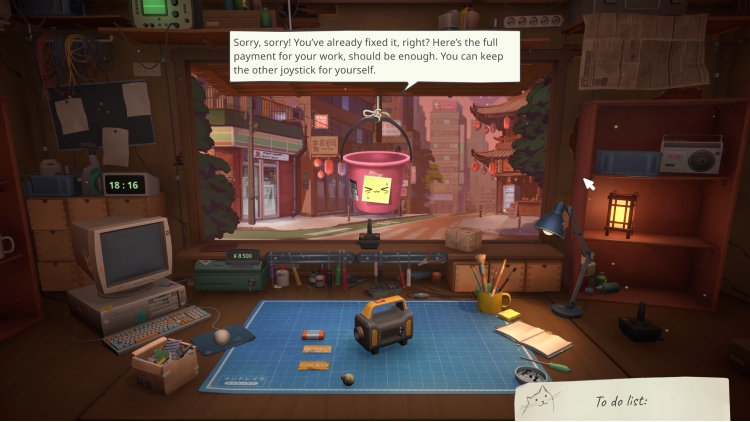
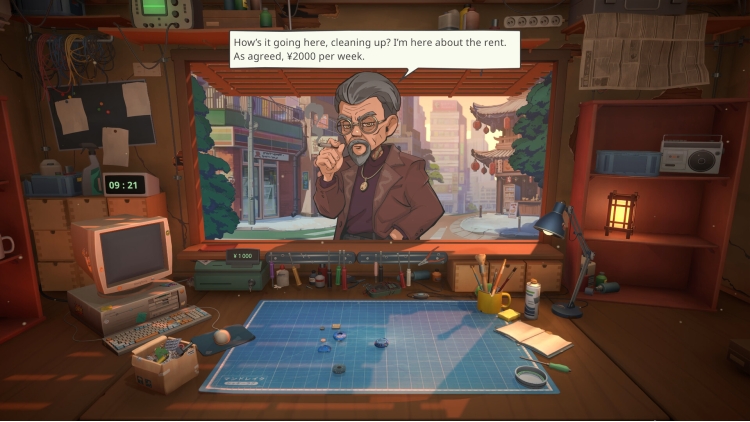
The way you interact with each customer can change their lives forever. Will you report on a disturbing find inside the former gangster’s phone, or help a lovestruck student confess to his crush? Make your own choices and see how they impact the branching storyline.
Key Features
•Relaxing electronic repair shop management
•A wide range of nostalgic 2000s devices to repair
•In-depth device cleaning and restoration system
•Y2K-era web browser to hunt for spare parts
•A variety of in-person and online orders to fulfill
•Multiple tools for device repairs
•Iconic Atari consoles officially licensed for the game
•Customers with unique stories and dialogues
•Replayable branching storyline with choices impacting the ending
•A distinct, chill vibe of urban life in Japan
© 2026 Mandragora, All Rights Reserved. © 2026 tinyBuild, LLC. All Rights Reserved
Buy ReStory: Chill Electronics Repairs PC game code quickly and safely at the best prices guaranteed via the official retailer etail.market
© 2026 Mandragora, All Rights Reserved. © 2026 tinyBuild, LLC. All Rights Reserved
1)
Download & install the Steam client on your
computer from here.
2)
Open the Steam client, register and login. Then,
locate the Games tab on the top menu. Click that and select “Activate a Product
on Steam..”

3)
Enter your code that is showed on the orders page
of eTail. Market and and follow the steps showed to activate your game.

4)
The game can be monitored now and you can see it
on the "Library" section on Steam. You can download and install the
game now.
5)
If you need more information and support, you
can click here: https://help.steampowered.com/en/wizard/HelpWithSteam
 70%
Add To Cart
70%
Add To Cart
 15%
Add To Cart
15%
Add To Cart
 0%
Add To Cart
0%
Add To Cart
 15%
Out of Stock
15%
Out of Stock
 90%
Add To Cart
90%
Add To Cart
 92%
Add To Cart
92%
Add To Cart
 92%
Add To Cart
92%
Add To Cart
 56%
Add To Cart
56%
Add To Cart
