

Kill it with Fire
27%


 Add To Cart

 Add To Cart

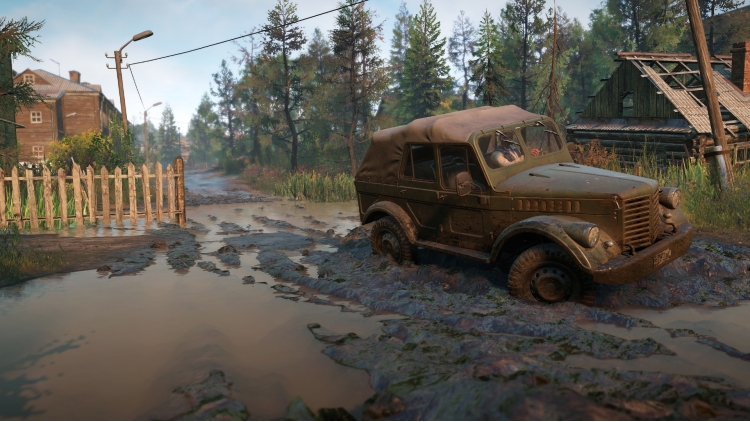
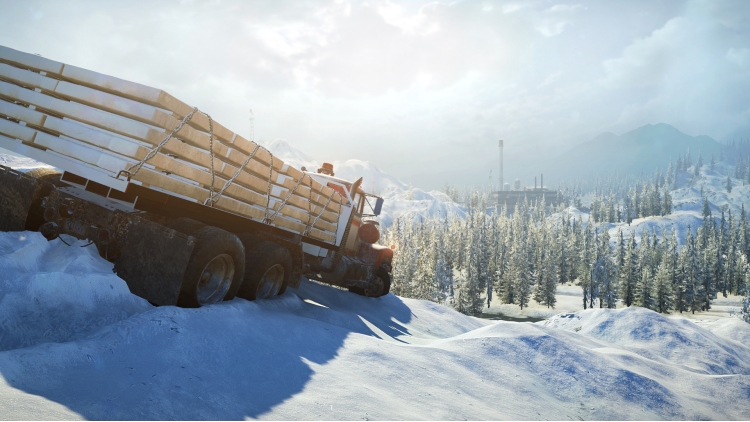
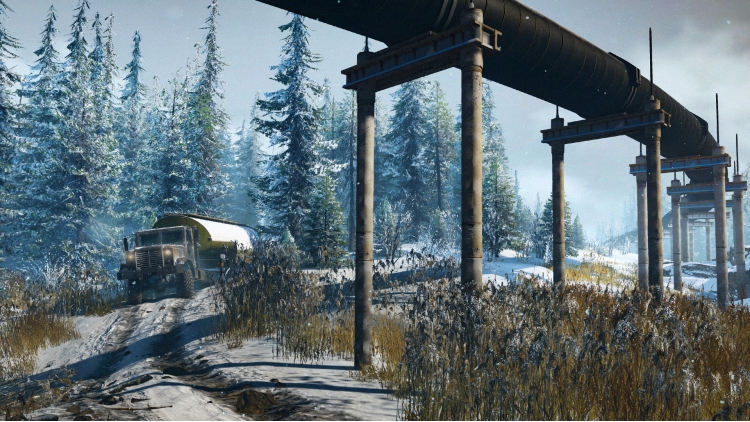
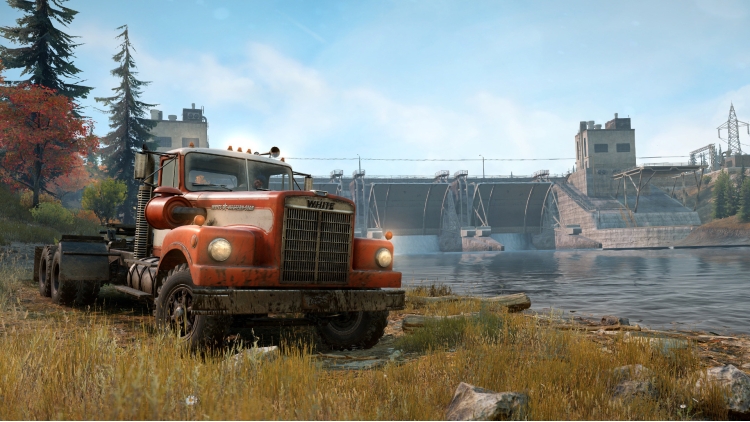
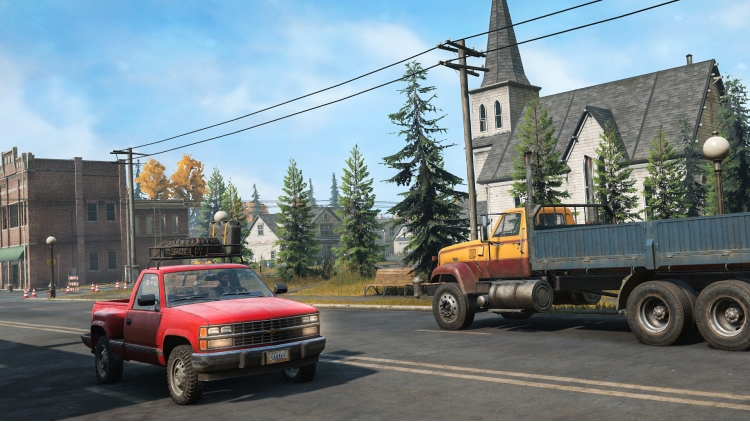
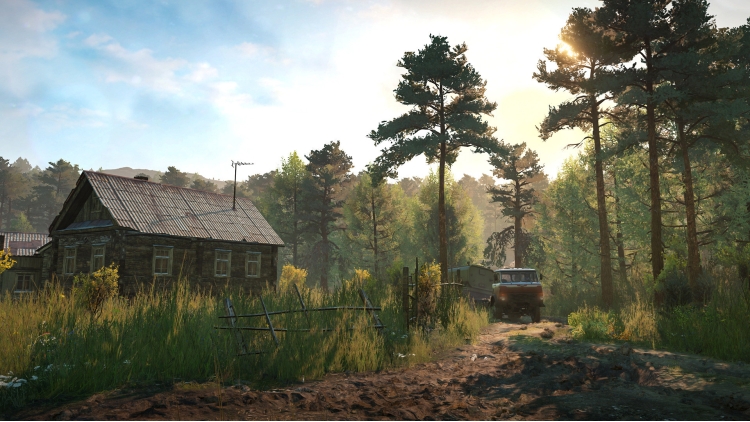
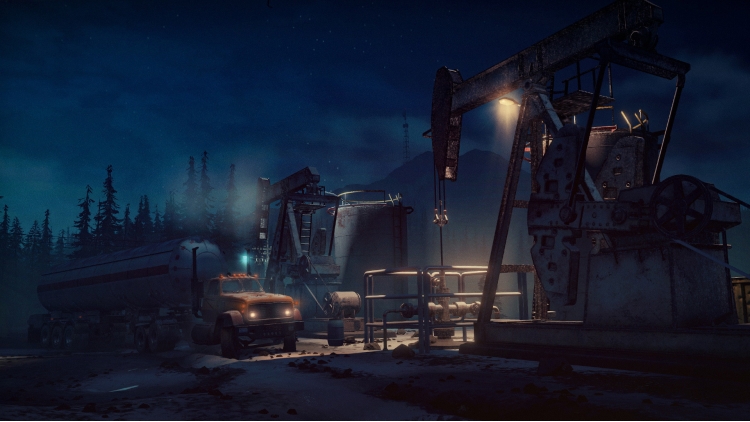
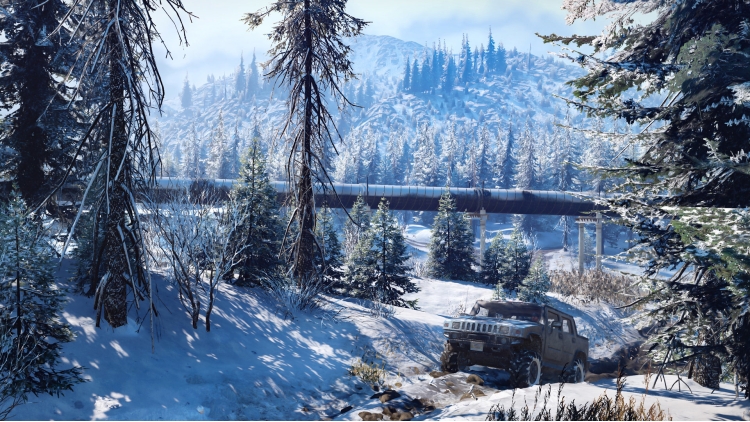
SnowRunner’s 5-Year Anniversary Edition includes the base game as well as the Year 1, Year 2, Year 3, Year 4 and Year 5 Passes.
Get ready for the ultimate off-road experience!
SnowRunner puts you in the driver’s seat of powerful vehicles as you conquer extreme open environments with the most advanced terrain simulation ever. Drive over 80 vehicles from brands such as Ford, Chevrolet, and Freightliner as you leave your mark on an untamed open world.
Overcome mud, torrential waters, snow, and frozen lakes while taking on perilous contracts and missions. Expand and customize your fleet with many upgrades and accessories including an exhaust snorkel for heavy waters or chain tires to battle the snow.
● Ride solo or with other players in 4-player co-op!
● Face extreme environments in a highly advanced physics engine
● Over 80 unique vehicles to unlock, upgrade, and customize
● Complete dozens of challenging missions across an interconnected world"
© 2021 SnowRunner. Havok software is © 2021 Microsoft. All trademarks belong to their respective owners and are used by Focus Home Interactive under license. All rights reserved.
Buy Snowrunner - 5-Year Anniversary Edition PC game code quickly and safely at the best prices guaranteed via the official retailer etail.market
© 2021 SnowRunner. Havok software is © 2021 Microsoft. All trademarks belong to their respective owners and are used by Focus Home Interactive under license. All rights reserved.
1)
Download & install the Steam client on your
computer from here.
2)
Open the Steam client, register and login. Then,
locate the Games tab on the top menu. Click that and select “Activate a Product
on Steam..”

3)
Enter your code that is showed on the orders page
of eTail. Market and and follow the steps showed to activate your game.

4)
The game can be monitored now and you can see it
on the "Library" section on Steam. You can download and install the
game now.
5)
If you need more information and support, you
can click here: https://help.steampowered.com/en/wizard/HelpWithSteam
 27%
Add To Cart
27%
Add To Cart
 93%
Add To Cart
93%
Add To Cart
 1%
Add To Cart
1%
Add To Cart
 15%
Out of Stock
15%
Out of Stock
 93%
Add To Cart
93%
Add To Cart
 90%
Add To Cart
90%
Add To Cart
 71%
Add To Cart
71%
Add To Cart
 27%
Add To Cart
27%
Add To Cart
 20%
Add To Cart
20%
Add To Cart
 0%
Add To Cart
0%
Add To Cart
