

Joe Danger 2: The Movie
27%


 Add To Cart

 Add To Cart




A Floating Non-platformer
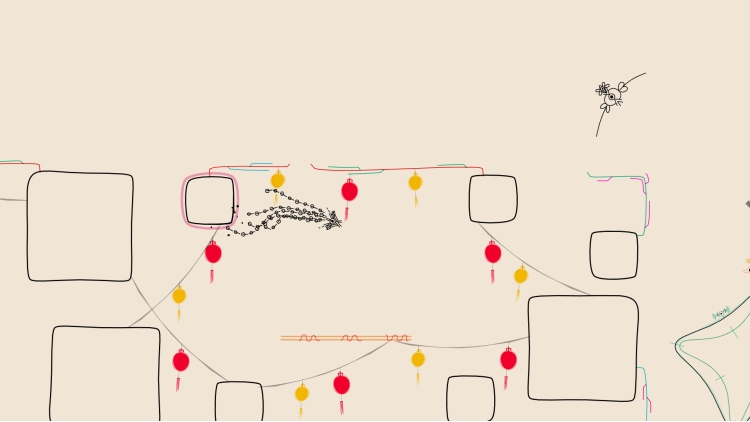
In this experimental platforms, we did away with the most basic building block of the genre: The platforms.
Move to Groove
With a dynamic, reactive, beautifully complicated soundtrack, you'll make a new melody with every move you make.
Mesmerizing Movement
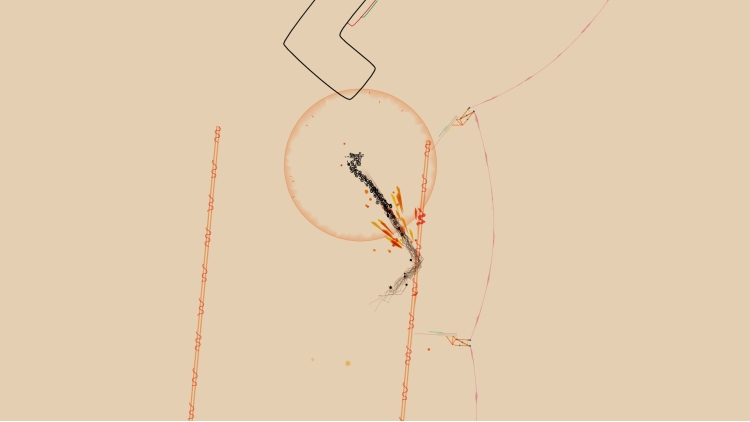
Learn new ways to wrap your mind around interlocking space, riding down slipstreams, dashing into reflective pads, and resting in safe, secure bubbles.
Doodles Come to Life
The hand-drawn art style evokes every absent-minded drawing you ever made in the margins of your school notebooks.
Fluid Difficulty
Quick respawns and granular difficulty means challenge comes in all shapes and sizes-- even the shape and size of an amoeboid squid-thing.
Buy Ynglet PC game code quickly and safely at the best prices guaranteed via the official retailer etail.market
© 2021-2024 Akupara Games
1)
Download & install the Steam client on your
computer from here.
2)
Open the Steam client, register and login. Then,
locate the Games tab on the top menu. Click that and select “Activate a Product
on Steam..”

3)
Enter your code that is showed on the orders page
of eTail. Market and and follow the steps showed to activate your game.

4)
The game can be monitored now and you can see it
on the "Library" section on Steam. You can download and install the
game now.
5)
If you need more information and support, you
can click here: https://help.steampowered.com/en/wizard/HelpWithSteam
 27%
Add To Cart
27%
Add To Cart
 27%
Add To Cart
27%
Add To Cart
 27%
Add To Cart
27%
Add To Cart
 Add To Cart
 31%
Add To Cart
31%
Add To Cart
 0%
Add To Cart
0%
Add To Cart